How to Use Residential Proxies on TikTok (2026 Guide + Proxy Recommendations)



Clean IP picks: Static IPs from $1.5 each, Dynamic IPs from $0.5/GB


Why is your TikTok account limited shortly after registration, or even banned directly?
As TikTok's detection system becomes more advanced in 2026, involving IP logging, device fingerprinting, and cross-account association analysis, using high-quality residential proxies has become essential infrastructure for professional operations.

Why TikTok Requires Residential Proxies in 2026
1. Avoid Detection and Bans
TikTok's system favors traffic from real home networks. Since data center proxies are often associated with server clusters, they are easily identified as automation tools, leading to account limitations or direct bans.
2. Safe Isolation of Multiple Accounts
Running multiple accounts from a single device easily triggers alerts for "multiple accounts on the same device." Residential proxies allow operators to assign unique IPs for each account, achieving complete identity isolation.
3. Accurate Geolocation
For users looking to monetize through TikTok Shop or creator funds, using residential IPs from target markets (such as the USA and the UK) ensures content is accurately pushed to local audiences and unlocks specific regional features (such as specific filters, music, and Shop menus).
4. Bypass Regional Restrictions
Many regions or campus networks have firewalls against TikTok, and residential proxies can simulate compliant home connections to bypass these restrictions.
Whether it's joining TikTok Shop or applying for creator funds, the system will strictly review the native nature of the IP, and residential proxies can perfectly simulate the real access environment of target markets (like the US, UK, Saudi Arabia).
How to Properly Configure Residential Proxies on TikTok?
Browser Configuration (Using Chrome as an Example)
Install Extension: Install a proxy plugin from the Chrome Web Store and configure the proxy.
Clear Cache: Before opening the TikTok website, you must clear the browser cache and cookies to ensure the platform recognizes the new location.
Mobile Configuration (Using Android as an Example)
Access Wi-Fi Settings: Find the currently connected Wi-Fi in your phone's "Settings", then go to "Advanced" or "Modify Network."
Manually Configure Proxy: Change the proxy settings to "Manual," entering the IP address and port number provided by the proxy service provider.
Authentication: Enter the username and password as required by the provider, or authenticate via IP whitelisting.
System-Level Configuration (Windows)
In the system "Settings" > "Network & Internet" > "Proxy", enable "Use a proxy server", enter the IP and port, and after saving, all system traffic (including the TikTok web version) will go through the proxy.
Best Residential Proxies for TikTok in 2026
Based on stability, IP pool size, and user reputation, here are the leading choices for 2026:
1. IPDeep
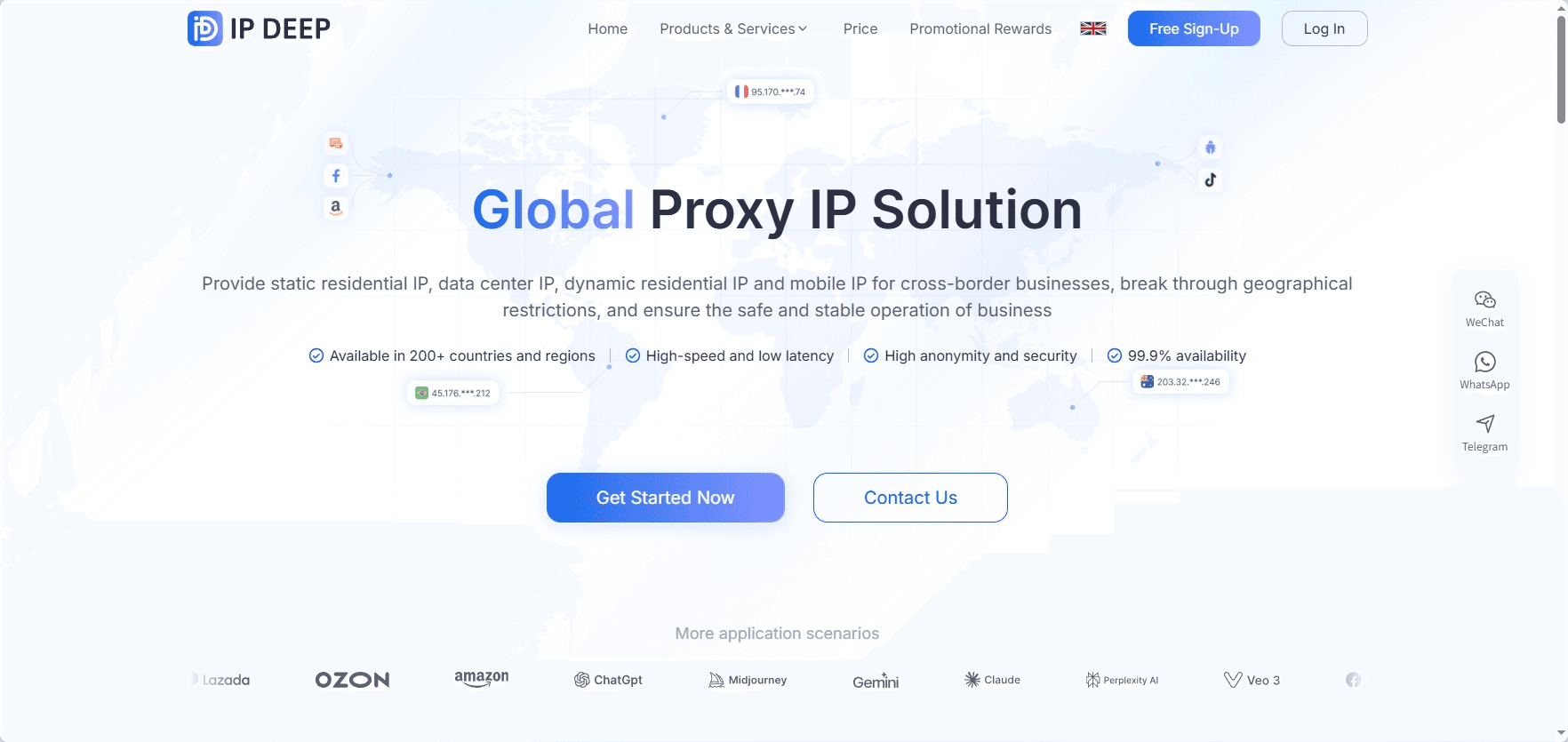
Offers a real residential IP pool, including both dynamic and static residential proxies, covering over 200 countries and regions, with support for country- and city-level geolocation.
It is specifically optimized for TikTok account registration and content distribution, capable of simulating a real home network environment, making user behavior appear more natural and significantly reducing the risk of account bans.
IPDeep provides new users with a 200mb dynamic residential proxy traffic-free trial quota for testing.
2. Webshare
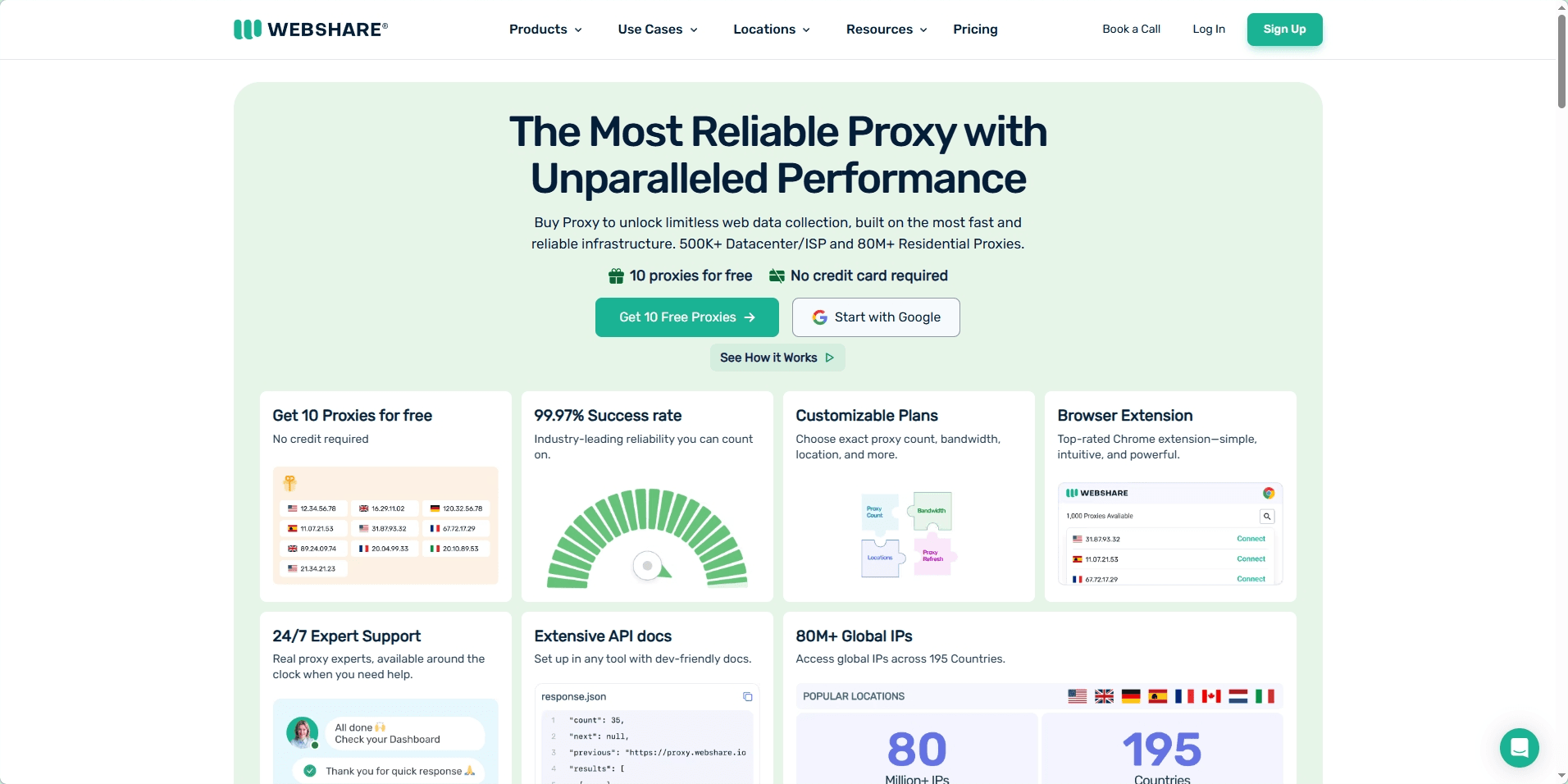
Extremely high stability. It offers 10 free proxies for new users to test, with no credit card required, making it very suitable for initial trials.
3. Novada
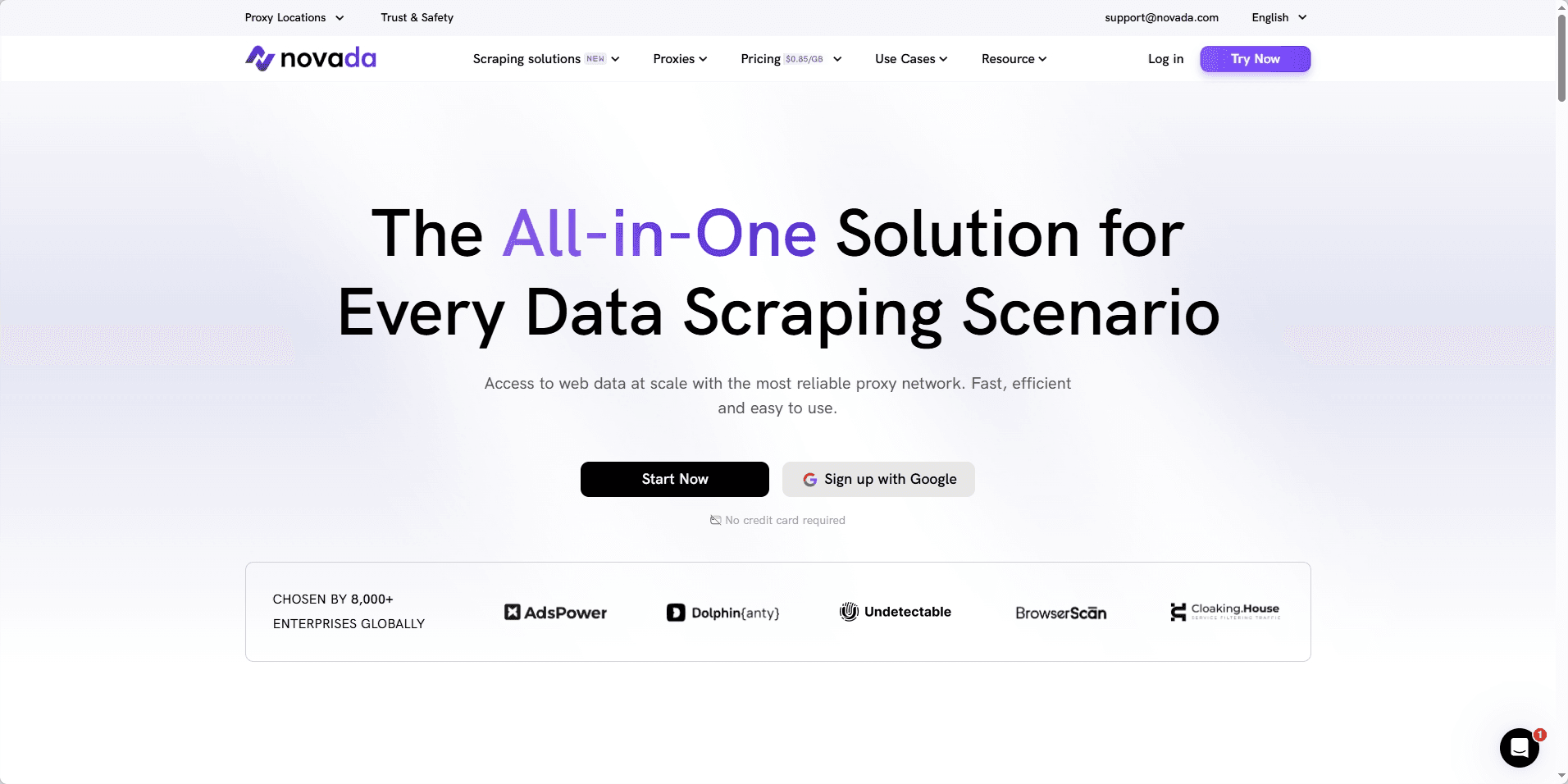
Has over 100 million residential IPs, supporting both rotating and static modes. Its Static ISP proxies (static residential proxies) are often used for e-commerce and long-term management of multiple accounts due to their strong "native feel."
4. HydraProxy
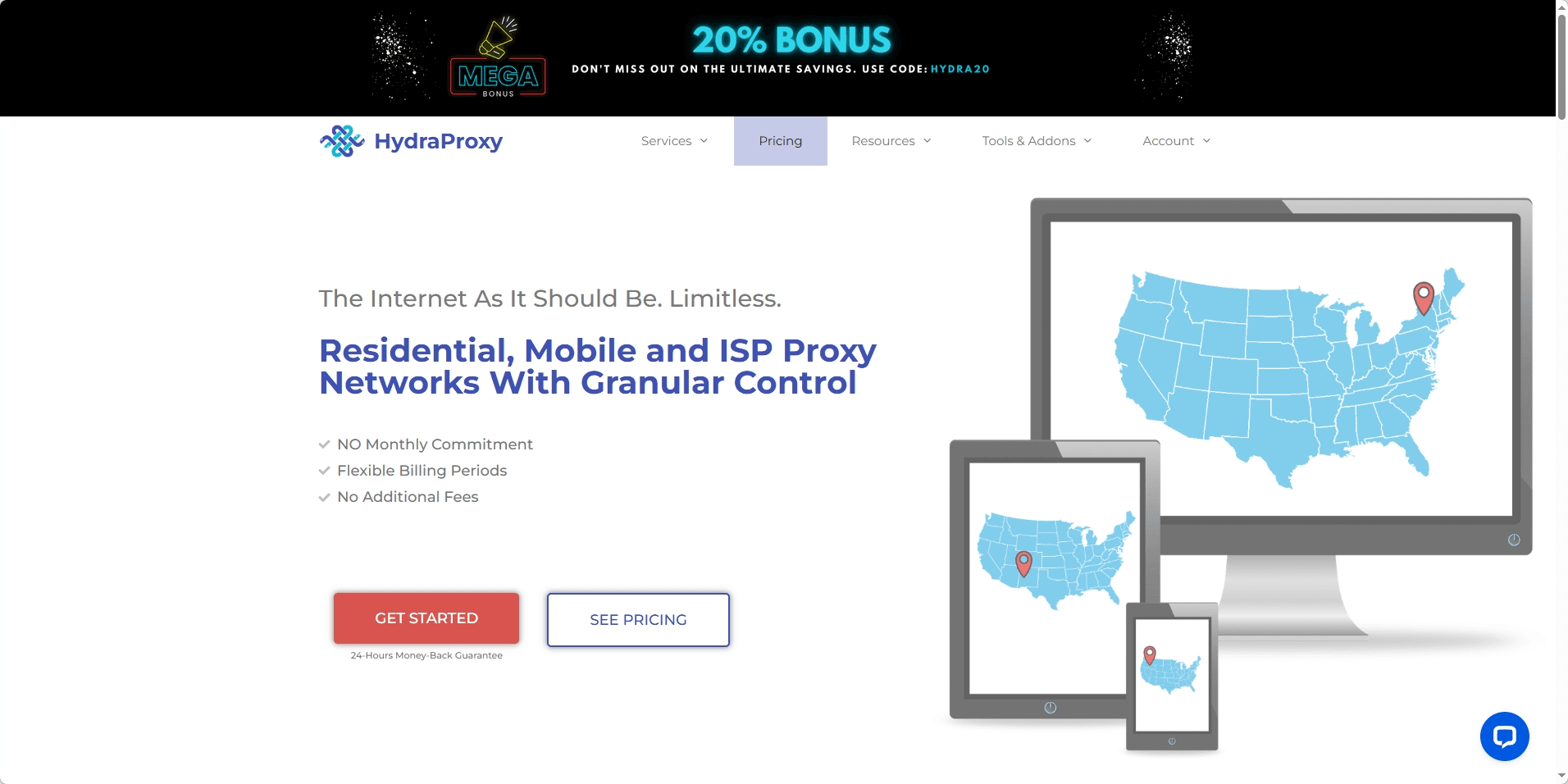
If you need extremely high anonymity, its 4G/5G mobile proxies are the first choice, as these IPs appear to TikTok as completely consistent with real smartphone traffic.
5. NetNut
Some operators recommend its static residential IPs, believing that its pool is closer to real ISP traffic, resulting in a lower probability of being blocked.
Advanced Configuration and Best Practices
One Account One IP
The safest strategy is to have one important account correspond to one unique residential IP. It is strictly forbidden to log in to dozens of accounts using the same IP in a short period, as this will trigger the system's association ban mechanism.
Use Static Sessions
For content publishing, it is recommended to use static residential proxies to maintain continuity in the login environment. Frequently changing IP locations (like jumping from Los Angeles to London within an hour) is unreasonable behavior that will raise security challenges.
Combine with Fingerprint Browsers
To achieve 100% isolation, it is recommended to combine residential proxies with fingerprint browsers to isolate cookies, canvas fingerprints, and WebGL hardware information, along with cloud phone functions, to better simulate real mobile devices.
Simulate Real Behavior
Even when using high-quality proxies, avoid aggressive automation behaviors. You should simulate human-like scrolling, liking, and natural random operation delays, rather than mechanically following or sending mass private messages.
Conclusion
In 2026, the way to operate TikTok has changed somewhat; the platform no longer focuses solely on content but also assesses whether the account's usage environment is close to that of real users.
The role of residential proxies is not just to change IPs, but more importantly, to help establish a relatively stable and trustworthy network environment. If you plan to operate accounts long-term or monetize, choosing the right residential proxy and using it reasonably will be more reliable than frequently changing accounts.
You can generally start by testing IPDeep's free trial, and after confirming its effectiveness, gradually expand usage.
FAQ
1. How do I check if my proxy is working?
After configuration, visit IP lookup sites like ipinfo.io or whatismyipaddress.com to confirm if the displayed IP address, country, and ISP match the proxy settings.
2. Can I use free proxy lists?
Not recommended. Free proxies are usually data center IPs that have been blacklisted, and using them often leads to newly registered accounts being banned instantly or facing continuous CAPTCHA challenges.
3. Which is better, residential proxies or mobile proxies?
For mobile applications like TikTok, mobile proxies offer the highest simulation level, but they also come at a higher cost. Static residential proxies are the most cost-effective and suitable for long-term account management.
4. Why am I still banned after configuring the proxy?
Check for "signal inconsistencies." For example, if the proxy IP shows in the USA, but the phone system time is in Paris, or the browser language is Chinese, these mismatched signals will raise suspicion in the system.