Best Proxies for Instagram



Clean IP picks: Static IPs from $1.5 each, Dynamic IPs from $0.5/GB


As Instagram continues to strengthen its security and anti-abuse measures, users managing multiple accounts, using automation tools, or accessing the platform across regions are increasingly facing restrictions and risk control issues. In this context, using the right proxy service can help protect account security and make operations smoother.
This article introduces proxy types suitable for Instagram, explains the role of proxies, how to choose them, and how to use them in practice—helping you build a more stable and efficient Instagram operation.
I. Why Does Instagram Need Proxies?
As a leading global social media platform, Instagram has a sophisticated and sensitive risk-control system designed to detect abnormal behavior, prevent spam, and protect user experience.
The following situations are especially likely to trigger platform risk controls:
·Large-scale batch account registration or login.
·Frequent IP switching within a short period of time.
·Using automation tools for likes, comments, or follows.
·Cross-region logins causing frequent geographic anomalies.
Proxy services are designed precisely to address these issues.
By using proxies, users can hide their real IP addresses and assign multiple stable, reasonably distributed IPs, simulating real user behavior, avoiding abnormal traffic detection, and reducing the risk of account bans.
II. Proxy Types Suitable for Instagram
There are many types of proxies on the market. The following three are the most suitable for Instagram:
1. Dynamic Residential Proxies
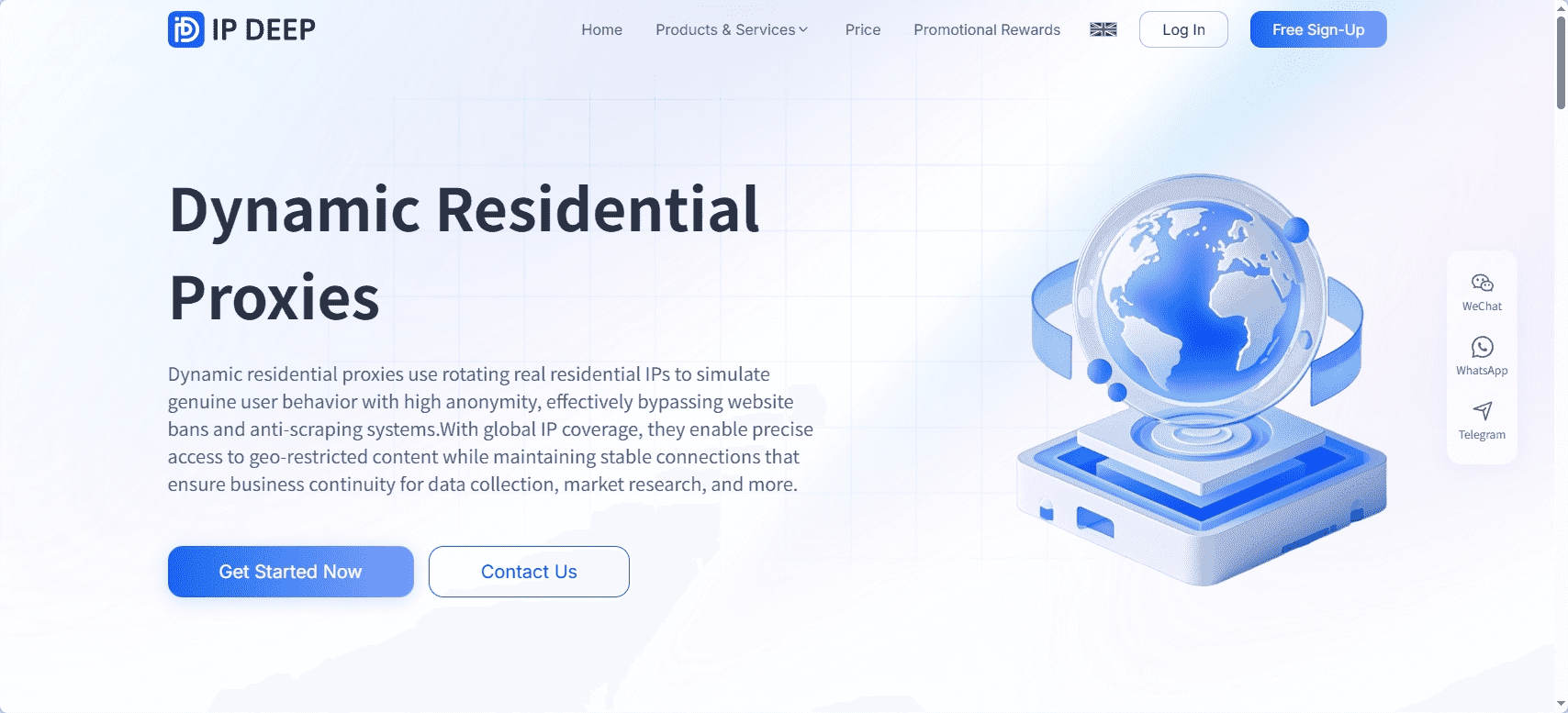
Dynamic residential proxies rotate IP addresses regularly. The IPs come from real residential networks, closely mimicking normal user traffic, making them easier to bypass platform detection.
Advantages: IP rotation, strong anonymity.
Disadvantages: Improper setup may cause unstable connections.
Best for: Operations that require frequent IP changes to avoid account linkage and bans.
2. Static Residential Proxies
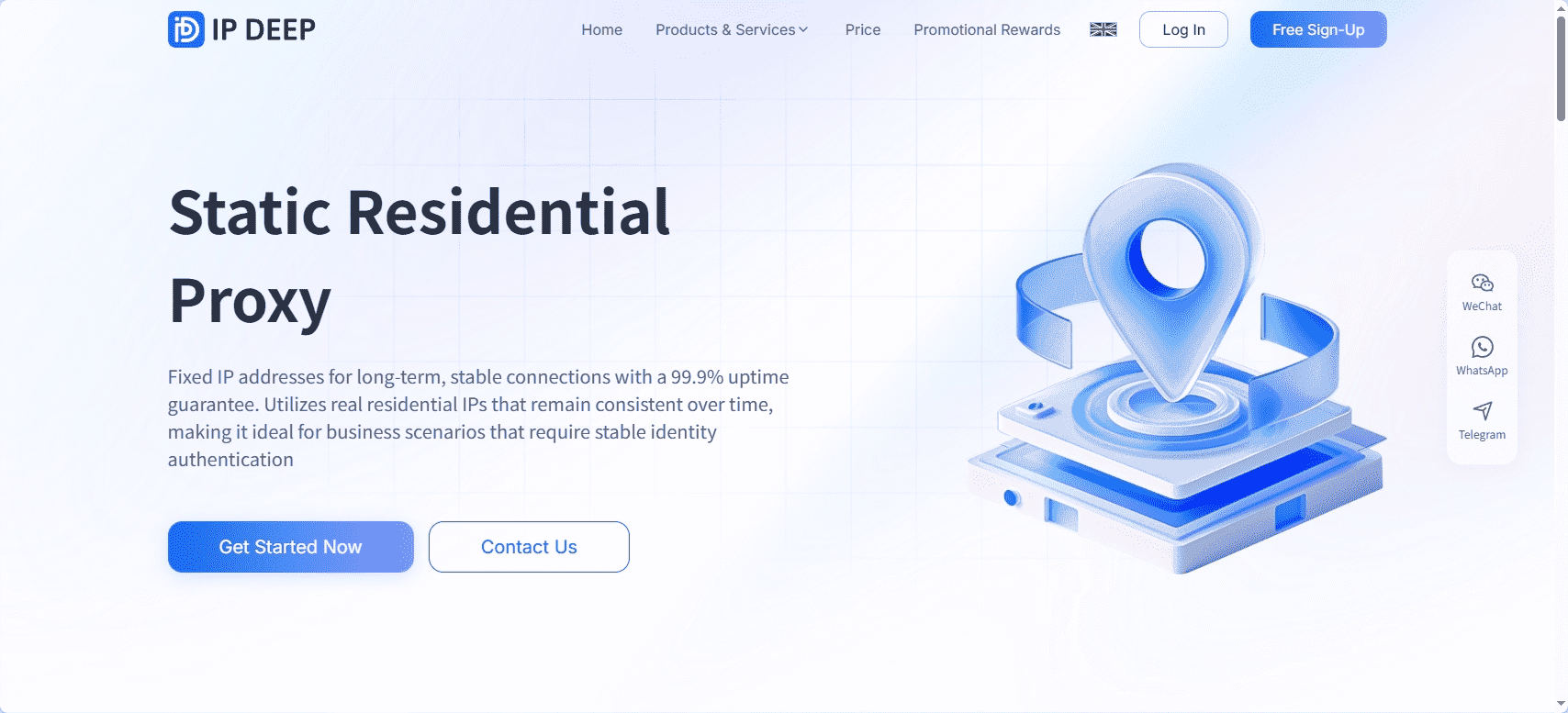
Static residential proxies assign a fixed residential IP that does not change frequently, allowing accounts to maintain long-term use of the same IP and reducing abnormal behavior caused by IP switching.
Advantages: Highly stable, ideal for long-term account maintenance.
Disadvantages: Slightly less anonymous than dynamic residential proxies; higher cost.
Best for: Scenarios requiring high IP stability and natural account behavior.
3. Mobile Proxies
Mobile proxies use IP addresses from mobile networks (such as 4G/5G). These IPs change dynamically and appear extremely natural, making them very difficult for platforms to identify as proxies.
Advantages: Extremely high anonymity and security.
Disadvantages: Higher cost; bandwidth and speed may be limited.
Best for: High-risk account management or operations requiring strict geo-targeting.
III. Instagram Proxy Selection Criteria
1. IP Quality and Anonymity
High-quality proxy IPs should be real and not previously abused. Residential and mobile proxies offer far better anonymity than data center proxies.
2. Stability and Speed
Instagram requires timely responses. Proxy speed and stability directly affect usability, especially for automation tasks.
3. IP Pool Size
A larger IP pool reduces reuse and lowers account linkage risks, which is critical for managing large numbers of accounts.
4. Geographic Diversity
Diverse IP locations help avoid geographic anomalies and support region-specific operations.
5. Authentication and Security
Support for username/password authentication, IP whitelisting, and encrypted connections is essential for account safety.
6. Pricing and Support
Reasonable pricing and professional technical support ensure long-term, stable operations.
IV. How to Configure and Use Instagram Proxies
After choosing the right proxy, proper configuration and usage are equally important:
1. Configure proxies on devices or browsers
You can route Instagram web traffic through proxies using system settings or browser extensions—ideal for manual operations.
2. Configure proxies in automation tools
Most Instagram automation tools support proxy settings. Assign a dedicated proxy to each account to avoid shared-IP risks.
3. Proxy rotation strategy
Rotate IPs periodically to simulate normal user behavior and reduce detection risks.
4. Use proxies with anti-detect browsers
Refer to the following guides for detailed setup:
V. Important Notes When Using Proxies
· Avoid frequent IP switching: Excessive IP changes on a single account may trigger risk controls.
· One account, one IP: Keep each account bound to a dedicated IP to reduce linkage risks.
· Optimize behavior: Proxies alone are not enough—natural interaction patterns are equally important.
· Refresh proxy pools regularly: Long-term use of the same IPs may still be flagged.
Conclusion
Choosing the best proxy for Instagram is not about price or speed alone. IP quality, anonymity, stability, and geographic distribution all matter. For high-risk or multi-account operations, residential and mobile proxies are the top choice. With proper configuration and responsible usage, proxies can significantly reduce ban risks and improve overall Instagram performance.
FAQ
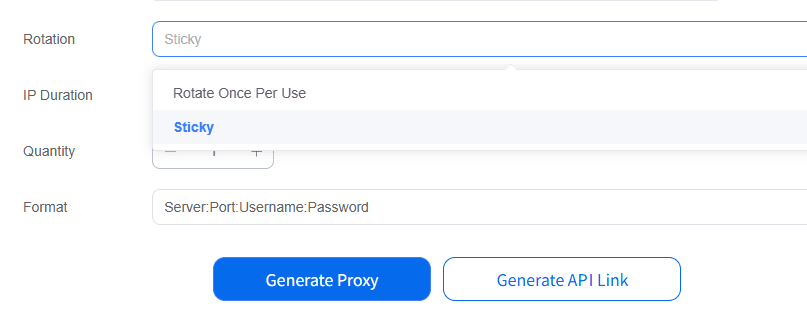
1. Can dynamic residential proxies and mobile proxies be customized for rotation?
Yes. When extracting proxy IPs from IPDeep , rotation settings can be configured.
2. How can I tell if a proxy IP is blocked?
You can use an IP detection tool or try logging into Instagram with the proxy. Frequent captchas or login failures usually indicate a blocked or blacklisted IP.