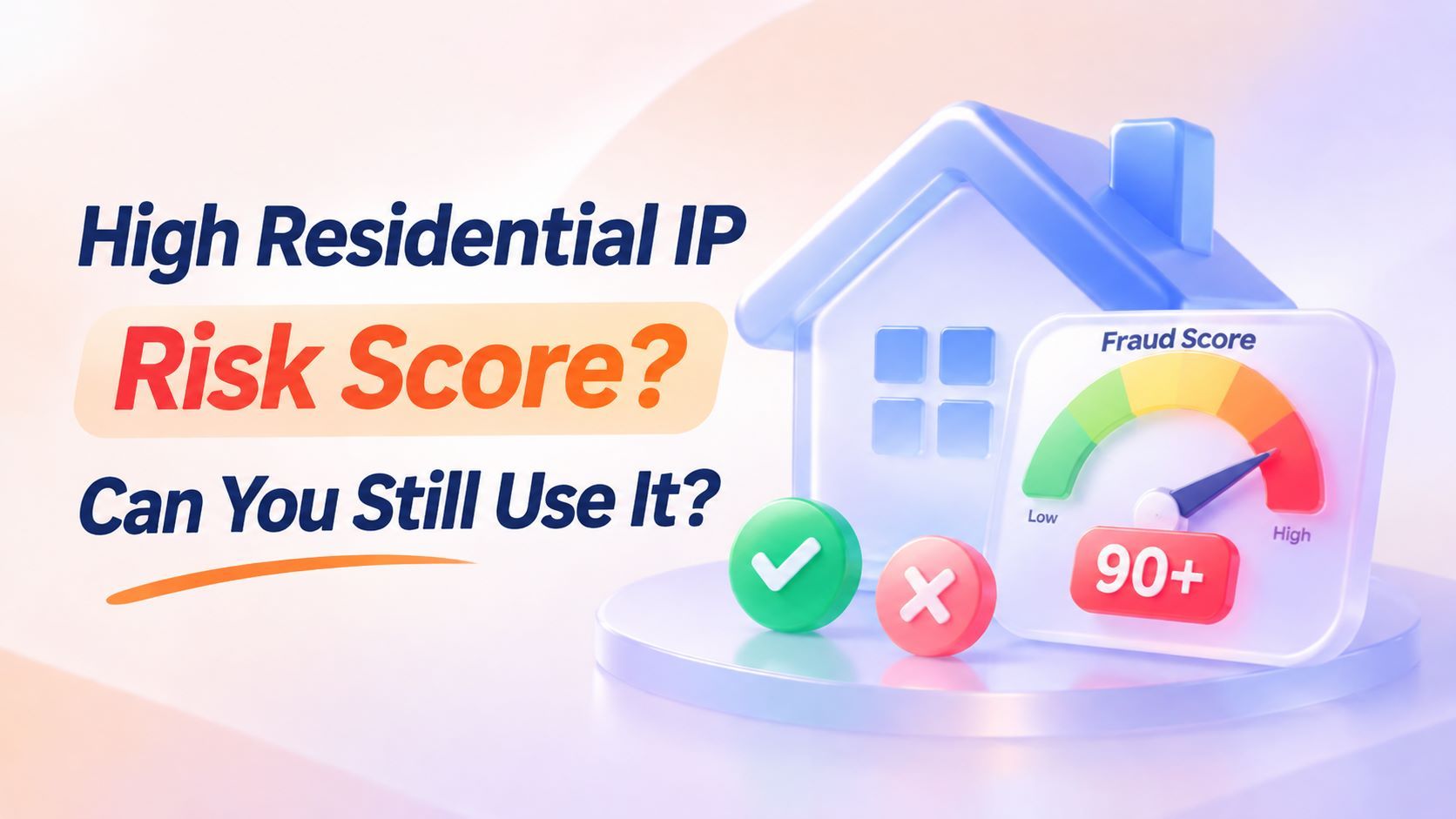
High Residential IP Risk Score: Can You Still Use It?



Clean IP picks: Static IPs from $1.5 each, Dynamic IPs from $0.5/GB


In cross-border e-commerce, social media management, and data collection, residential IP reputation can affect connection stability and account verification.
Some purchased IPs are classified as ISP or Residential but still receive high risk scores on Scamalytics or IPQualityScore. Does this mean they are unusable?
Not necessarily. Risk scores reflect how individual databases assess an IP and its associated network. Each platform uses different algorithms and data sources.
High scores may result from past abuse, proxy detection, subnet reputation, or outdated database records. They do not always indicate a problem with the IP itself.
However, residential IPs are not automatically safe. This guide explains how to interpret risk scores, identify common causes, decide when to switch IPs, and choose the right proxy.
What Is a Residential IP Risk Score?
1. Fraud Score vs. IP Reputation
Fraud Score and IP Reputation are two common IP risk indicators. Fraud Score is a 0–100 rating based on factors such as fraud reports, proxy detection, and network attributes. IP Reputation focuses more on historical abuse reports and blacklist status. They are related but measure different aspects of risk.
Scamalytics offers a useful example: a score of 70 roughly indicates that 70% of users associated with an IP have been linked to fraudulent activity. This does not mean the current user has a 70% chance of committing fraud. It reflects the risk history of users associated with that address.
2. Risk Scores Vary Across Platforms
These platforms use different methods, so the same IP might score 70 on one and 40 on another. Scamalytics notes that its score ranges are reference points that should be adjusted to individual business needs.
IPQualityScore also uses a 0–100 Fraud Score. Higher scores generally indicate stronger risk signals, but thresholds depend on the API, use case, and risk policies. The models and thresholds used by target websites are not publicly available.
A high score does not automatically make an IP unusable. First, check which platform generated the score and how it evaluates risk.
3. Why Can a Low-Risk IP Still Be Blocked?
A low score does not guarantee unrestricted access. Websites may still trigger verification or rate limits for several reasons:
▸ The website has its own IP history and may retain records of previous activity.
▸ The IP is shared, so other users' activity can affect its reputation.
▸ Device details, browser settings, cookies, login history, and access frequency also influence risk assessments.
▸ Third-party databases may update at different times and contain different information from the target website.
A risk score is only one indicator, not a guarantee of access.
Why Do Residential IPs Get High Risk Scores?
1. Network Attributes Do Not Match the Advertised Type
An ASN identifies the autonomous system an IP belongs to, while Usage Type helps classify it as ISP, Residential, Hosting, or Business. If an IP is advertised as residential but actually belongs to a data center or hosting provider, its detected attributes may not match the product description.
However, an ISP classification does not guarantee a clean IP. Risk databases also consider subnet, ASN, and network reputation. Even a newly assigned IP may receive a medium or high score because of its upstream network history.
2. Historical Abuse and Proxy Detection
IP addresses carry a usage history. If a previous user generated excessive automated requests or triggered abuse reports, those records may remain associated with the IP. Subsequent users can inherit that reputation, especially in shared proxy pools.
Proxy detection is another factor. A Proxy, VPN, or Tor flag means the platform has identified certain network characteristics. This may affect how websites evaluate access, but it does not prove malicious activity or automatically increase every platform's Fraud Score. Such flags on residential IPs may result from usage patterns or shared network environments.
3. Subnet and Neighboring Network Reputation
Risk assessments go beyond individual IP addresses. Scamalytics also considers reputation signals from related subnets, ASNs, and hosting blocks. An IP with no known abuse history may still be affected by suspicious activity on neighboring addresses.
Blacklists also serve different purposes. Spamhaus maintains several lists: SBL covers IPs and networks associated with spam and malicious activity; XBL identifies compromised or exploited hosts; and PBL covers address ranges that should not send email directly to Internet mail servers. A PBL listing does not mean an IP is malicious.
PBL defines email-sending policy boundaries. A listing alone does not make a residential IP unsuitable for web browsing. Always check which Spamhaus list flagged the address and why.
4. Why Can a 100% Browser Fingerprint Score Still Trigger Security Checks?
Browser checks and IP reputation checks evaluate different aspects of your connection:
▸ Browser environment checks: Examine time zone, language, WebRTC, and DNS consistency to identify client-side configuration issues.
▸ IP reputation checks: Examine address history, network attributes, and proxy detection results.
A 100% browser fingerprint score only means no obvious issues were found in the browser environment. WebRTC and DNS leaks expose client-side network information and are separate from IP Fraud Score. One metric cannot determine the other.
Can You Still Use a Residential IP with a High Risk Score?
The key point: a high score does not automatically make an IP unusable, and a residential IP is not automatically safe.
One important point: do not change the IP, clear cookies, and modify browser settings all at once just because the score is high. Multiple changes in a short period may trigger additional verification. If access works normally, check for actual issues before switching networks.
However, if the platform imposes repeated verification, rate limits, payment failures, or account restrictions, repeatedly using the same IP is unlikely to help. Switching to another network exit may be necessary. Base your decision on actual impact, not the score alone.
How to Check a Residential IP with a High Risk Score
1. Cross-Check Multiple Platforms
Check at least two platforms and record their scores and query times. Relying on one database can lead to misjudgments.
2. Verify ASN, ISP, and Usage Type
If the detected attributes do not match the product description, ask the provider to verify the IP's origin.
3. Check Proxy Detection and Blacklists
Identify the specific flags and blacklist entries. Different issues require different solutions.
4. Test Actual Access
Test your regular workflows and check for repeated verification, rate limits, disconnections, and payment failures.
5. Contact Your Provider
If multiple platforms report abnormal results, ask the provider to verify the IP or arrange a replacement. Spamhaus delisting requests can take time and are not guaranteed to succeed. For business users, contacting the provider is often more practical.
WebRTC and DNS checks are separate client-side diagnostics, not IP risk score indicators. For more details, see What Is an IP Fraud Score? and How to Read Static Residential IP Test Results.
How to Choose a Residential IP with a Lower Risk Score
▸ Verify Network Attributes: Check the ASN, ISP, and Usage Type against the provider's product description.
▸ Check IP Reputation: Compare multiple platforms and review risk scores, proxy flags, and blacklist records.
▸ Check IP Allocation: Confirm whether the IP is dedicated or shared, and whether it is frequently recycled or reassigned.
▸ Test Before Buying: Check connection stability, location accuracy, and access to target websites before scaling up.
IPDEEP offers static and rotating residential proxies for different needs. For businesses that require a fixed network exit, consider Static Residential IPs. Each IP is dedicated and remains fixed throughout the rental period, with configurable bandwidth of up to 50 Mbps. They support HTTP, HTTPS, and SOCKS5 and are billed by IP and rental period.
For multi-location access and flexible IP rotation, Rotating Residential IPs cover over 200 countries and regions. Plans start at $6.50 for 5 GB over 30 days, with traffic-based billing, IP rotation, and sticky sessions.
IP scores depend on node location, usage history, and subnet reputation. Testing with trial traffic is more reliable than relying on product claims alone.
Frequently Asked Questions (FAQ)
Q1: Do Residential IP Risk Scores Change Over Time?
Yes. Scores can change with network activity, abuse history, proxy detection, and database updates. Since platforms use different models and update schedules, the same IP may receive different scores over time or across services.
Q2: Why Does a Newly Purchased Static Residential IP Have a High Risk Score?
The IP may have a history of previous use, or its subnet or ASN may have existing reputation issues. Proxy detection flags can also affect the result.
Check the ASN, ISP, Usage Type, and proxy status, then verify the results on another platform. If multiple services report issues, contact your provider to verify the IP and request a replacement.
Q3: Does a Low Risk Score Guarantee Unrestricted Website Access?
No. Websites also assess device information, login history, access frequency, session status, and account activity. A low score may reduce some risk signals, but it cannot guarantee access.
Q4: Which Has a Lower Risk Score: Rotating or Static Residential IPs?
There is no universal answer. Scores vary with network origin, usage patterns, history, provider, location, and individual IP.
Rotating residential IPs offer flexible IP changes, while static residential IPs provide a fixed exit and consistent login environment. Choose based on whether your tasks require persistent sessions, not simply which type has a lower score.