




How Many IPs Do You Need for Multiple Amazon Stores?



Clean IP picks: Static IPs from $1.5 each, Dynamic IPs from $0.5/GB


Teams managing multiple Amazon stores often face the same questions: Should a separate internet connection be set up for a second store? Can multiple stores operating from the same office affect one another?
The answers depend on how Amazon identifies accounts associated with the same business entity and how much weight it places on network environments.
This guide covers Amazon's official policies, the factors involved in account association, and practical steps for configuring and managing your network environment.
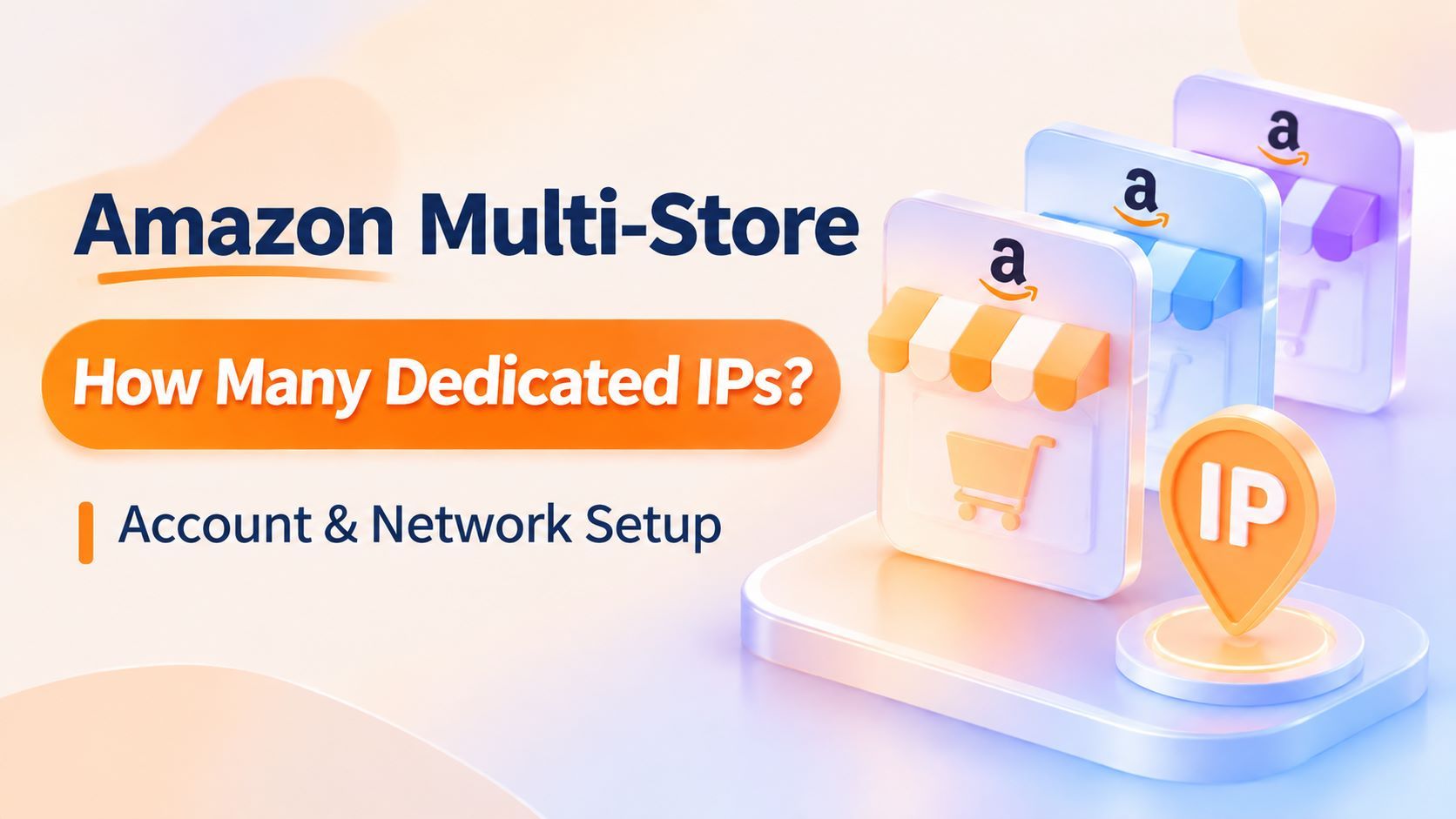
How Many Dedicated IPs Do You Need for Multiple Amazon Stores?
1. What Does Amazon's Multiple Account Policy Say?
According to Amazon's Selling Policies and Seller Code of Conduct:
"Unless you have a legitimate business need for a second account and all of your accounts are in good standing, you may only maintain one Seller Central account for each region in which you sell products.
If any of your accounts are not in good standing, we may deactivate all of your selling accounts until all accounts are in good standing."
Amazon provides three examples of legitimate business needs: operating multiple brands and maintaining separate businesses for each, manufacturing products for two separate and distinct companies, and participating in programs that require separate accounts.
The policy does not mention a requirement to obtain approval in advance. Implementation details may vary by marketplace, so always check the current policy for your region.
2. Is One IP per Store Mandatory? How Many Do You Need?
Amazon does not require every store to use a separate IP address. Its policy does not specify the number or type of IP addresses sellers must use.
Using one fixed IP per store is a network management approach that makes it easier to track which store uses which connection, investigate network issues, and manage changes to staff or devices.
However, this approach does not ensure policy compliance or guarantee account security.
The number of IPs you need depends on your operating model. For example, you could assign three fixed network endpoints to three independently managed stores, or create ten corresponding IP-to-store assignments for ten stores and maintain a record of each IP.
3. What Happens If Multiple Stores Share One Public IP?
Sharing a public IP does not automatically result in account association penalties. Amazon considers multiple factors, including devices, login locations, and user permissions. Therefore, changing IP addresses alone does not determine whether accounts are considered independent.
How Does Amazon Identify Linked Seller Accounts?
1. Business Entity Association vs. Technical Association
Business entity association occurs when multiple stores share information such as registration details, legal representatives, payment methods, or payout information. These are matters of business identity and policy compliance that technical solutions cannot change or should attempt to conceal.
Technical association occurs when otherwise independent accounts share similar network environments, devices, or operating patterns, creating overlapping environmental signals. Network configuration can help manage this type of overlap.
2. What Factors Does Amazon Consider?
Amazon has not published a complete list of account association signals or the weight assigned to each factor.
In Seller Forums, Amazon representatives have stated that there are many ways to identify related accounts, including personal information, login locations, devices, and user permissions. Using a VPN does not necessarily prevent issues if the same device is involved.
What is clear is that Amazon considers account information and business relationships, not just technical signals.
3. Three Common Misconceptions About Account Association
Which Proxy IP Type Is Best for Multiple Amazon Stores?
The main advantage of a static residential IP is its fixed exit address, making it easier to maintain and manage a consistent network environment for each store.
Amazon's Two-Step Verification help page also lists the use of proxy and VPN servers and changes in IP addresses as factors that may affect trusted device status.
When choosing a proxy, also verify its actual network classification, exclusivity, and connection stability. A Residential or ISP label does not guarantee a higher level of trust from Amazon, and the IP type alone cannot determine the outcome of an account review.
Five Things to Check Before Buying
▸ Long-term IP stability: Confirm that the IP address remains unchanged throughout the subscription period, and check the renewal and replacement policies.
▸ Dedicated access: Shared exit IPs can make it harder to distinguish historical activity when investigating network issues.
▸ Node locations: Check whether the provider offers nodes in your target markets and whether specific locations are available.
▸ Supported protocols: Check whether HTTP, HTTPS, and SOCKS5 are supported.
▸ Connection and traffic limits: Review bandwidth, concurrency, and data usage limits.
IPDEEP's static residential IPs provide dedicated, fixed exit addresses and support HTTP, HTTPS, and SOCKS5. Bandwidth options are available on demand, with speeds of up to 50 Mbps.
Visit the Static Residential IP product page for available locations and plans. Actual availability depends on the options listed at checkout.
How to Configure a Network Environment for Multiple Amazon Stores
The goal is not to disguise your environment, but to give each store a stable, documented login environment that your team can manage.
1. Map Store Ownership and Staff Responsibilities
List the legal entity, account owner, assigned operators, and access permissions for each store. Make sure multiple accounts are supported by legitimate business needs under Amazon's policy.
2. Assign Fixed Network Endpoints
Assign a fixed IP to each store and record the IP address, location, ISP, corresponding store, and activation date. Choose exit locations based on the store's actual operating location and network requirements, and avoid frequent changes between regions without a legitimate business reason.
3. Configure Browser and Network Settings
Create a separate browser workspace for each store and configure its proxy settings within that environment rather than at the system level. This helps prevent conflicting routes when browser extensions and system-wide proxies are active at the same time.
Once configured, check the exit IP, DNS resolution, and location information to confirm that the connection is working as expected. Avoid using tools from unverified sources to transfer login credentials.
For detailed setup and testing instructions, see our guide: How to Set Up One IP per Amazon Store.
4. Log In and Verify Accounts Through Official Channels
Complete verification through Amazon's standard login process. Before switching devices or browsers, make sure your recovery email and verification methods are accessible.
How to Manage IPs and Accounts Across Multiple Stores
▸ Store-to-IP Mapping Sheet: Record each store ID, business entity, marketplace, assigned IP, IP location and ASN, activation date, and responsible operator. Make sure the records are clear enough for other team members to understand.
▸ Employee Access Management: Each employee should use their own Seller Central user account, receive only the permissions required for their role, and set up their own two-step verification. Avoid sharing login credentials, revoke access on the employee's last day, and review permissions regularly.
Employees can access the same store from different locations using their individual accounts. Amazon's help documentation notes that sharing login credentials among multiple users may affect trusted device status.
▸ Change and Incident Logs: Record IP changes, login location changes, and unusual verification activity. These records help determine whether an issue is related to the network, personnel changes, or the account itself.
Larger teams can organize records by marketplace or business entity while keeping the same mapping and permission rules. For more on resource planning, see our guide: How to Plan IP Resources for Multiple Store Operations.
Frequently Asked Questions
Q1: Can Two Amazon Stores Use the Same Wi-Fi Network?
Yes, but sharing a public IP creates more overlap in network environments. Plan network access based on the relationship between stores and your operational needs. Sharing Wi-Fi alone does not determine whether accounts are linked.
Q2: Can I Manage Multiple Amazon Stores on One Computer?
Yes, but shared devices and login environments require careful management. Give each employee an individual Seller Central account and assign access permissions according to their role.
Q3: Can I Use a VPN or Proxy IP for My Amazon Store?
Amazon's selling policies do not generally prohibit the use of proxies or VPNs. However, network changes may trigger additional security verification. Prioritize stable, fixed network endpoints when using them.
Q4: Are Dynamic Residential IPs Suitable for Amazon Seller Central Logins?
They are not the first choice. Dynamic residential IPs may rotate frequently, making them more suitable for public data collection and price monitoring. Fixed IPs are generally better for long-term Seller Central access.
Q5: Will Changing a Static Residential IP Require Account Reverification?
It may. Changes to your IP address or network environment can trigger security verification. Follow Amazon's official verification process if prompted.
Conclusion
There is no universal answer to how many dedicated IPs you need for multiple Amazon stores, and Amazon does not mandate a specific number.
Multiple accounts must have legitimate business needs under Amazon's policy, and technical solutions cannot change the underlying business relationships. Stable, separate, and well-documented network environments can help reduce overlapping signals and make issues easier to investigate.
For teams managing multiple international stores, assigning a fixed network endpoint to each store is a practical approach.
IPDEEP offers static residential, dynamic residential, and other proxy resources across more than 200 countries and regions, with support for HTTP, HTTPS, and SOCKS5.
If your operations require fixed network endpoints, explore our dedicated static residential IPs based on your target markets. We recommend testing a small number of IPs first to verify network classification and connection stability before placing a larger order.