How to Check Korean Residential IPs: ASN & ISP Lookup



Clean IP picks: Static IPs from $1.5 each, Dynamic IPs from $0.5/GB


When purchasing Korean residential IPs, many users encounter the same problem: an IP advertised as a "native residential IP" frequently triggers verification checks or access restrictions in actual use.
In such cases, the issue may involve more than just the local network environment. The proxy IP's actual network ownership, ISP information, and historical risk records should also be checked.
Some IPs marketed as Korean residential proxies may actually belong to data center networks or have inconsistencies between their registered country and geolocation data.
What Is a Native Korean Residential IP?
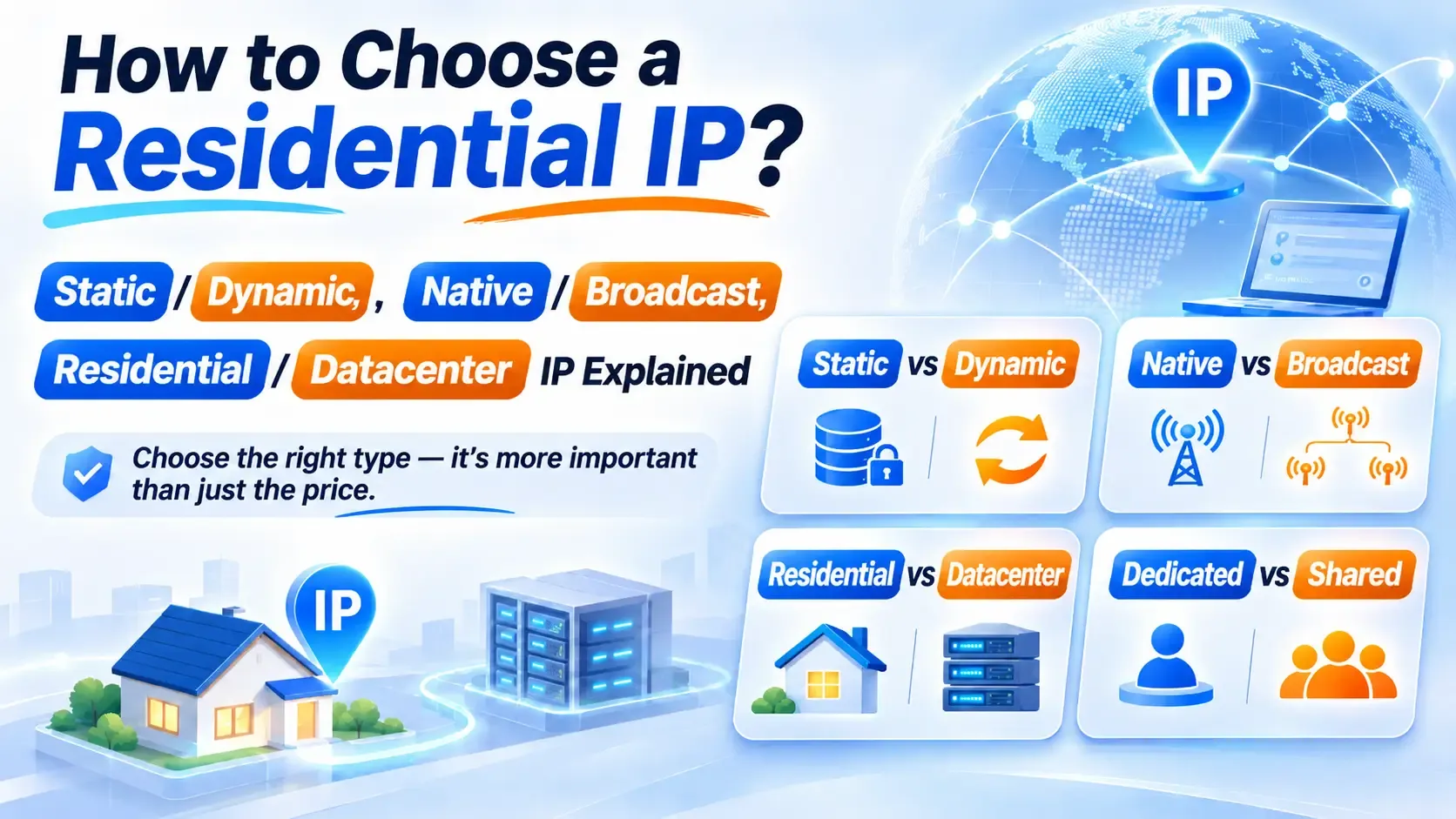
1. Residential IPs vs. Data Center IPs
Residential IPs are assigned by internet service providers to broadband subscribers, while data center IPs come from cloud providers, server facilities, or hosting networks. The key difference lies in their network ownership, not in the assumption that residential IPs are always safer.
If a lookup tool returns MOB, the IP typically belongs to a mobile network operator. It should be evaluated separately as a mobile network resource rather than classified as a fixed residential broadband IP.
Keep in mind that residential network ownership does not guarantee unrestricted access. Whether a platform triggers security checks also depends on the IP's usage history, account activity, and other aspects of the browsing environment.
2. Native IPs vs. Broadcast IPs
In the proxy industry, a native Korean IP generally refers to an IP address whose registration information, network ownership, and geolocation are consistent with local Korean networks.
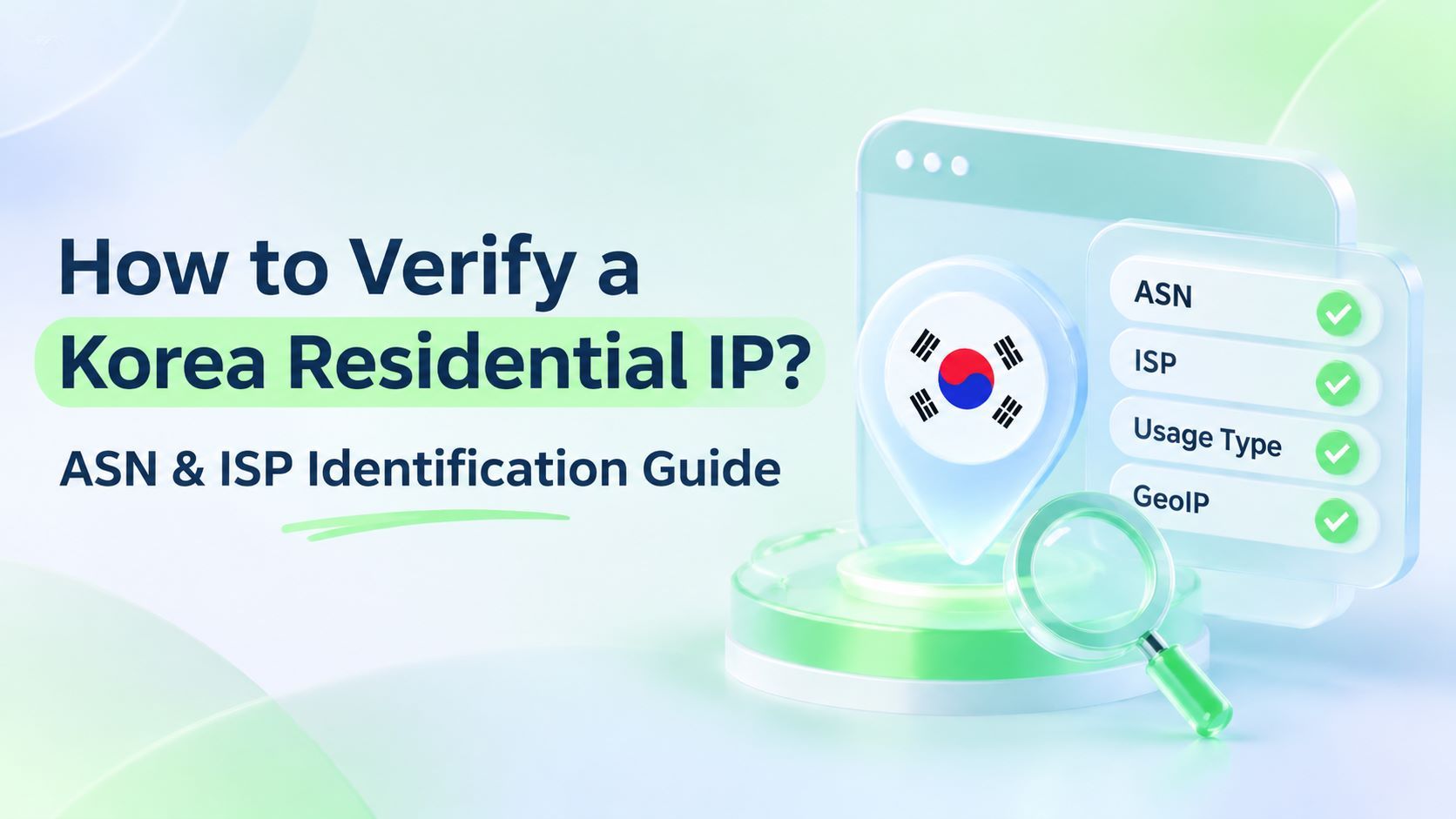
To assess this, check the IP's registered country, ASN, ISP name, and GeoIP location.
These publicly available details can help identify an IP's network ownership and geographic attributes, but they cannot independently prove that the IP comes from a genuine residential broadband connection.
"Broadcast IP" is an informal term used in the proxy industry to describe IP ranges whose registration information does not match their actual routing location. It is not a standardized technical IP classification and should not be confused with the network-layer broadcast address used in IPv4 subnets.
3. Why You Shouldn't Rely Solely on the IP's Displayed Country
The country shown by an IP lookup tool may come from registration records or be inferred by a GeoIP database.
If the registered country, network ownership, and geolocation do not match, further investigation is necessary. A single field is not enough to draw a reliable conclusion.
How to Identify Major Korean ISP ASNs
1. Major Broadband Providers in South Korea
South Korea's fixed broadband and mobile networks are concentrated among several major telecommunications providers. When checking a Korean residential IP, start by verifying whether its ASN belongs to one of these networks.
Some ASNs are registered under historical organization names or affiliated network names. For example, AS3786 is registered as LG DACOM, while AS17858 is registered as LG POWERCOMM. The specific network type should be verified against the IP's assigned range.
Even if an ASN belongs to one of these providers, its IP ranges may still be used for enterprise networks, hosting services, or other purposes.
2. Understanding ASN, Org, ISP, and Usage Type
These fields complement one another, but each serves a different purpose:
▸ ASN: An Autonomous System Number used to identify a network operator.
▸ Org / AS Name: The organization name associated with the autonomous system.
▸ ISP: The internet service provider name returned by an IP lookup tool.
▸ Usage Type: A database classification describing how a network is used.
An ASN belonging to a particular ISP only indicates that the network is managed by that provider. It does not mean that every IP within the range is a residential IP.
A single provider group may operate different types of networks, including data centers and enterprise dedicated connections.
How to Verify a Korean Residential IP in 4 Steps
Once you have a Korean IP address, follow these four steps to cross-check its network attributes.
Step 1: Check the Usage Type
Use IP2Location to check the Usage Type, or IPinfo to look up the ASN, Org, and ISP information. Since different tools provide different fields, it is best to cross-check multiple databases:
▸ ISP: Fixed-line internet service provider. This is a positive indicator of residential broadband.
▸ MOB: Mobile network operator (4G/5G). Evaluate it separately as a mobile network resource.
▸ DCH: Data center or hosting network, indicating a likely server-based connection.
▸ COM: Commercial network. Do not confuse it with residential broadband.
ISP only indicates that the IP range belongs to a fixed-line provider. It does not independently prove that the IP currently comes from a residential user.
Step 2: Verify the ASN and ISP
Enter the IP address into an ASN lookup tool and check whether its ASN belongs to KT, SK Broadband, SK Telecom, or LG U+.
If the ASN is associated with a data center or hosting provider, investigate further even if the IP is advertised as residential.
Step 3: Check Hosting and Proxy Risk Flags
Check whether the IP has Hosting, VPN, Proxy, or Residential Proxy flags. Evaluate these indicators alongside their classification types, update dates, and other lookup results.
Risk flags reflect how a database identifies network usage or proxy activity. They do not necessarily describe the IP's actual access connection. Residential proxies may also be flagged as proxy networks, so the absence of risk flags does not guarantee that an IP is clean.
Step 4: Cross-Check GeoIP and Routing Information
▸ GeoIP Lookup: Check whether the country, city, ISP, and registration information are generally consistent.
▸ Routing Analysis: If you need to investigate the network path further, use BGP lookup tools and Traceroute as supplementary checks.
Keep in mind that Traceroute is more useful when performed from a network environment associated with the proxy exit.
Running Traceroute directly from your local computer to a proxy IP only shows the path between your device and the proxy node. It cannot establish the actual routing location of the proxy's outgoing connection.
Routing analysis should only be used as supporting evidence. It cannot independently establish an IP's residential status or the actual location of its end user.
Example IP Check
The following is an illustrative example of lookup fields, not the result of an actual IP check.
These results indicate that the IP has several positive residential network attributes. However, they cannot independently prove that it comes from a genuine residential broadband connection. Further checks of the IP range and actual access performance are still necessary.
3 Common Mistakes When Checking Korean Residential IPs
1. An ISP Label Does Not Prove a Residential Connection
A Usage Type of ISP only indicates that the IP range belongs to a fixed-line provider. It does not prove that the IP currently comes from a genuine residential connection. You should also check its ASN, organization information, and risk flags.
2. An ISP's ASN Does Not Mean All Its IPs Are Residential
An ASN belonging to KT, SK, or LG U+ only indicates that the network is managed by that provider. The same group may operate data center networks, enterprise connections, and other network services. Therefore, not every IP under its ASNs should be classified as residential.
3. A Single IP Lookup Website Is Not Enough
Different IP databases use different data sources, update schedules, and classification models. As a result, the same IP may return different results across lookup websites.
When results conflict, record the specific fields that differ and the time of each check. Compare multiple sources before drawing a conclusion instead of relying on a single website.
How to Choose a Korean Residential IP for Your Business
Verification is only the first step. The final decision should depend on your business requirements.
▸ Static Residential IPs: Maintain the same outgoing IP throughout the subscription period. They are suitable for tasks that require a consistent IP, such as managing Korean online stores and maintaining long-term local social media accounts.
▸ Rotating Residential IPs: Automatically rotate outgoing IPs based on time or requests. They are suitable for multi-location access and large-scale data collection.
For rotating residential proxies, sample multiple exit IPs at different times and check their ASN, ISP, Usage Type, and GeoIP location. Do not judge the quality of an entire IP pool based on its first returned IP.
IPDEEP offers residential proxy resources in South Korea.
If your business involves managing accounts on Korean platforms or conducting local market testing, explore the pricing and available locations of Korean Static Residential IPs.
If you want to understand the differences between residential and data center IPs, see our guide to Data Center IPs vs. Residential IPs.
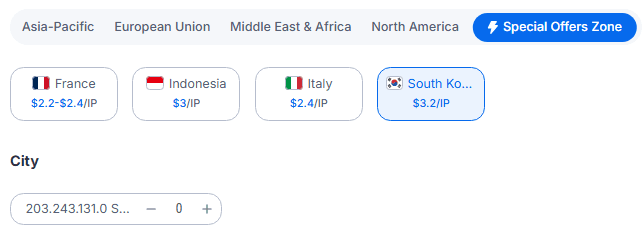
Before purchasing, test the actual exit IP by checking its ASN, ISP information, and access performance. Then choose a plan that matches your requirements.
Frequently Asked Questions (FAQ)
Q1: Does a Usage Type of ISP confirm that an IP is a Korean residential IP?
No. ISP indicates that the IP range belongs to a fixed-line provider, which is a positive indicator. However, it does not independently prove that the IP comes from a genuine residential connection. You should also check its ASN, organization information, and risk flags.
Q2: How can I check a Korean IP's ASN and ISP?
You can use tools such as IPinfo and IP2Location to look up an IP address. Focus on the ASN, AS Name, Org, and Usage Type fields.
Compare the results with the network information of KT, SK Broadband, SK Telecom, or LG U+, then check the Hosting and Proxy flags.
ASN information can help identify the network operator, but it cannot independently prove that an IP comes from a genuine residential connection.
Q3: Why do different IP lookup websites return different results?
Different databases rely on different data sources, update schedules, and classification models.
When an IP range changes, some databases update their records faster than others. If results conflict, compare ASN and routing information across multiple sources before drawing a conclusion.
Q4: Can a native Korean residential IP still trigger CAPTCHA checks?
A native Korean residential IP has network ownership that is more consistent with a local Korean connection. This can help reduce additional verification caused by mismatched IP locations or network types.
However, whether a platform triggers security checks also depends on account activity, device settings, and browsing patterns.