Why Is Hong Kong Dynamic Residential IP Mislocated?



Clean IP picks: Static IPs from $1.5 each, Dynamic IPs from $0.5/GB


Many users find that the same Hong Kong dynamic residential IP shows different countries or cities on different IP lookup websites, sometimes even appearing to be in another region.
This does not necessarily mean the proxy node is fake. Such discrepancies are often caused by differences in IP geolocation databases, network ownership records, and website location detection methods.
This article explains the common causes of geolocation discrepancies and how to check IP location and network attributes and choose suitable nodes.

Why Is Hong Kong Dynamic Residential IP Geolocation Inaccurate?
1. IP Geolocation Databases Have Different Update Cycles
IP addresses do not contain geographic information. GeoIP databases estimate their locations based on IP allocation records, ISP information, and other data.
MaxMind, IPinfo, and DB-IP use different data sources, identification methods, and update schedules. The same IP may therefore show different countries or cities.
When an IP's network ownership or usage location changes, some databases may update their records while others retain outdated information.
2. IP Registration Location May Differ from Actual Usage Location
An IP's registration details, ASN ownership, and actual usage location may differ.
For example, an IP range may be registered in another country but used by a Hong Kong ISP. Different databases may identify it differently.
To verify a Hong Kong residential IP, check not only its registration details but also its ASN, ISP, GeoIP records, and actual access results.
3. Websites Also Check Browser Settings
Some websites check browser language, time zone, cookies, and device location permissions in addition to IP geolocation.
If the proxy IP shows Hong Kong but the browser environment contains information from another region, the website may still display regional content or request additional verification.
4. Dynamic IP Rotation Changes Geolocation Results
Dynamic residential IPs rotate according to request or session rules. Different IPs may have different network ownership records, usage histories, and database coverage, leading to varying geolocation results.
Therefore, do not rely on a single IP when evaluating location consistency. Test multiple exit IPs from different batches.
How to Check a Hong Kong Residential IP's Location and Network Attributes
Check two key aspects: GeoIP data shows the region associated with an IP, while ASN/ISP information identifies its network organization. These should be verified separately.
Network type only indicates an IP's network ownership. It does not determine whether a platform will accept or reject the IP. Actual access also depends on IP history, platform policies, and usage behavior.
A native IP generally has registration details matching the target region. Check its registration information, ASN, ISP, and multiple GeoIP databases. However, a difference between the registered country and actual exit location does not automatically indicate a problem.
Follow these three steps to check your IP.
1. Check Location, ASN, and ISP with MaxMind and IPinfo
Do not rely on one tool. Use IPinfo or MaxMind to check fields such as org, ASN, and type, and verify the country, city, network ownership, and ISP.
Results may differ between databases. Record the conflicting fields rather than jumping to conclusions.
2. Check Exit IP, WebRTC, and DNS with BrowserLeaks and ToDetect
After configuring your proxy, use BrowserLeaks or ToDetect to check whether the exit IP matches your proxy, whether WebRTC exposes your public IP, and whether DNS requests follow your proxy settings.
3. Test Multiple Dynamic IPs
Dynamic residential IPs change their exit addresses, so one IP cannot represent the entire pool.
Test multiple Hong Kong nodes and record their countries, cities, ASNs, and ISPs to check location consistency.
You can also use Ping to check latency and packet loss, or Traceroute to inspect network routes.
However, latency and routing data are only supporting indicators and cannot independently confirm an IP's actual location.
How to Choose a Hong Kong Dynamic Residential IP
1. Choose Dynamic or Static Residential IPs Based on Your Needs
If you need the same Hong Kong exit IP over an extended period, consider a Hong Kong Static Residential IP. For frequent IP changes, choose a dynamic residential IP. See Static vs. Dynamic Residential IPs in Hong Kong for details.
2. Choose Billing and Rotation Methods Based on Your Needs
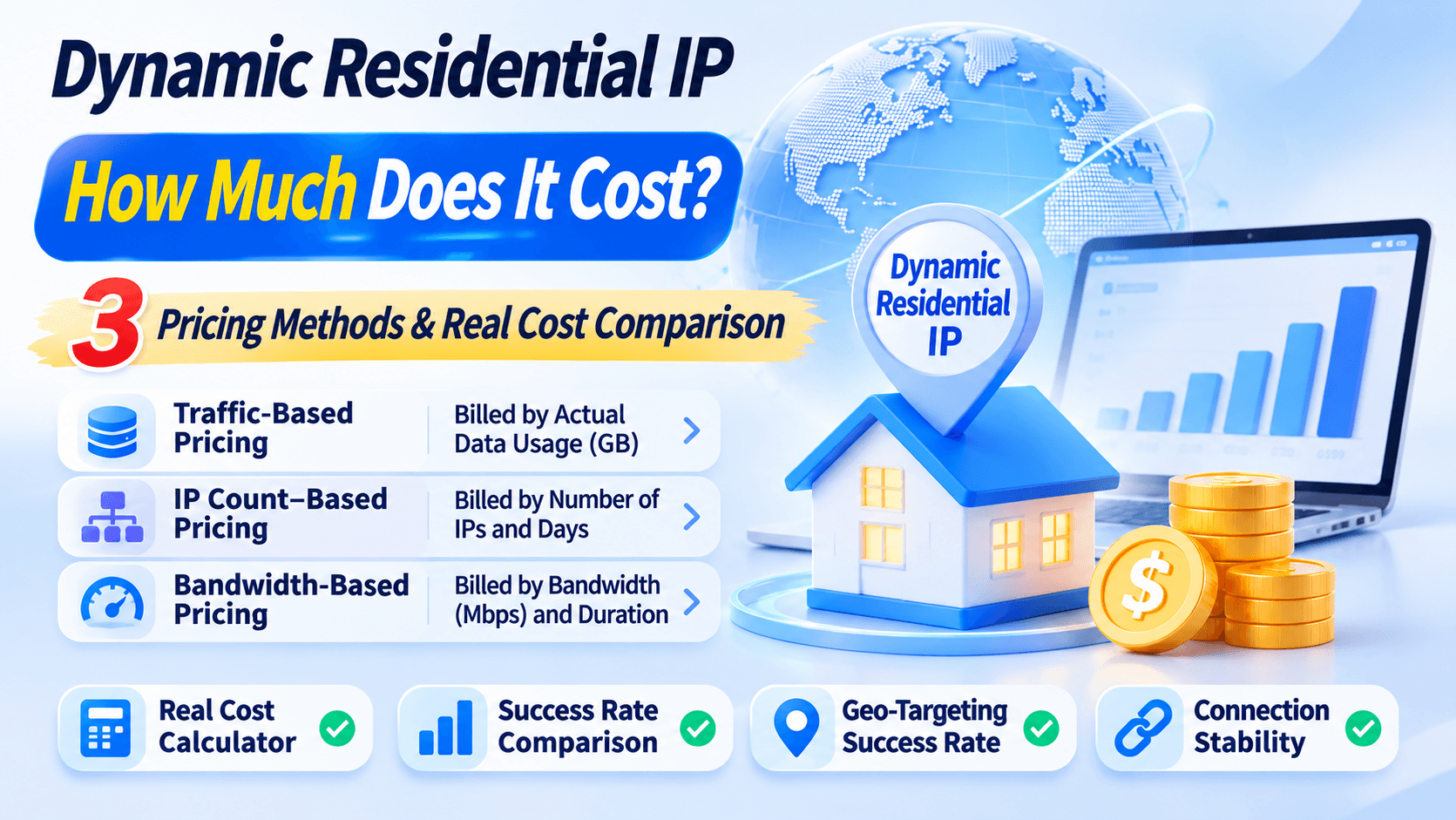
Dynamic residential IPs can rotate per request, at set intervals, or according to session rules. Two common billing models are:
▸ Traffic-Based Billing: Suitable for low request volumes and frequent IP changes. IPDEEP Dynamic Residential IP plans are billed by traffic and support location selection. Users can configure rotation methods and target regions as needed.
▸ Bandwidth-Based Billing (Unlimited Traffic): Suitable for continuous tasks and high traffic volumes. IPDEEP Unlimited Residential Proxy offers bandwidth tiers from 100 Mbps to 1,000 Mbps.
Plans are billed by bandwidth and subscription duration, with no additional per-GB charges. Actual speeds, concurrency, and node resources depend on the plan and service terms.
To maintain session continuity, use sticky sessions to keep the same exit IP for a specified period and avoid unnecessary changes.
3. Select Nodes Based on ISP, Location, and Network Performance
When choosing Hong Kong nodes, check three factors: ISP ownership (whether the ASN and ISP match the provider's description), location (whether the country and city meet your needs), and network performance (latency, packet loss, and connection stability).
See the Hong Kong Residential Proxy Performance Guide for more information.
When using an antidetect browser, create separate profiles for different tasks. Set the language and time zone to match the target region, and check WebRTC and DNS settings to avoid exposing your local network information.
Frequently Asked Questions (FAQ)
Q1: Why Does the Same Hong Kong IP Show Different Locations on Different Lookup Websites?
IP lookup tools use different geolocation databases, data sources, and update schedules. The same IP may therefore show different countries or cities.
Cross-check the IP with MaxMind, IPinfo, and other tools, then compare the ASN, ISP, and actual access results. If multiple databases show a location outside Hong Kong, contact your provider to verify the node.
Q2: Why Are Some Local Services Still Restricted When Using a Hong Kong Residential IP?
Your browser language, time zone, or login history may not match the Hong Kong environment. The platform may also use a different geolocation database from third-party lookup tools.
Test in private browsing mode or an isolated browser profile, and check the ASN and actual access results.
Q3: How Do I Fix Connection Timeouts or 407 Authentication Errors with a Dynamic Residential Proxy?
Check your proxy username and password, including letter case and similar-looking characters. Make sure your local IP is added to the provider's whitelist. Also check the proxy port and rule out firewall or security software interference.
Conclusion
To verify Hong Kong dynamic residential IP geolocation, compare multiple databases, check ASN and ISP ownership, and test samples from the dynamic IP pool.
Choose nodes based on your need for a fixed exit IP or frequent rotation, then compare ISP, location, and network performance.
For more information, visit the Hong Kong Proxy IP page.