Rotating Residential Proxies: Coverage, Rotation & Costs



Clean IP picks: Static IPs from $1.5 each, Dynamic IPs from $0.5/GB


Choosing rotating residential proxies comes down to three things: whether usable IPs are available in your target locations, whether the rotation settings fit your workflow, and how much you pay for usable results.
This guide covers geographic coverage, IP rotation, and traffic costs through practical selection questions, then explains which needs each of IPDEEP’s two rotating residential plans serves.

Geo Coverage: Availability in Your Target Market Matters More Than Pool Size
A provider’s advertised “global residential IP pool” usually describes its overall resources across locations. It does not mean enough IPs are available in a particular country or city at any given time.
Start with three practical questions rather than assuming IPs from one region have a better reputation than those from another.
1. Are enough usable IPs available in your target country?
Total pool size indicates a provider’s scale, not the number of IPs currently available in your target country. If you need US or Japanese IPs, test those locations directly. Coverage in “200+ countries” does not need to be your minimum requirement.
2. How precise does targeting need to be?
Country-level targeting is sufficient for many data collection tasks. City- or ISP-level filtering is useful when your task specifically depends on those differences. More precise filtering often means fewer available IPs, so confirm that the required targeting level is supported in your chosen location.
3. Does the target website recognize the location?
An IP checker placing your exit IP in Tokyo does not mean the target website will recognize it as Tokyo or automatically change its currency, language, and content. IP geolocation accuracy varies by country, network type, and ISP practices, and databases may disagree.
For city-level price checks, ad verification, or search monitoring, check both the exit IP’s reported location and the region, currency, and content returned by the website. Account settings, cookies, and language preferences may also affect the result. IP location is one signal, not the only deciding factor.
IP Rotation: Match the Settings to Your Workflow
Rotating residential proxies change the exit IP according to a defined policy. Common options include per-request rotation and sticky sessions. Choose based on whether the steps in your workflow depend on one another.
1. Per-Request Rotation
With per-request rotation, the proxy gateway assigns a new exit IP according to its rotation policy. Some products actually rotate on each new connection, so reusing a connection may keep the same IP across multiple HTTP requests. Check the product documentation for the exact behavior.
This mode suits independent batch requests, such as search engine results monitoring and public product price comparisons. IP reuse depends on the available pool in your target location; a different address on every request is not guaranteed.
2. Sticky Sessions
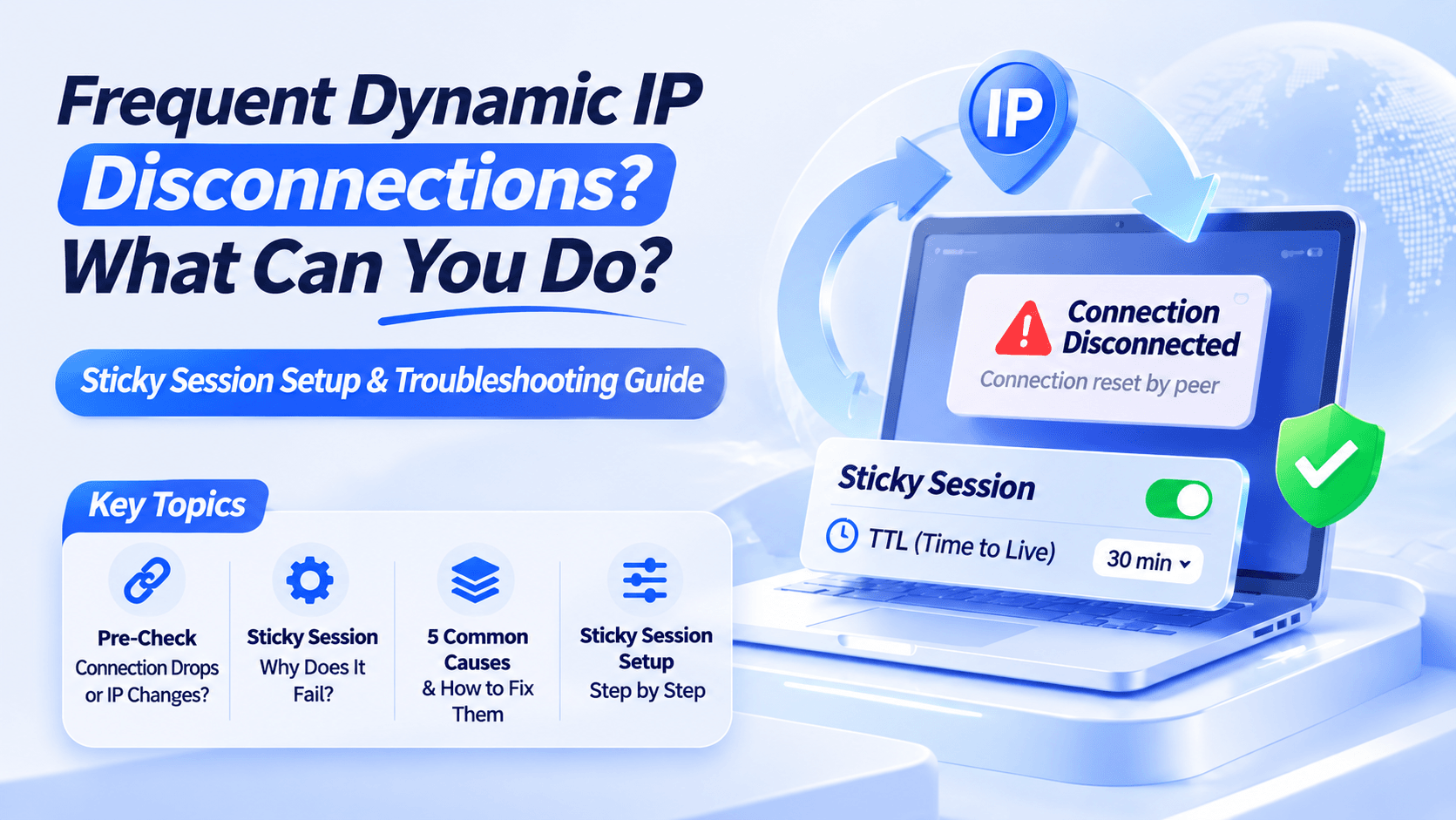
A sticky session attempts to reuse the same exit IP for a set period. It suits continuous workflows such as pagination and multi-step forms.
Residential nodes can go offline before that period ends. Even if the provider assigns a replacement IP, an active connection, login, or form submission may not continue seamlessly.
Rather than applying a fixed duration of 5, 15, or 30 minutes to every task, check how the provider handles disconnections and build in retries or session recovery. For troubleshooting, see Why Sessions Fail After Residential IP Rotation.
Traffic Costs: Compare Cost per Usable Result, Not Just Unit Prices
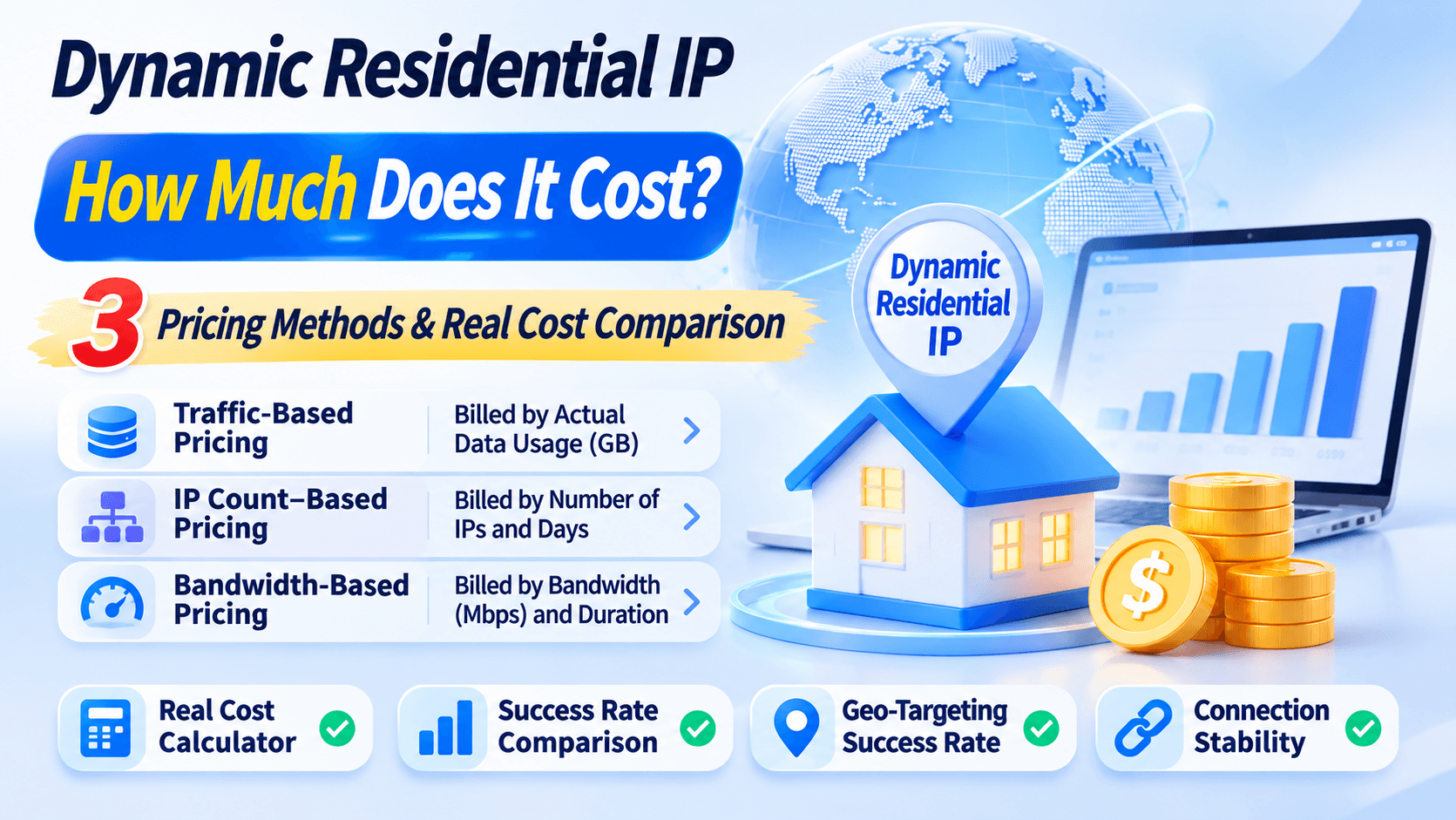
Rotating residential proxies commonly use traffic-based pricing per GB or bandwidth-based pricing with unlimited traffic. Compare the cost of usable results to decide which model fits your workload.
1. Two Useful Calculations
Cost per 1,000 usable results = Actual proxy cost ÷ Number of usable results × 1,000
Break-even traffic volume = Bandwidth plan cost for the same period ÷ Effective cost per GB
For example, using hypothetical figures, a bandwidth plan costing $90 for a given period and a traffic plan costing $0.75/GB have a nominal break-even point of 120GB. Below that volume, the traffic plan may cost less.
Above it, check whether the bandwidth plan can complete the workload and whether both plans deliver comparable usable-result rates.
2. Check These Billing Details Before Buying
▸ Whether failed requests, retries, and CAPTCHA pages consume billable traffic;
▸ Whether both uploads and downloads are billed;
▸ Traffic expiration dates and what happens to unused data;
▸ Whether the advertised bandwidth is the plan’s total limit or an achievable speed per connection;
▸ Whether HTTP 200 responses actually contain the data you need.
Per-GB pricing does not imply unlimited concurrency. Likewise, unlimited traffic does not imply unlimited requests, concurrency, or available IPs. Confirm concurrency limits, connection rates, and location restrictions separately.
For a detailed comparison, see Unlimited vs. Traffic-Based Residential Proxies.
Run a Small Test Before Committing
Before making a large purchase, start with a small test allowance and assess four areas.
1. Network Classification
Use IP checking tools to inspect the exit IP’s network type and ISP. These results can help assess whether it has residential network attributes or is classified as a datacenter IP.
2. Location Consistency
Compare the location reported by IP checking tools with the region, currency, and content returned by the target website.
3. Session Stability
Keep concurrency constant and compare pagination failures under different rotation settings. Check whether sticky sessions last long enough to complete your workflow.
4. Throughput
Measure actual throughput and success rates in your target locations. Do not judge an unlimited plan by its advertised Mbps alone.
Choosing Between IPDEEP’s Two Rotating Residential Plans
IPDEEP offers two options: traffic-based rotating residential proxies and unlimited residential proxies billed by bandwidth and duration. Both use residential network exits across multiple countries and regions. Check the current product pages for coverage and pricing.
▸ Intermittent, low-traffic tasks: For SEO keyword monitoring or simple JSON data extraction, start with a traffic plan sized to your expected usage.
▸ Continuous, high-traffic tasks: For large-scale page collection or media downloads, compare an unlimited plan’s fixed cost with its actual throughput.
IPDEEP provides residential proxy resources across multiple countries and regions; coverage and availability depend on the current products and actual testing. These proxies require a network environment outside mainland China, which users must configure themselves.
If you are unsure which option fits, use a small traffic package to measure your cost per usable result before switching plans.
Frequently Asked Questions (FAQ)
Q1: Should I use an HTTP proxy or SOCKS5?
HTTP/HTTPS proxies are usually suitable for web and API requests. Choose SOCKS5 when your software requires it, and configure the protocol your tool supports.
Q2: Why do I still see CAPTCHAs with residential proxies?
Websites also check cookies, browser settings, and request behavior. Residential IPs do not guarantee CAPTCHA-free access; manage concurrency and request rates as well.
Q3: Are rotating residential proxies suitable for long-term social media or store management?
Sticky sessions can suit short visits or testing. For daily logins that require the same exit IP across multiple days, dedicated static residential proxies are a better fit.