How to Unlock YouTube Using US Static Residential Proxies



Clean IP picks: Static IPs from $1.5 each, Dynamic IPs from $0.5/GB


As YouTube and Google continue to strengthen their security measures, ordinary data center IPs (Data Center IPs) are frequently blocked.
This typically shows up as CAPTCHA prompts, video black screens, or even account restrictions.
As a long-term operator, after testing more than 5 different types of proxies, I found that static residential proxies are currently the most reliable solution.
This article will cover everything from the underlying principles to practical setup, teaching you how to use a US static residential IP to unlock YouTube like a local user.
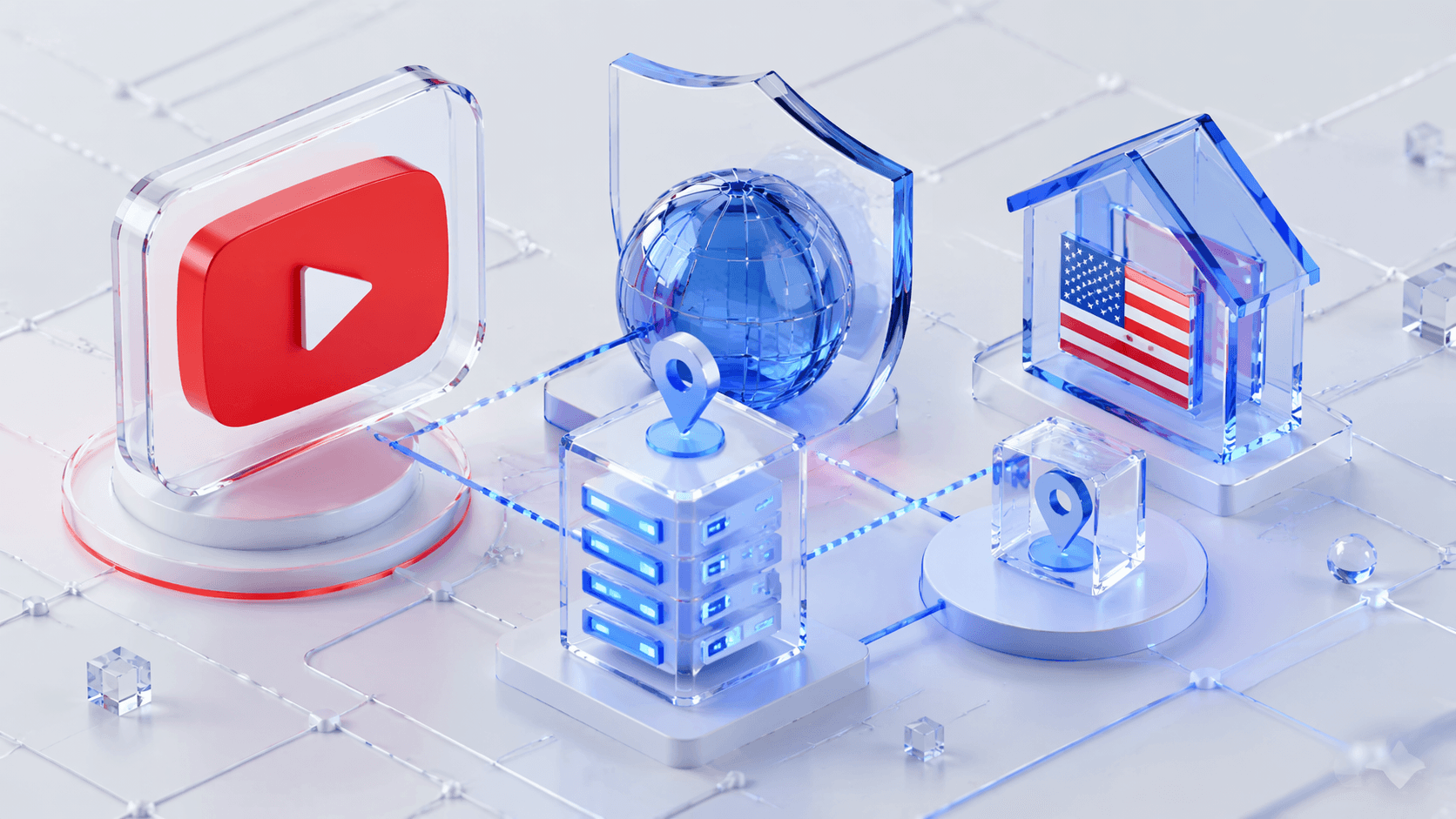
What is a US Static Residential Proxy?
A static residential proxy (Static Residential Proxy / ISP Proxy) is a fixed residential IP provided by a legitimate Internet Service Provider (ISP).
Simply put, a proxy server acts as an intermediary between you and YouTube.
A US static residential proxy gives you a real IP address assigned by a US ISP.
It differs from easily detectable data center IPs or frequently changing dynamic residential IPs.
Here's an intuitive comparison table:
· The ASN of data center IPs usually belongs to cloud providers (e.g., Amazon AWS, Google Cloud);
The ASNs for static residential IPs belong to major US ISPs such as AT&T, Comcast, and Verizon.
Preparation: How to Choose a Reliable Provider
When selecting high-quality US static residential proxies, consider the following criteria:
IP Pool Cleanliness: Ensure that the IPs have not been blacklisted by YouTube.
Protocol Support: SOCKS5 is recommended, as it is more suitable than HTTP for video streaming and stealth access.
Bandwidth & Latency: High bandwidth and low latency are essential for 4K video streaming, so carefully evaluate providers on these metrics.
Pitfall Warning: Beware of data center IPs masquerading as residential proxies—they often lack true stealth. → Check IP Ownership
US Static Residential IP Setup Steps
Scenario 1: Browser Configuration
Use a browser with fingerprint protection, create a new proxy configuration, and enter the US static residential proxy IP and port. This enhances security and helps avoid account restrictions.
Detailed setup steps can be found here: How to Bind IPDEEP Proxy to AdsPower Browser - IPDEEP
Scenario 2: System-Wide Proxy Configuration
Configure a system-wide proxy on Windows or macOS to ensure all traffic goes through the US static residential IP.
Windows: Go to Network & Internet → Proxy → Manual Proxy Setup
macOS: System Preferences → Network → Advanced → Proxies, select SOCKS5 or HTTP/HTTPS
Scenario 3: Mobile Usage Tips
iOS users can use Shadowrocket, while Android users can use apps like V2Ray. Enter your proxy information to enjoy smooth YouTube access.
Key Verification
Use Whoer.net or IP125.com to verify that your IP shows a US location, ensuring 100% stealth.
Maintaining a Healthy Network Environment
Consistency: Avoid frequently changing your login IP address to simulate a long-term resident's browsing habits.
Cookie Management: Regularly clean or maintain browser cookies to keep user behavior natural.
Two-Factor Authentication (2FA): Protect your YouTube account security.
FAQ
1. Can a static residential proxy stop working?
It may become invalid if the IP is blocked or the provider retires it, so regular IP updates are recommended.
2. Why is it slower than a typical VPN?
Residential broadband has inherent bandwidth limitations, especially during peak hours when streaming 4K YouTube videos.
3. How much bandwidth is needed for 4K streaming?
At least 15–25 Mbps of stable bandwidth is recommended to ensure smooth playback.
Conclusion
In 2026, with increasing security restrictions, US static residential proxies have become essential for reliable YouTube access.
They bypass geographic restrictions, reduce the risk of bans, and ensure stable video playback and account operation.