Residential Proxy IP Recommendations: 6 Hard Criteria to Weed Out 90% of the Pitfalls (With Self-Test Methods)



Clean IP picks: Static IPs from $1.5 each, Dynamic IPs from $0.5/GB


When shopping for residential IP services, most people start by comparing price and pool size. What actually shapes the experience is usually where the addresses come from, the connection success rate, and how stable the line is. Two providers can both claim US residential IP support and still differ noticeably on city-level accuracy, response speed, and session persistence.
Rather than trusting the spec sheet, it's worth building a repeatable testing standard. The six metrics below work for a first purchase, and for periodically re-evaluating the IP resources you already have.

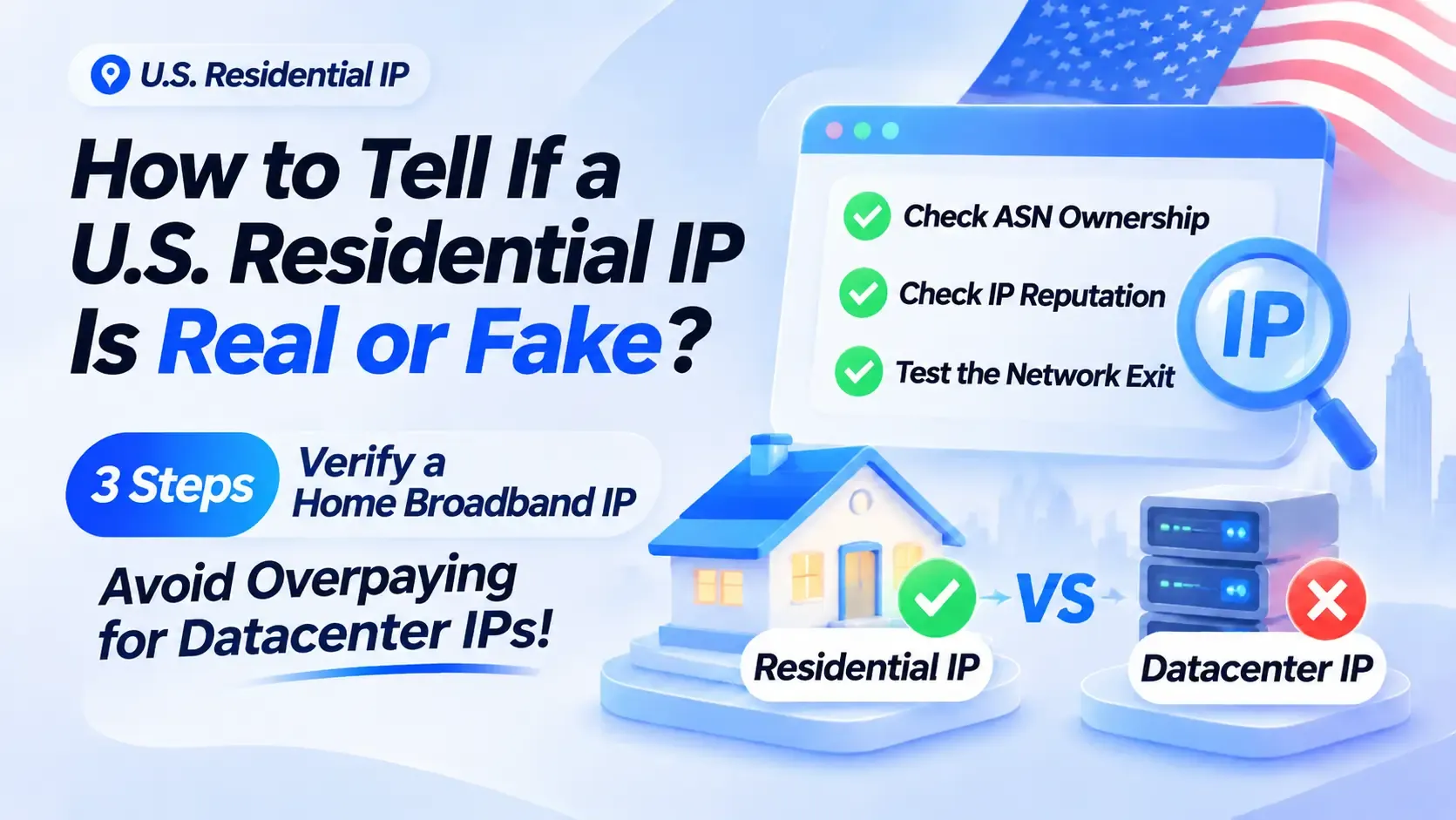
1. Start with the ASN to confirm where the residential IP actually comes from
You can't tell whether an IP comes from a home broadband network just by the country and city the provider lists.
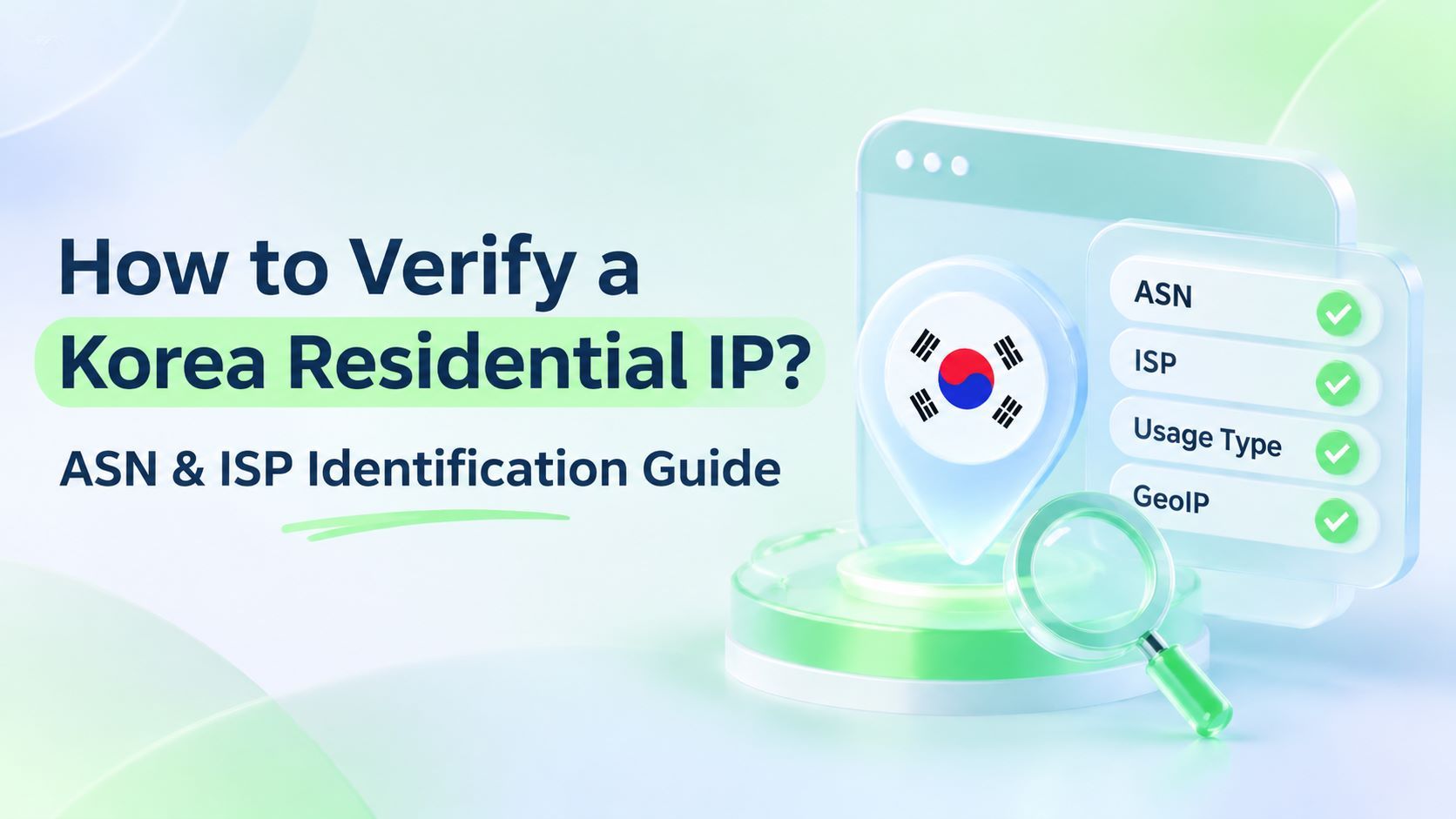
Pull 15 to 20 samples from different regions and look up the ASN, WHOIS, and reverse DNS record for each. Networks run by broadband carriers like Comcast, Verizon, and AT&T usually include residential access resources, while cloud networks such as AWS or Hetzner need a closer look at the actual IP type.
Keep in mind that a carrier ASN doesn't guarantee a residential address, and a missing reverse DNS record doesn't automatically make an IP abnormal. Cross-check against several IP databases.
With a provider like IPDEEP that offers region and carrier filtering, you can also check the actual exit results first, then decide whether the resource fits your business needs.
2. Static IP or dynamic IP — start from your session requirements
A static residential IP keeps a relatively fixed exit address, which suits work that needs a persistent connection, scheduled access, or an uninterrupted session state — remote system maintenance, for example, or testing region-specific features.
A dynamic residential IP lets you rotate the exit per request or on a set schedule, which fits public web data collection, comparing search results across regions, and similar tasks.
Neither is inherently better. Before buying, confirm three details: how long an IP stays assigned, whether you can switch manually, and whether a dropped connection can resume the original session. For projects that run around the clock, these usually matter more than pool size.
3. Measure the usable rate, don't just count residential proxy IPs
Owning millions of addresses doesn't mean your actual request success rate will be higher.
For a test, take a fixed set of IPs and hit an authorized test endpoint at a consistent frequency over 24 hours, recording connection success rate, HTTP response success rate, and how often the page content came back complete.
If a line connects fine but keeps returning timeouts or partial content, its value to real work is still limited.
Log daytime and evening data separately, and watch whether failures cluster in particular hours. Continuous testing surfaces stability problems that a single speed test misses.
4. Country-level geolocation isn't enough
If your work involves regional pricing displays, local search, or verifying a site's region-specific features, city-level accuracy matters.
Say you need to compare page differences across Los Angeles, New York, and Chicago — confirm there's a usable exit in each target city, rather than ordering the moment you see "supports the US."
During testing, sample from all three cities, compare the geolocation reported for each exit IP, and confirm the actual region shown on the target page.
Also allow for update lag between IP databases, so a single platform's geolocation shouldn't be your only reference.
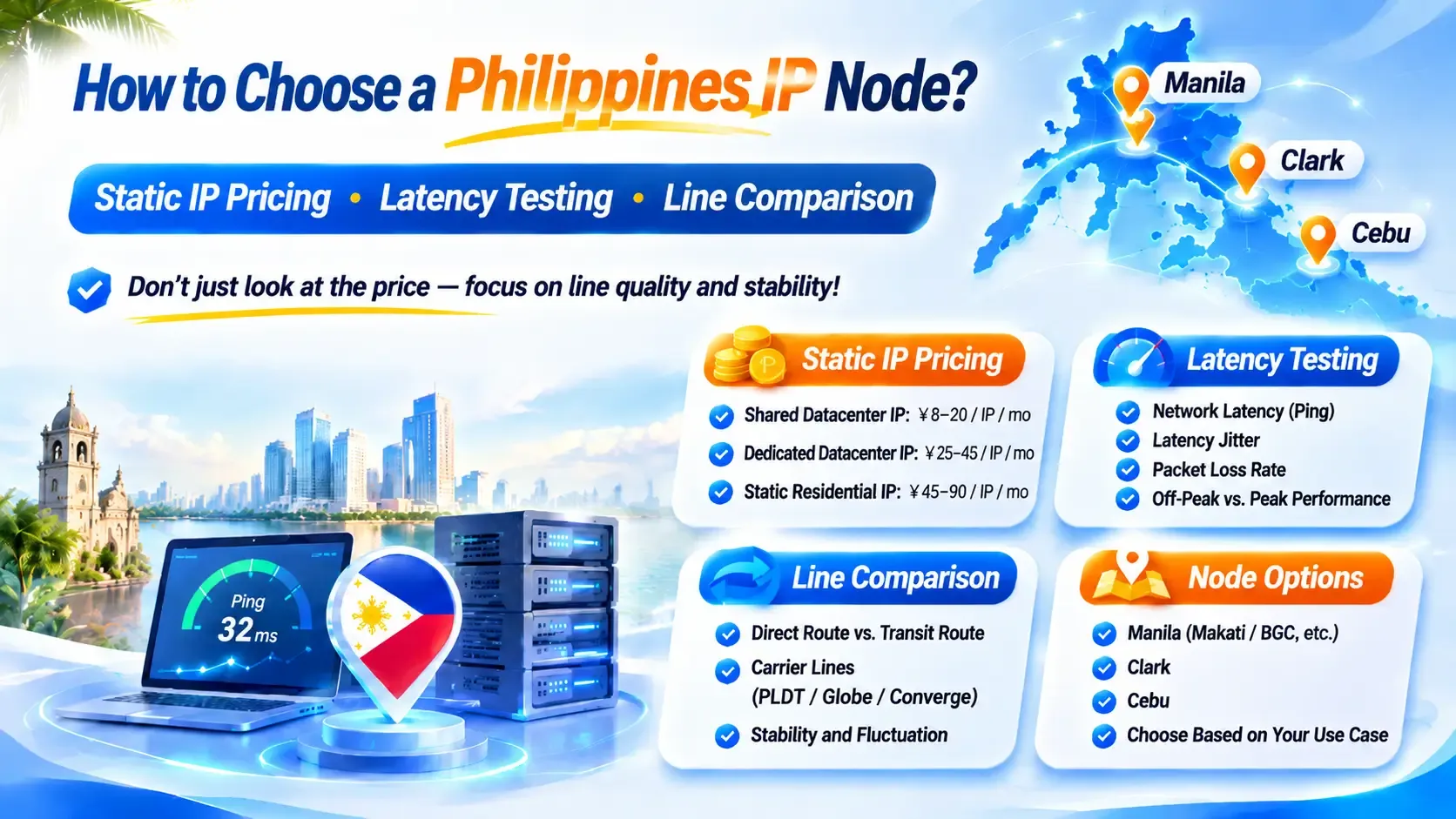
5. Record latency and jitter separately
Average response time only reflects overall speed; it doesn't capture line stability. Some residential IPs post a low average latency but spike now and then, and the real-world experience may not be better.
Here's simulated test data for two lines:
| Metric | Line A | Line B |
|---|---|---|
| Average response time | 180 ms | 230 ms |
| P95 response time | 820 ms | 280 ms |
| Latency fluctuation | High | Low |
| Request timeout rate | 5% | 0.5% |
| Overall | Fast but unstable | More consistent |
Note: these figures are meant to illustrate how the metrics differ, not to report results from any actual provider.
The comparison shows the tradeoff clearly: Line A has the shorter average, but far more high-latency requests and timeouts; Line B is a little slower on average, yet better suited to work that needs sustained, reliable access.
Send at least 100 consecutive HTTP requests through the actual exit and record average duration, P95 response time, and timeout rate. A plain ping doesn't necessarily travel through that exit, so it can't fully stand in for testing real requests.
6. Get the billing rules and sharing scope in writing
Common residential IP billing models include pay-per-traffic, pay-per-IP, and pay-by-period.
Per-traffic billing suits tasks where data volume is easy to estimate; per-IP or per-period billing fits operations with a fixed number of exits used over a longer stretch.
Don't assume any one model is cheaper — work it out from request volume, payload size per request, and the cost of retries after failures.
Also confirm whether resources are shared, what the concurrency limits are, how overage is handled, and whether plans can be adjusted. All of these affect the final cost.
Appendix: how to test residential proxy IPs yourself
You don't have to buy a large plan up front. A trial credit or the smallest package is enough to run one full round of testing.
Step 1: Verify where the IP comes from
Sample IPs from different regions, check the ASN, WHOIS, exit location, and network type, and note whether the various databases agree.
Step 2: Measure connection performance
Hit an authorized test endpoint every five minutes for 24 hours straight, logging success rate, timeout count, and error types.
Step 3: Test response stability
Send repeated HTTP requests through the actual exit, calculate average duration and P95 latency, and compare results across different time windows.
Step 4: Validate against real work
Use a business page you're authorized to access, and check the returned content, regional display, and session persistence — don't judge on HTTP status codes alone.
Once testing wraps up, score each option on IP source, success rate, geographic precision, connection stability, session capability, and cost, then weight those scores by how much each one matters to your business.
Common questions about residential proxy IPs
Is a bigger residential IP pool always better?
Not necessarily. Address count doesn't equal quality — what matters more is how many usable resources exist in your target region and how they hold up under sustained requests.
Is 200 ms latency high for a residential IP?
It depends on distance. Around 200 ms isn't unusual on cross-border routes; the real question is whether P95 latency and the timeout rate meet your requirements.
What's the difference between shared and dedicated IPs?
A shared IP may be used by several customers and usually costs less; a dedicated IP has a clearer usage scope, but you should still verify the service terms and actual performance.
Why do the same IPs perform differently the next day?
It can come down to carrier routing changes, network congestion, exit load, or the state of the target server. Check your local network first, then compare test data from several time windows.
The last word
Picking a residential IP service shouldn't rest on price, country coverage, or the availability rate quoted in the marketing. What's actually worth weighing is a verifiable network source, consistent request performance, and a resource configuration that matches your business needs.
With a service like IPDEEP, run a small-scale test before committing and keep the records. IP resource quality shifts over time, so re-testing periodically is more useful than choosing once and never looking back.