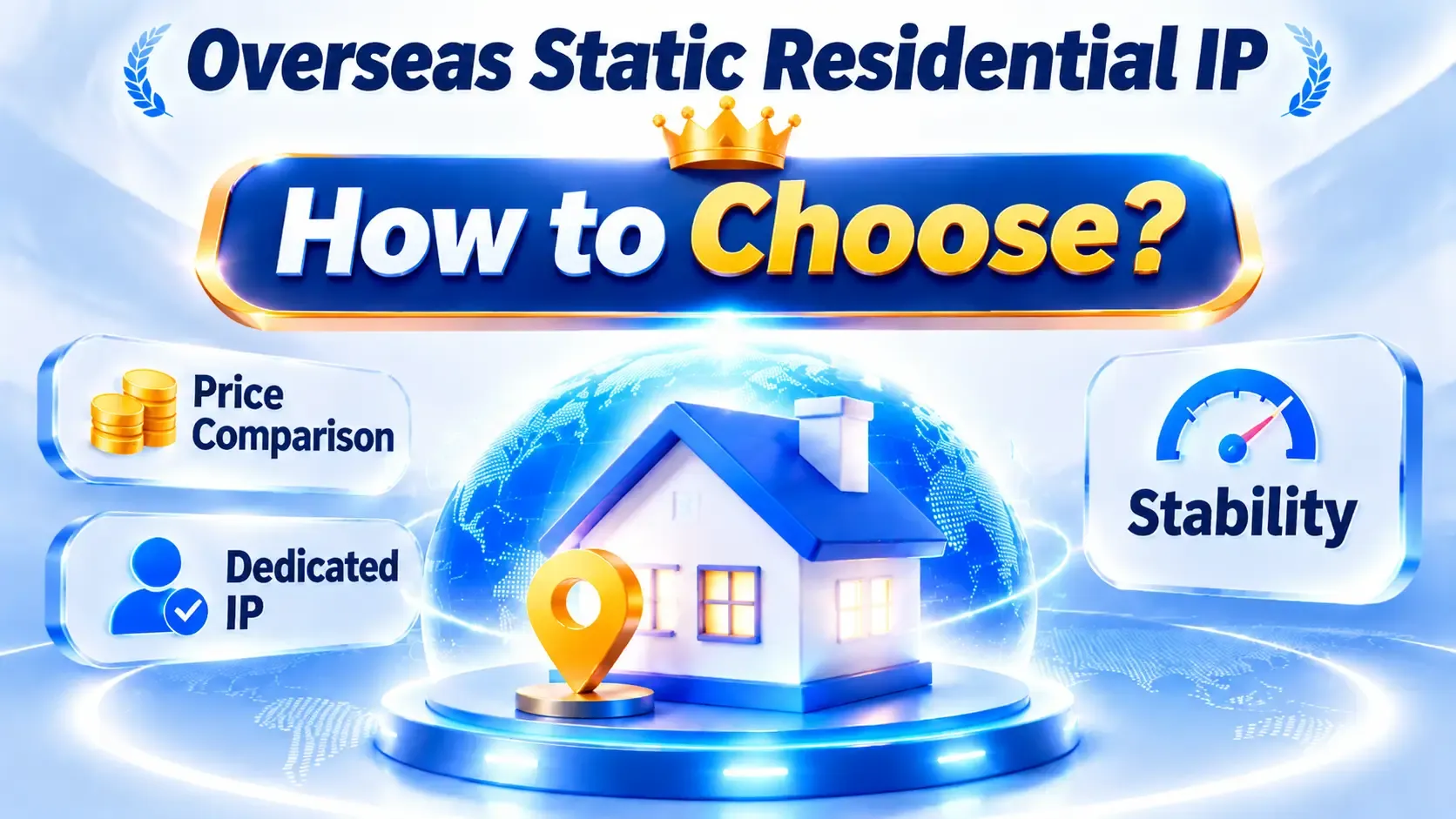
How to choose a residential IP proxy provider: pricing, stability, and usage costs compared



Clean IP picks: Static IPs from $1.5 each, Dynamic IPs from $0.5/GB


Price is usually the first thing people look at when picking a residential IP provider. And for what looks like the same product, quotes can differ several times over — some bill monthly, others by traffic.
But cheap doesn't automatically mean a lower real cost. If connections keep dropping, or bandwidth can't keep up with the workload, you end up paying for retries and maintenance in time instead.
So when you compare residential IP proxy providers, don't stop at the quote. Weigh the IP type, connection stability, and how much you'll actually use.

1. Static residential IPs or rotating ones — which should you choose?
A static residential IP keeps the same address for the life of the subscription, which suits long-running connections, remote work, access to a fixed region, and continuous monitoring. These are usually billed by IP count and billing cycle, so the cost is easy to predict.
Rotating residential IPs switch exit addresses according to rules you set, which fits public web data collection, price monitoring, and testing access from different regions. These are typically billed by traffic, so how often you use them and how much data you move directly drive the bill.
Neither type is inherently better. If your work needs the same exit over a long stretch, go static. If your tasks are scattered and span multiple regions, rotating IPs are usually the more flexible choice.
2. Why do residential proxy prices vary so much?
Pricing comes down mainly to resource type, region, exclusivity, and bandwidth policy.
In the same region, dedicated resources usually cost more than shared ones, but you get much clearer control over your own connection environment. Some regions have fewer resources available, which can push prices up too. Whether a plan caps traffic, concurrent connections, or bandwidth also shapes what you end up paying.
When comparing quotes, put the monthly fee, traffic allowance, overage charges, and IP replacement terms side by side.
Watch out in particular for "unlimited traffic" — it doesn't necessarily mean unlimited bandwidth. Some plans leave total transfer uncapped while still limiting connection speed or concurrency. Confirming those details before you buy is far more useful than comparing monthly fees alone.
3. Why does stability affect what you actually spend?
Connection stability affects more than day-to-day experience — it adds retries, troubleshooting, and recovery work on top. A plan with a lower monthly fee can still cost more overall if it keeps dropping.
Say both providers cost ¥15 per outage to handle. Here's how the numbers compare:
| Item | Provider A | Provider B |
|---|---|---|
| Monthly plan fee | ¥30 | ¥50 |
| Outages per month | 4 | 1 |
| Cost per outage | ¥15 | ¥15 |
| Extra handling cost per month | ¥60 | ¥15 |
| Total monthly cost | ¥90 | ¥65 |
Note: these figures are hypothetical. They only illustrate how connection stability affects total cost and do not represent test results from any real provider.
As the table shows, Provider B charges ¥20 more per month, but with far fewer outages the total monthly cost is actually ¥25 lower.
So beyond the plan price, look at connection success rate, response latency, how well the connection holds up over long runs, and how quickly it recovers from failures. Test under the same region, similar traffic, and the same workload before deciding which option is the better deal.
4. Taking IPDEEP as an example: what should you confirm before buying?
With IPDEEP, start by working out whether your use case calls for static or rotating residential IPs, then check whether the target region has resources available and how the matching plan is billed.
If you need a fixed exit, focus on the IP's term, whether it's dedicated, bandwidth limits, and replacement terms. If you're using rotating resources, pay more attention to the per-GB rate, region selection, session persistence, and how traffic is counted.
Don't buy a large block of resources straight away. A safer approach is to start small, log how the connections actually perform, and then decide whether to scale up.
At the same time, go by the plans and terms currently published on the IPDEEP website rather than judging whether a product fits from marketing copy alone.
5. Once your static residential IPs arrive, what should you test first?
Once you have the IP, check the exit address, ASN, region, and how third-party databases classify the network type. Note that an ASN belonging to an ISP doesn't by itself prove an address comes from a home broadband line — you need other signals to judge that.
If you're testing access through a browser, you can also use ToDetect (todetect.net) to view the exit IP, DNS resolution results, and browser environment details, and confirm the real configuration matches what you expect.
After the basics check out, run real workloads continuously for a while and log latency and disconnections during peak hours. Working fine in a short burst doesn't mean it will hold up over the long run.
FAQ
Is a more expensive residential IP always more stable?
Not necessarily. Price can reflect regional resources, exclusivity, and bandwidth costs, but it doesn't map directly to stability. Judge by actual test results under equal conditions.
Shared or dedicated residential IPs — how do I choose?
For long-term fixed connections where you need clear control over resource usage, dedicated is generally worth considering first. For short tests or light access tasks, weigh a shared plan against your budget.
Can I get a refund if the residential IP doesn't work well?
Refund and replacement policies differ from provider to provider. Before buying, confirm the conditions that apply, the claim window, and what support you can get when connections misbehave.
The bottom line
The point of choosing a residential IP provider isn't to find the lowest sticker price — it's to work out the total cost of using the service over time.
If your volume is small and tasks can be retried, you can afford to weight price more heavily. If you need continuous connections and outages hurt, stability should come first.
With IPDEEP or any other provider, define your requirements first, then compare plans and test connection quality against the same criteria. Letting real data decide how much you buy is usually more reliable than reading a price list.