

Dedicated Overseas Residential IPs: Choosing the Right IP



Clean IP picks: Static IPs from $1.5 each, Dynamic IPs from $0.5/GB


A stable network connection is essential for daily operations in cross-border e-commerce, overseas social media management, and international market research.
If an IP address changes frequently, its network type does not match the target location, or it has a history of abuse, you may encounter additional verification checks, access restrictions, or unstable connections when using overseas platforms.
For businesses that need to maintain the same network exit over time, a dedicated static residential IP is worth considering.
However, static residential IPs, rotating residential IPs, and data center IPs differ significantly in their network sources, usage patterns, and costs.

Why Do Overseas Businesses Need a Stable Network Exit?
When evaluating whether a request is trustworthy, overseas platforms typically look beyond the account itself and consider various network-level signals. Three factors are particularly important:
For users who regularly log in to and manage overseas accounts, frequently changing IP addresses, sharing the same IP with multiple users, or using an IP with an unsuitable network profile can make the network environment less predictable.
Static Residential IPs vs. Rotating Residential IPs vs. Data Center IPs
These three IP types mainly differ in their network sources, whether their IP addresses remain fixed, and whether they are dedicated to a single user:
Two separate concepts are worth distinguishing: static and rotating describe whether an IP address changes, while dedicated and shared describe whether an IP address is assigned to one user or multiple users. These are two different dimensions and should not be confused.
If you currently use rotating residential IPs but need to maintain the same network exit over time, learn more about when to switch from rotating residential IPs to static residential IPs to determine whether changing proxy types makes sense for your business.
What Is the Difference Between Dedicated and Shared Residential IPs?
A dedicated IP is assigned exclusively to a single customer during the agreed rental period. A shared IP, on the other hand, may be used by multiple customers through the same network exit.
Dedicated IPs can reduce interference caused by other users' activities on the same IP address. However, this does not guarantee that an IP has never been used before or has a clean usage history.
For more details about static residential IPs, visit the IPDEEP Static Residential IP product page.
Which Businesses Benefit from Dedicated Static Residential IPs?
The main value of a static residential IP is providing a fixed, dedicated network exit associated with the target location. The following three use cases are particularly suitable:
1. Cross-Border E-Commerce Store Management
Regularly accessing store dashboards, managing orders, and running advertising campaigns requires a relatively stable network exit. A static residential IP helps reduce changes caused by frequent IP switching.
2. Overseas Social Media Account Management
For daily logins, content management, and account maintenance, a static residential IP can provide consistent access from the same location and IP address.
3. Accessing Region-Specific Overseas Tools and Services
When using overseas websites, SaaS tools, or online services that require access from a specific region, a fixed residential IP can help reduce disruptions caused by frequent changes in exit location.
A static residential IP is worth considering if you need to access these services from the same region over an extended period.
Keep in mind that a static residential IP provides a fixed network exit. It does not guarantee that an account will avoid verification checks or that published content will receive more exposure.
Whether it is the right choice depends on whether your business genuinely needs to maintain the same network exit over time.
How to Choose a Dedicated Residential IP: 6 Key Factors
Buying a static residential IP involves more than choosing an IP address. You should also consider its suitability for long-term use. Before purchasing, check these six factors:
Pay particular attention to the IP renewal and replacement policy. If you already use an IP for an online store or other long-term business operations, the ability to retain it after renewal and the available options if it stops working can directly affect business continuity.
Bandwidth requirements also depend on how you use the proxy. For routine web browsing and account management, choose a suitable bandwidth based on page loading and concurrency needs.
Tasks involving large image loads, file transfers, or continuously running automation require closer attention to bandwidth limits, actual throughput, and connection stability. Higher bandwidth does not necessarily mean better IP quality, so choose according to your actual requirements.
How to Verify a Static Residential IP Before Using It
Once you receive an IP address, you can perform three basic checks:
▸ Check IP attributes. Use IP lookup tools to verify the ASN, ISP, network type, and IP geolocation.
▸ Check IP reputation. Review risk information using databases such as Scamalytics, and compare the results with other sources.
▸ Test the actual connection. Configure the IP in your target browser or business software and check connection stability, location accuracy, and real-world access performance.
What to Keep in Mind When Using Static Residential IPs
Your network exit is only one part of the overall setup. Local device and browser configurations also matter.
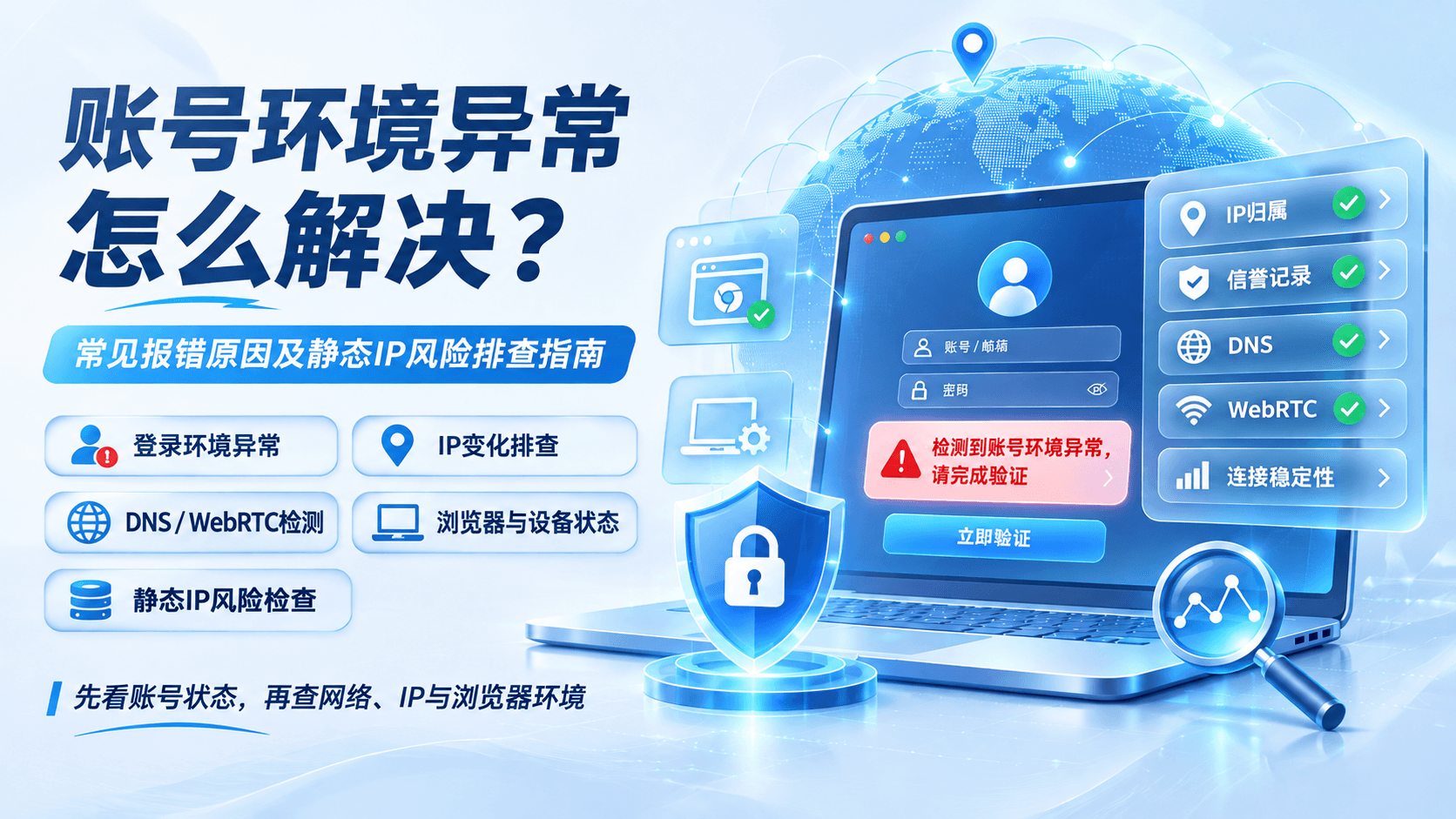
▸ Check DNS and WebRTC settings. Make sure DNS requests follow the intended proxy route and review your browser's WebRTC settings to prevent unnecessary exposure of local network addresses.
▸ Keep your exit location consistent. Assign each business environment to a single country or region, and avoid frequent IP changes, especially switching between countries within a short period.
▸ Use separate browser profiles for different accounts. Create an independent browser profile for each account, with separate cookies and session data, to reduce the risk of mixing local browsing information.
IPDEEP Dedicated Static Residential IPs
IPDEEP provides dedicated static residential IPs with fixed network exits throughout the rental period, making them suitable for cross-border businesses that need a stable, long-term network connection.
IPDEEP static residential IPs are available in multiple countries and regions, with prices varying by location.
For example, Hong Kong IPs start at $3.3/month, Thailand at $4.6/month, Vietnam at $5.9/month, and Singapore at $6/month. Bandwidth is customizable up to 50 Mbps, and HTTP, HTTPS, and SOCKS5 protocols are supported.
If an IP becomes unusable due to resource issues or other exceptional circumstances, you can request a replacement or refund in accordance with the platform's after-sales policy. Renewal and IP retention terms are subject to the actual order and applicable support policies.
For discounted IP options in different regions, visit the IPDEEP Static Residential IP Deals page.
When choosing a plan, start by selecting the countries or cities where your business operates, then compare the rental periods and final prices of the available plans. Check the official website for the latest pricing.
Frequently Asked Questions
Q1: What Is the Difference Between a Static Residential IP and a Static Data Center IP?
The main difference is their network source. Static data center IPs come from data centers or cloud providers and may be identified as hosting or proxy IPs by platforms.
Static residential IPs come from ISP network resources and have network characteristics more closely associated with residential connections. However, network type is only one factor in platform security checks and does not guarantee that a static residential IP will pass every verification.
Q2: Why Do I Still Encounter CAPTCHA Checks When Using a Static Residential IP?
An IP address is only one part of a platform's security assessment. Platforms may also evaluate browser fingerprints, local DNS or WebRTC leaks, cookie history, and user activity.
If you encounter verification checks, review your proxy client's DNS settings and browser environment, then troubleshoot based on the platform's specific message.
Q3: Which Is Better for Static Residential IPs: SOCKS5 or HTTP/HTTPS?
HTTP/HTTPS proxies are suitable for common web browsing and HTTP requests. SOCKS5 supports a wider range of network applications and can forward TCP traffic, with UDP forwarding available in some implementations.
Your choice should depend on software compatibility and the protocols supported by your proxy provider, rather than simply assuming one is faster than the other.