How to Buy a Static Residential IP in Los Angeles: A Guide to Pricing, Node Selection, and Latency Testing



Clean IP picks: Static IPs from $1.5 each, Dynamic IPs from $0.5/GB


How do you choose a Los Angeles static residential IP? Before buying, most people care about three things: the monthly price, the latency when connecting from China, and whether they can keep the same IP address over the long term.
In practice, price is only part of the decision. Carrier ownership, node location, connection stability, and subscription length all shape the final experience.
If you need long-term access to US-based websites, to manage a business backend, or to run localization testing, it usually pays to understand what a static residential IP actually is before picking a route — rather than simply comparing prices.

1. How Is a Los Angeles Static Residential IP Different from a Data Center IP?
Data center IPs usually come from data centers. Bandwidth is plentiful and pricing is relatively low, which suits server-to-server traffic and routine data transfer. Static residential IPs typically use addresses from residential networks or local internet service providers, with common carriers including AT&T, Spectrum, and Comcast.
That said, an IP belonging to a US carrier doesn't guarantee it's a home broadband address. Before buying, you still need to look at the ASN, IP classification databases, and the actual egress location.
Another trait of static residential IPs is that the address stays fixed. Compared with dynamic residential IPs, which rotate on a schedule, a static IP better suits cases where you need a stable network egress over time, an IP allowlist, or continuous business testing.
Keep in mind that fixed doesn't mean permanent. The actual lifespan and replacement terms still depend on how the provider arranges its resources.
2. What Should You Check Before Buying a Los Angeles Static Residential IP?
Start with node location. A US IP isn't necessarily in Los Angeles — even if a geolocation database places it in California, the address may sit in another city. If you need a genuine Los Angeles network environment, prioritize products that support city-level targeting.
Next, check whether the IP is dedicated. A dedicated address is easier to keep track of and suits long-term work. Shared resources may be cheaper, but your experience depends on what other users are doing with them.
Protocol support matters too. The common access methods are HTTP and SOCKS5, so confirm that your browser, software, or scripts support whichever one the provider offers.
Finally, price and billing. A monthly per-IP plan fits long-term fixed use, while traffic-based billing means you need to estimate actual consumption. A lower price doesn't necessarily mean poor quality — the key is checking the dedicated vs. shared arrangement, traffic limits, subscription term, and after-sales policy.
3. How Do You Buy a Los Angeles Static Residential IP from IPDEEP?
When you're ready to buy, start on the IPDEEP website and review the regional coverage, plan details, and supported access methods for the static residential IP product.
After selecting a US node, confirm whether Los Angeles city resources are available, then decide on IP count, purchase term, and plan based on what you actually need. Available resources by region can change, so the inventory and pricing shown on the purchase page are what apply.
Once the purchase is complete, configure the connection parameters provided in the dashboard. You'll typically enter the server address, port, and the relevant authentication details. Before you start using it, run a quick connection test to confirm the egress IP matches the region you selected.
If you need to keep the same address over time, find out in advance whether renewal preserves the original IP, and how line maintenance or address changes are handled.
4. What Counts as Normal Latency for a Los Angeles IP Node?
When connecting to a Los Angeles static residential IP from mainland China, latency is mainly shaped by your local carrier, international routing, network congestion, and the time of day. Results can differ noticeably between regions and routes.
The ranges below are reference figures for connecting from mainland China to US West Coast nodes. They are not actual test results for IPDEEP's Los Angeles nodes.
| Network | Reference latency | What you might see |
|---|---|---|
| Shanghai, China Telecom | 150–190 ms | Everyday browsing is fairly smooth when routing is stable |
| Beijing, China Unicom | 160–210 ms | Some latency fluctuation at different times of day |
| Guangzhou, China Mobile | 170–230 ms | International routes can congest during the evening peak |
| Evening peak hours | 20–50 ms on top | Depends on the carrier and routing conditions |
These figures are for a rough assessment only. What you actually see should be judged by test results from your own network environment.
When testing, run several rounds during the day and again in the evening, then weigh average latency, jitter, packet loss, and page load speed together. Some service endpoints don't respond to ICMP, so a ping result won't always reflect the connection quality of the final IP egress.
If you plan to use IPDEEP's Los Angeles static residential IP long term, test it against your real workload first, then decide the purchase term based on connection stability.
5. After Buying, How Do You Verify the Static IP's Quality?
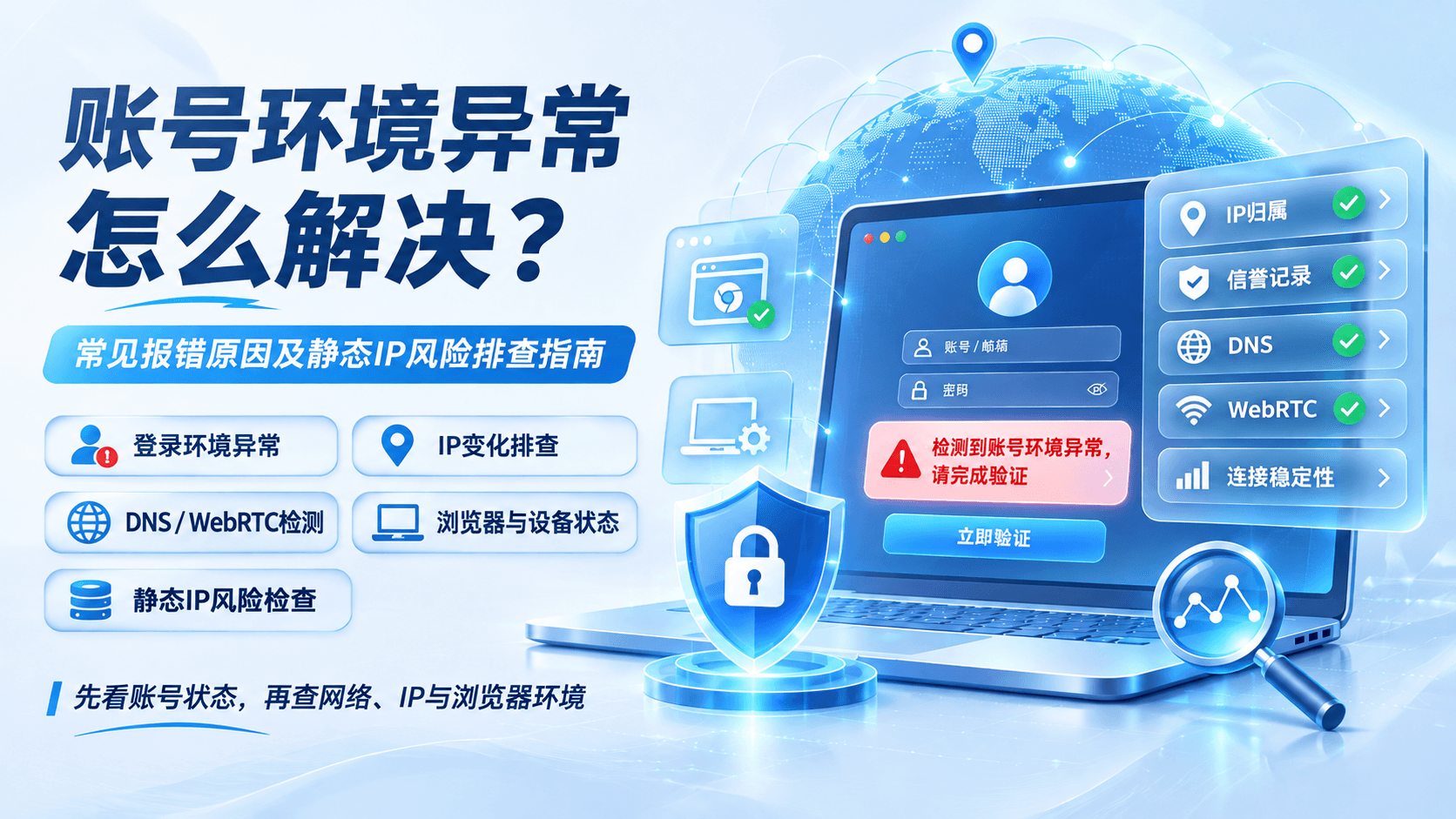
Check the IP's ownership first, then test how the connection performs. You can use ToDetect to look up the ASN, carrier, and geolocation, and cross-check the results across different databases. IP location data can be off, so a single lookup shouldn't be treated as the final answer.
Then test against the actual sites your work depends on, paying attention to whether the connection holds, whether pages load completely, and how responses differ across time windows.
If you're in this for the long haul, log performance over several days. If you see frequent disconnects, a changing egress address, or sustained packet loss, follow up with the provider.
6. Is a Los Angeles Static Residential IP Worth Buying Long Term?
If your work needs a fixed US West Coast network egress, a Los Angeles static residential IP is worth considering. Whether it's worth buying long term, though, shouldn't hinge on a single speed test.
For a first purchase, start with a shorter term. Confirm that the IP location, connection quality, bandwidth limits, and renewal policy meet your needs, then consider adding more IPs or extending the subscription.
If you're planning to use IPDEEP, the priority is confirming actual availability of the Los Angeles node and testing it in your own network environment.
The static residential IP that's genuinely right for long-term use isn't necessarily the cheapest or the one with the lowest latency in a single test. It's the one with an accurate location, a stable connection, clear usage terms, and the ability to keep meeting your workload's needs.