

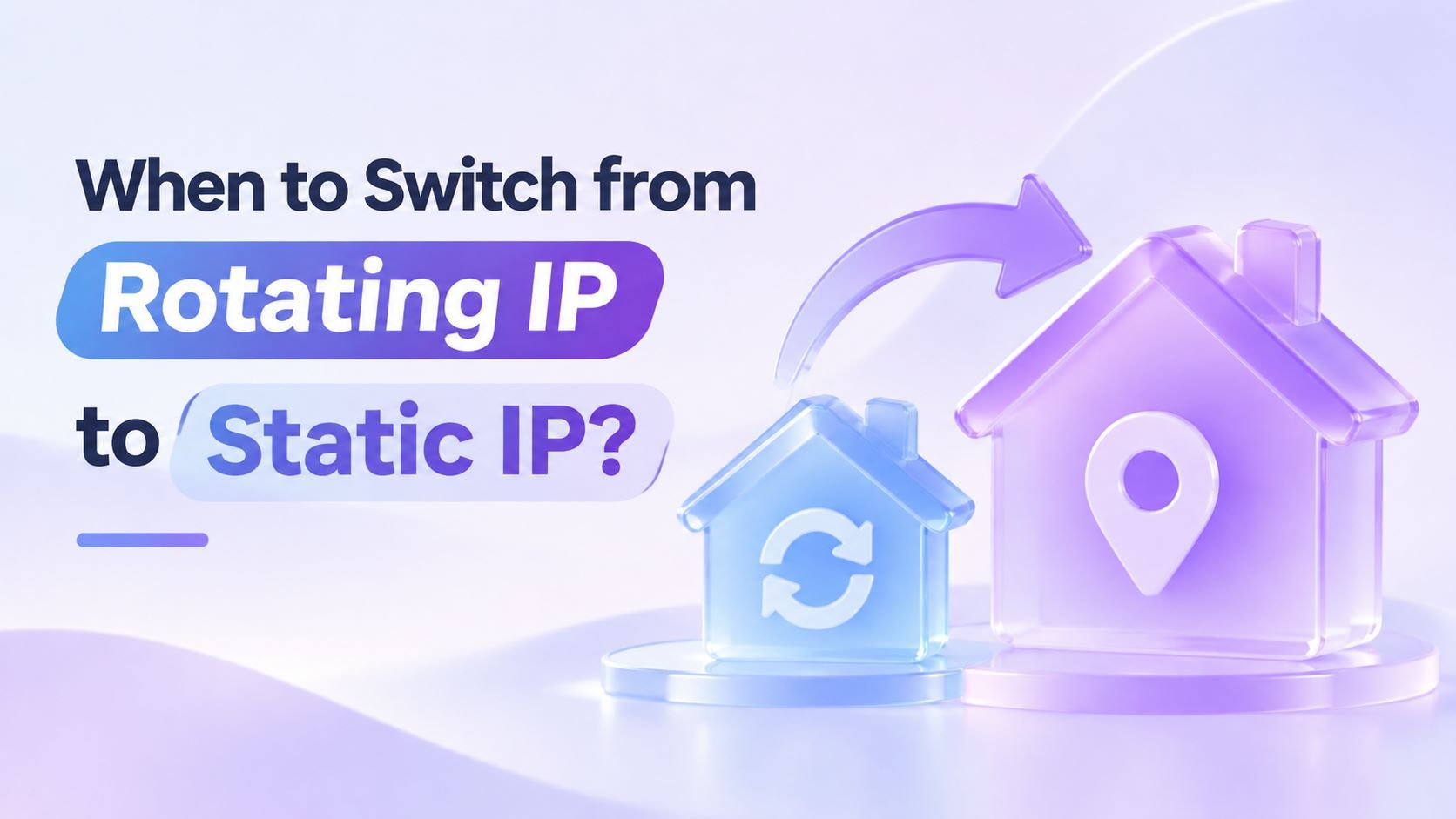
When to Switch from Rotating to Static Residential IPs



Clean IP picks: Static IPs from $1.5 each, Dynamic IPs from $0.5/GB


Choosing between rotating and static residential proxies comes down to how long you need to keep the same exit IP. If you only need to target a specific location, start with a rotating residential proxy that supports that location.
If you need the same IP for a single task, try a sticky session. If you need to reuse the same address across multiple days or a third party requires a fixed source IP, consider a static residential IP.
If frequent verification prompts are making you consider switching, start by logging when each prompt appears and which exit IP you were using.
If verification often occurs on the first login after an IP change, test a static IP with one dashboard you use regularly and compare how often verification is required before and after the switch.
Three Proxy Modes and How Long Each Keeps the Same IP
The main difference between rotating and static residential proxies is how long the exit IP stays the same. That determines which tasks each mode suits.
When using a sticky session, set its duration to cover the entire workflow. If the residential node goes offline mid-task, the exit IP can still change.
When Is It Worth Switching?
1. Store Dashboard Verification Keeps Coming Up
If a verification prompt appears in the middle of a task, check whether the exit IP changed during the session. Some platforms consider network changes when deciding whether to trust a device, so a change in IP or network can trigger another verification prompt.
If your logs show that the exit IP changed mid-task, see our guide to troubleshooting session loss after residential IP rotation.
Two-step verification during a task, a store review, and an account suspension are separate events. Each can have different causes, so check the specific notice before attributing it to an IP change.
If signing in the next day often triggers verification and this has happened repeatedly after an IP change, try a static IP with one store dashboard you use regularly.
During the test, use the same device and browser and stick to similar day-to-day tasks. Record the number of sign-ins, the number of verification prompts, and what each prompt says.
Record the first sign-in after the switch separately, since the switch itself changes your exit IP. The next few routine sign-ins provide a better comparison. A fixed exit IP removes one source of variation, while the platform can still require verification or a review for other reasons.
2. Your Ad Dashboard Needs a Consistent Exit IP
Treat dashboard tasks such as reviewing reports and adjusting budgets separately from checking landing pages across regions.
If your team accesses the same ad dashboard through a proxy, has been changing exit IPs frequently, and wants a consistent address for day-to-day access, you can assign a static IP to that dashboard. Keep using rotating residential proxies for landing page checks that require switching between locations.
3. A Third Party Requires a Fixed IP Allowlist
This is the clearest reason to switch. For example, a warehouse provider may require you to register a source IP before your ERP can sync inventory through its API.
Register the source IP that the receiving server actually sees. Send a test request from the server that runs the script and confirm that the source IP matches the allowlist entry.
A common mistake is testing from the wrong environment. A request from your office computer may pass through the proxy, while the deployed ERP connects directly from its server. The two requests then use different source IPs, and the production request fails the allowlist check.
Test from production and verify the source IP in the receiving system's logs or ask the provider to confirm it.
Some services also restrict where an API key can be used based on the source IP. If your integration has this requirement, you can go straight to a fixed exit IP.
4. Long-Running Tasks Need the Same IP After Reconnecting
If you can split a task into batches that each fit within a sticky session, you can keep using a rotating residential proxy. If the task must reconnect through the original exit IP, consider a static one.
Test connection uptime and reconnection separately. During the rental period, reconnecting through the same static proxy lets you reuse the exit IP. The connection itself can still drop.
For example, you might submit a report generation job and then download the result through an endpoint that requires the same source IP as the original request. If the connection drops, even another IP in the same city may fail the check. A static exit IP lets you reconnect using the address you started with.
Run a reconnection test by disconnecting and reconnecting. Check whether the exit IP stayed the same and whether the original task can resume. If the IP stayed the same but the task still fails, check the task status, credential expiration, and retry logic.
How to Make the Switch in Three Steps
▸ Record the current issue. Log when verification prompts appear, where tasks fail, and which exit IP was in use. Use these records as a baseline after switching.
▸ Test one workflow first. Pick one store dashboard or API integration that needs a fixed exit IP. Look up the exit IP's ASN and network operator, check whether the plan provides a dedicated IP for the rental period, and confirm that it supports the protocol you need. Then run a trial with that workflow.
▸ Verify the results for your use case. For a store dashboard, track whether verification prompts become less frequent. For an API, check that the receiving server consistently sees the expected source IP.
For long-running tasks, confirm that they can reconnect through the same address. Use those results to decide whether to switch other workflows.
Frequently Asked Questions
Q1. Can I Use Rotating and Static Residential IPs Together?
Yes. An ecommerce team might use static residential IPs for its main store dashboard and ERP syncs, while the marketing team uses rotating residential proxies for competitor research and monitoring across regions. Choose the proxy type that fits each workflow.
Q2. Why Am I Still Getting Verification Prompts After Switching to a Static Residential IP?
A static residential IP gives you a fixed exit address for the rental period. If verification prompts persist after switching, work through these checks in order.
First, use an IP lookup tool to confirm that your traffic is using the new exit IP.
Next, check whether your browser has retained your sign-in session and cookies.
Finally, read the platform's verification message. Device changes, how frequently you perform certain actions, and the platform's verification policies can all trigger prompts even when the IP stays the same.
Summary
If a workflow needs the same exit IP across multiple days or a fixed address for an allowlist, switch that workflow to an IPDEEP static residential proxy. If you only need the same exit IP for one task, start with a sticky session.
If you've decided to switch, check which static residential proxy options are available in your target country or city, then test one in your actual workflow.
When comparing plans, check location availability, the rental period, supported protocols, and bandwidth.
For example, IPDEEP's US static residential proxy plans offer dedicated IPs, support HTTP, HTTPS, and SOCKS5, and provide bandwidth of up to 50 Mbps.