How to Choose a Malaysian Static Residential IP



Clean IP picks: Static IPs from $1.5 each, Dynamic IPs from $0.5/GB


Malaysian residential IPs are commonly used to access local platforms, test region-specific content, and maintain a consistent network exit for cross-border e-commerce, overseas social media operations, and localized data collection.
When purchasing a Malaysian static residential IP, don't focus solely on the country location and price. You should also verify whether the IP comes from a local ISP, is genuinely dedicated, and remains unchanged throughout the subscription period.
This guide covers the key factors to check before purchasing, including node locations, IP attributes, resource quality, and plan configurations.
What Is a Static Residential IP? How Does It Differ from a Dynamic Residential IP?
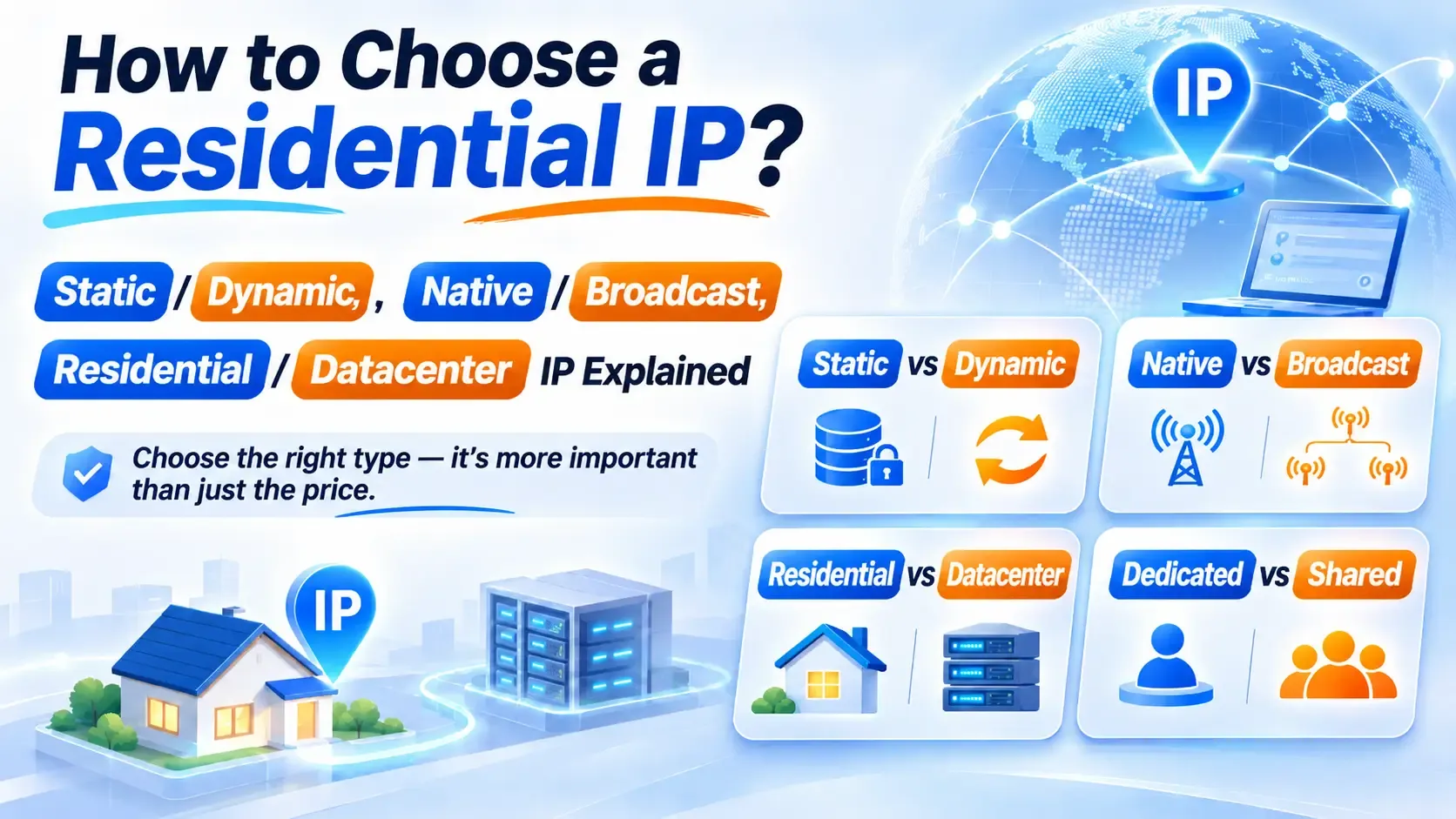
1. Residential vs. Static IP Attributes
Residential describes the network source of an IP address, typically referring to a home broadband connection provided by a local ISP.
To verify this attribute, check the ISP information, ASN, and network type reported by IP databases. Static means that the outgoing IP address remains unchanged throughout the agreed subscription period.
These are two independent attributes: residential describes where the network connection originates, while static describes whether the exit IP remains fixed. An IP can have both residential origins and a fixed exit address, or only one of these attributes.
2. Comparison of Three Proxy IP Types
Static residential IPs are suitable for tasks that require the same exit IP over an extended period, while dynamic residential proxies are better suited to multi-location access and IP rotation. Neither is universally better; the right choice depends on whether your business requires a fixed exit IP.
How to Choose a Malaysian Static Residential IP
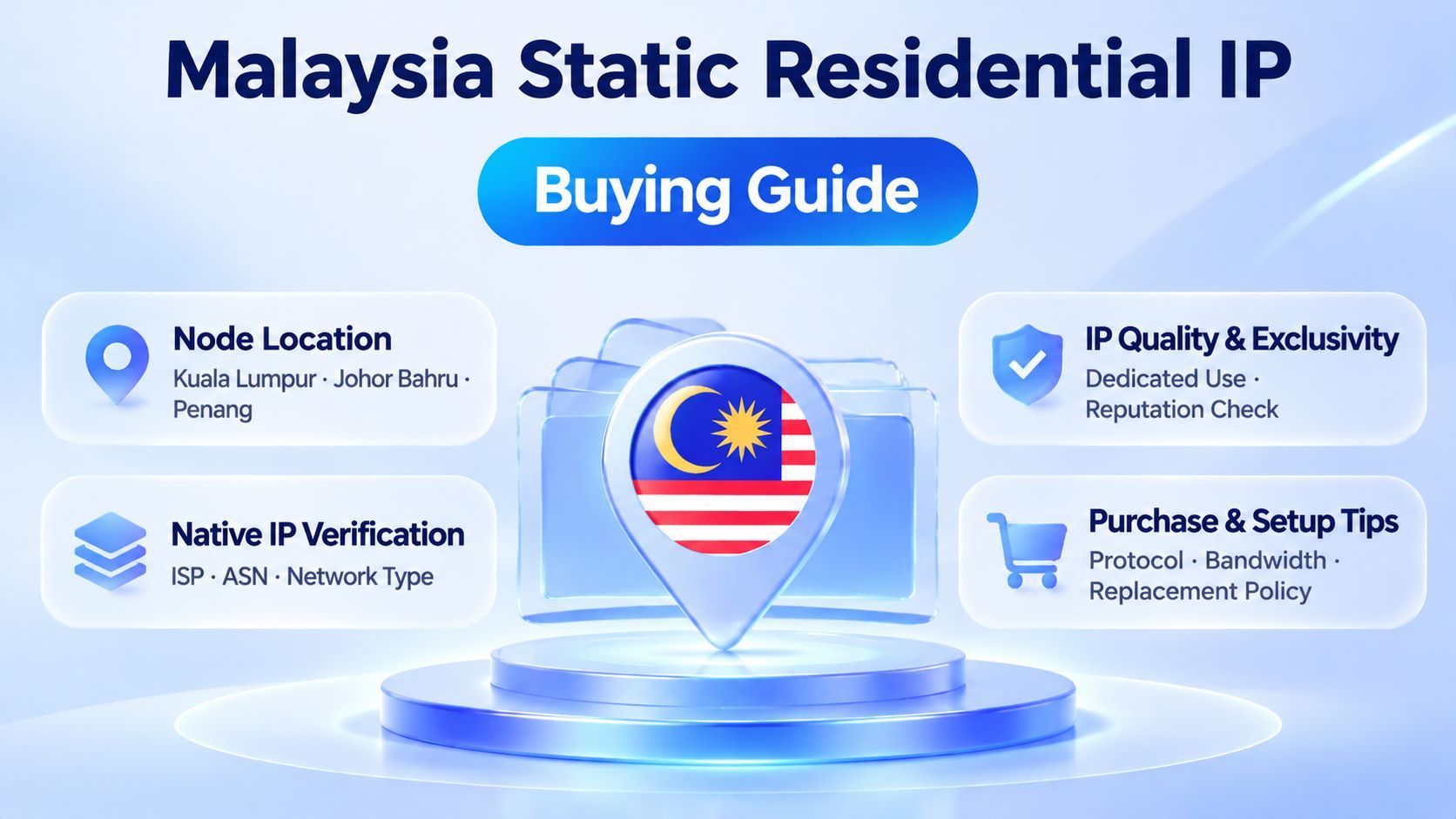
1. IP Origin and ISP Attribution
Major broadband and internet providers in Malaysia include Maxis, CelcomDigi (formed through the merger of Celcom and Digi), TIME dotCom, and TM Unifi.
You can cross-check an IP's ISP, ASN, network type, and proxy detection results using databases such as IPinfo, IP2Location, and MaxMind.
Some IP addresses may appear to be located in Malaysia in geolocation databases, while their ASN, registered organization, or network type indicates a data center or hosting network.
Therefore, a Malaysian geolocation result alone does not prove that an IP belongs to a Malaysian residential network. Even if the ASN points to a local ISP, this is only one supporting indicator. You should also consider the provider's resource sourcing information and actual connection test results.
2. Node Location and Actual Connection Performance
Network infrastructure varies across Malaysian cities.
According to Internet Society's IXP tracking records, Malaysia currently has four active Internet Exchange Points (IXPs), located in areas including Kuala Lumpur, Johor Bahru, and Penang. However,
the location of an internet exchange facility does not necessarily mean that a residential proxy node in that city will offer better routing. Actual performance should always be verified through testing.
Before purchasing, check which city locations the provider currently offers. Use test nodes to evaluate latency, packet loss, and sustained connection stability, preferably during the hours when your business is most active.
3. Dedicated Access and IP Reputation
A dedicated static residential IP is assigned exclusively to one user during the agreed subscription period, reducing the potential impact of sharing an exit IP with other users.
However, dedicated access does not guarantee a good IP reputation or mean that the address has never been used by someone else. Before purchasing, check proxy detection results, publicly available abuse records, and actual access performance.
4. Protocols, Bandwidth, and Client Compatibility
Choose HTTP, HTTPS, or SOCKS5 based on your client's compatibility. In addition to protocol support, confirm the plan's bandwidth limit, concurrent connection limit, and whether traffic is capped.
Whether SOCKS5 supports UDP forwarding depends on the features actually provided by the service provider.
Anti-detect browsers can help isolate different browser environments.
When configuring your setup, align the language, time zone, and proxy exit with your actual business region. Also check whether DNS and WebRTC settings behave as expected. There is no need to apply a fixed configuration template.
What to Consider When Buying a Malaysian Static Residential IP
1. Identify Fake Residential IPs
Some proxy providers may disguise data center IPs as static residential IPs.
After purchasing, immediately verify the actual network type and ISP attribution using ASN lookups and multiple IP databases. You can also check risk scores, proxy detection results, and publicly available abuse records to assess the IP's usage history.
These tools provide useful clues for further investigation, but none can directly prove that an IP originates from a residential broadband connection.
2. Confirm the Subscription Period, Fixed Exit IP, and Replacement Policy
Before purchasing, confirm whether the IP is assigned exclusively to one customer throughout the subscription period, whether the exit IP remains fixed, what happens if a node becomes unavailable, and whether a replacement can retain the original city location.
If you need to replace a static residential IP that has been in long-term use, verify the new node's location, network type, and connection stability in advance. Adjust the network environment in accordance with the target platform's account management rules.
3. Network Environment and Browser Configuration
When using an overseas static residential proxy, your local device must have a compliant network connection.
First, establish the required network connection. Then enter the proxy address, port, username, and password in your client or anti-detect browser, and configure IP whitelisting if required.
4. Customer Support and After-Sales Service
Before purchasing, check whether the provider offers reliable technical support, a clearly defined IP replacement policy, accessible plan limitations, and comprehensive privacy policies and terms of service.
For businesses that rely on long-term connections, support response times and troubleshooting capabilities are equally important.
IPDEEP Malaysia Static Residential IP Recommendations
If your business requires a fixed network exit in Malaysia over an extended period, consider IPDEEP's static residential proxies.
IPDEEP offers static residential proxy services with support for HTTP, HTTPS, and SOCKS5. They are suitable for cross-border e-commerce management, overseas social media operations, and localized business testing.
Before purchasing, pay particular attention to the following:
▸ Node Location: Confirm whether Malaysian nodes are available in your target locations.
▸ IP Attributes: Verify the ISP attribution, network type, and IP geolocation.
▸ Dedicated Access: Confirm whether the IP is exclusively assigned to you throughout the subscription period.
▸ Bandwidth: Choose a suitable bandwidth configuration based on your actual requirements.
▸ Replacement Policy: Understand how node failures are handled and how IP replacements are managed.
We recommend purchasing a small number of IPs for testing first. Verify connection quality, regional identification, and compatibility with your business requirements before expanding your purchase.
For more product specifications and plan details, visit the IPDEEP Static Residential IP page. To compare plans and pricing, see our Static Residential IP Pricing Guide.
Frequently Asked Questions
Q1: What Is the Difference Between Malaysian Residential IPs and Datacenter IPs?
Residential IPs originate from local ISP residential networks, while datacenter IPs come from data centers or hosting networks. You can cross-check ASN information, ISP details, and IP database results, but no single detection result can conclusively establish an IP's origin.
Q2: Should I Use Static or Dynamic Residential IPs for Shopee and Lazada Operations?
For store management and account operations that require a consistent exit IP, static residential IPs are generally preferable. For multi-location access, data collection, and price monitoring tasks that require IP rotation, dynamic residential proxies are a better fit.
Q3: How Do I Fix Proxy Connection Errors Such as 407 or Timeouts?
A 407 error usually indicates that proxy authentication has failed. First, check your username, password, port, protocol, and IP whitelist settings. For connection timeouts, check your local network, proxy port connectivity, and exit node status.
Q4: Can a Dedicated Static Residential IP Be Used on Multiple Devices?
Dedicated refers to how the IP resource is allocated: the IP is assigned exclusively to you during the subscription period. It does not necessarily define the number of devices that can connect. Whether multiple devices can use it simultaneously depends on the provider's concurrency policy.
Q5: What Bandwidth Should I Choose for a Static Residential IP?
Basic bandwidth is generally sufficient for routine store management and publishing text or images. For video transfers or continuous data requests, choose a bandwidth configuration that meets your actual throughput requirements.