




Japanese IPs: Local Websites, Geolocation & Network Setup



Clean IP picks: Static IPs from $1.5 each, Dynamic IPs from $0.5/GB


Access restrictions on Japanese websites may appear to be caused by an IP address outside Japan, but the actual reasons are often more complex. Network ownership, IP type, DNS and WebRTC routing, and each platform's service availability can all affect access.
This guide explains what you can and cannot do with a Japanese IP across different platforms, how location detection works, and how to choose and configure the right proxy.

Which Local Japanese Websites Can You Access with a Japanese IP?
Common use cases fall into three categories: viewing local content, collecting local data, and managing local accounts. Let's look at what each involves and where the limitations lie.
This table describes what users may see when accessing these platforms through a Japanese network. It does not mean that every platform permits proxy access or that a Japanese IP alone unlocks all features.
For more information about using a Japanese IP for Amazon Japan and setting up a seller account, see our guide How to Open an Amazon Japan Seller Account.
Two commonly confused examples are worth distinguishing. Mercari's restrictions concern the access environment: its official Help Center states that access through external servers and from overseas may be restricted.
If an account is flagged, users may be advised to check their network provider and VPN settings rather than simply switch to another proxy.
DMM and FANZA, by contrast, have service-area restrictions. Their official policies state that certain services are unavailable outside Japan. The former involves security controls, while the latter concerns licensing and regional availability.
Neither restriction disappears simply by changing your outgoing IP address to a Japanese one.
How Do Japanese Websites Identify IP Locations?
1. What Do GeoIP and ASN Tell You?
When a request reaches a server, the IP address is typically checked against geolocation databases. GeoIP databases can provide information such as the country, region, city, and, in some cases, postal code associated with an IP address.
Available fields and accuracy vary by database. ASN identifies the autonomous system and network organization associated with the IP.
The two serve different purposes: ASN indicates who operates the network, while GeoIP estimates where the IP address is registered or located. If an ASN belongs to NTT, SoftBank, or KDDI, it only indicates that the address is associated with a Japanese network operator.
It does not prove that the connection comes from a residential broadband line. These operators also provide data center services, enterprise connections, and hosted network services. Likewise, an IP labeled ISP or Residential may still use a hosted connection.
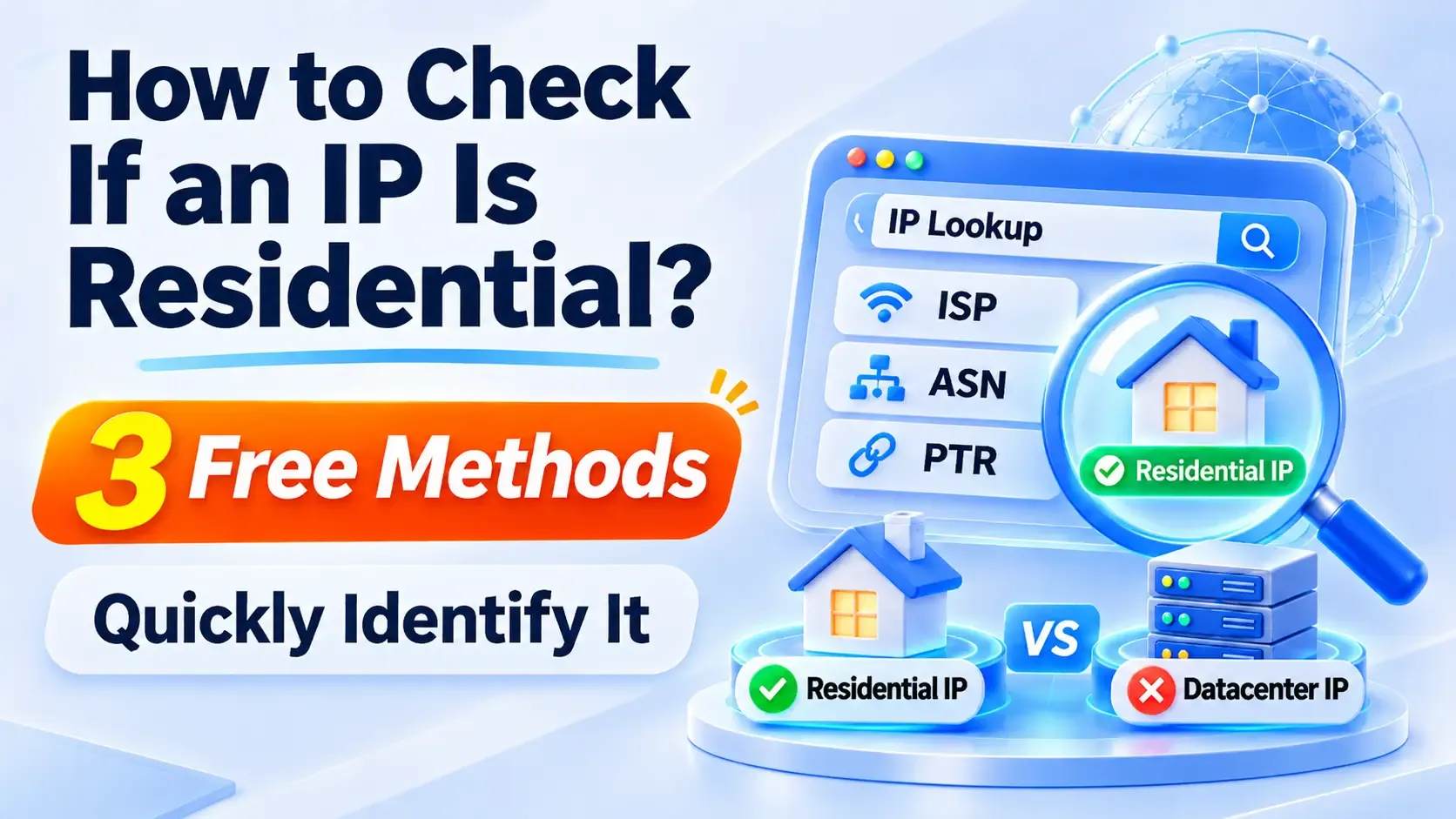
A more reliable assessment combines several indicators: ASN, ISP name, Usage Type, proxy detection results, and the IP address's history of usage and traffic.
When choosing a Japanese residential IP, do not rely solely on labels such as "native IP" or "ISP." Check the ASN, Usage Type, and actual geolocation results to determine whether the network characteristics meet your requirements.
2. Data Center IPs vs. Residential IPs
No single proxy type is best for every situation. The right choice depends on your task. For activities that require persistent login sessions, frequent IP changes can become a significant drawback.
3. Why Does IP Geolocation Sometimes Show the Wrong City?
It is common for the same IP address to appear in different cities across geolocation databases.
There are three main reasons: databases update at different intervals; an ISP may route traffic through an exit point in one city while the actual user is elsewhere; and city-level geolocation is an estimate with a margin of error.
MaxMind notes that this margin can range from a few kilometers to hundreds of kilometers.
If you purchase a Tokyo node but a database identifies it as Osaka, the issue may not be an incorrectly assigned node. Differences in database versions and network routing can produce different results.
Check two things: which cities the provider actually offers and whether the location reported by your target website remains consistent.
How to Choose Between Japanese Static and Dynamic Residential IPs
1. What Each Proxy Type Is Best For
The main advantage of a static residential IP is its fixed address. It is suitable for operations that require a stable network exit. When the same account consistently connects through the same IP, login records, verification frequency, and unusual activity can be tracked more easily.
Typical use cases include seller dashboards, account maintenance, and localized testing that requires persistent sessions. The actual network classification depends on the ASN, ISP, and access method.
Dynamic residential IPs offer broader IP coverage and flexible costs. They are billed by traffic, with addresses rotating according to predefined rules. They are suitable for price monitoring, SERP data collection, and public page scraping that do not require persistent login sessions.
Using rotating IPs for seller dashboard logins can lead to interrupted sessions and additional verification.
2. Five Things to Check Before Buying
▸ IP stability: Confirm that the address remains unchanged throughout the subscription period, and check the renewal and replacement policies.
▸ Dedicated access: Shared IPs combine usage histories, making it harder to investigate issues.
▸ City-level targeting: Check whether specific locations such as Tokyo are available or whether locations are assigned randomly.
▸ Supported protocols: Check whether HTTP, HTTPS, and SOCKS5 are supported.
▸ Bandwidth and traffic: Review bandwidth limits, concurrent connection limits, and traffic billing rules.
3. Japanese Nodes from IPDEEP
IPDEEP's Japanese static residential IPs offer Tokyo nodes and randomly assigned locations, with standard pricing starting at $3.20 per IP per month. Each IP provides a dedicated, fixed exit and supports HTTP, HTTPS, and SOCKS5.
Bandwidth can be selected based on your needs, with speeds of up to 50 Mbps. Promotional prices, available locations, and subscription periods are listed on the Static Residential IP product page.
Check the final checkout amount before placing an order. Dynamic residential IPs are billed by traffic, and Japanese locations are subject to availability on the purchase page.
For more details on choosing Tokyo nodes and fixed IP addresses, see our guide How to Choose a Dedicated Japanese Residential IP.
How to Configure a Japanese IP Network Environment
1. Time Zone and Language Settings
Set your system time zone to Japan Standard Time (JST, UTC+9) and your preferred language to ja-JP. Keep your browser and operating system settings consistent.
These settings do not change your IP location, but they affect how websites display time, sorting, and currency. Matching them to Japanese settings makes localized testing more representative of the experience for users in Japan.
2. Check Your IP Exit and DNS Routing
Once the proxy is active, verify your outgoing IP address. Use an IP lookup tool to check whether both IPv4 and IPv6 traffic pass through the proxy. IPv6 is often overlooked.
Many proxies only forward IPv4 traffic, so in a dual-stack environment, a browser may prefer IPv6 and expose your original network address even when the proxy is enabled.
DNS requests may follow a different route from your proxy traffic. If you use browser Secure DNS or another custom DNS service, check whether DNS requests pass through the intended network exit.
In SOCKS5 environments, clients that support the socks5h option can resolve domain names through the proxy server. The key is to verify that the location detected by the target website matches your configured proxy exit.
3. Check for WebRTC Leaks
WebRTC can expose IP addresses, but an actual leak occurs when your original public IP is exposed outside the proxy. Private network addresses or the proxy's outgoing IP are not necessarily signs of a leak.
Some browsers use mDNS to hide local network addresses. Therefore, seeing private or obfuscated candidate addresses in test results does not automatically indicate a public IP leak.
To check, open a WebRTC leak test page while connected to the proxy and look for your original public IP address among the reported candidates. Browser extensions and configuration switches are just tools; the test results are what matter.
4. Recommended Self-Check Sequence
1. Check the outgoing IP. Verify IPv4 and IPv6 separately.
2. Check DNS. Confirm that DNS requests follow the intended proxy route.
3. Check WebRTC. Make sure your original public IP is not exposed.
4. Test the target website. Verify its actual location detection results instead of relying only on IP lookup websites.
Frequently Asked Questions About Japanese IPs
Q1: Why Does a Website Still Show a Region Restriction When I Use a Japanese IP?
Possible reasons include the IP's network classification, proxy detection, DNS or WebRTC leaks, or the platform's own regional service restrictions. First, verify your actual outgoing IP and check the specific restriction message displayed by the website.
Q2: Should I Choose a Static or Dynamic Residential IP?
Static residential IPs are better for long-term access and stable login environments. Dynamic residential IPs offer more flexibility for tasks such as price monitoring and SERP data collection that do not require persistent login sessions.
Q3: How Can I Tell Whether a Japanese IP Uses a Genuine ISP Network?
Check its ASN, ISP name, and Usage Type, and compare the results across multiple databases. An ISP label alone does not prove that an IP comes from a residential broadband connection. Also check whether the IP is dedicated and whether it has been flagged as a proxy.
Q4: Why Does an IP Show Tokyo Even Though the Node Appears to Be in Osaka?
GeoIP databases differ in update frequency and location accuracy, and city-level geolocation is inherently approximate. Compare the provider's node information with results from multiple IP lookup databases before drawing a conclusion.