




What are the advantages of native Hong Kong residential IPs? Use cases, latency, and a buying guide



Clean IP picks: Static IPs from $1.5 each, Dynamic IPs from $0.5/GB


When people pick a Hong Kong IP, the first thing most of them check is whether it connects at all. But for long-running operations such as cross-border e-commerce, localized content work and remote teams, IP ownership, latency and connection stability matter just as much.
Hong Kong native residential IPs have become a common choice for businesses because they carry local carrier network attributes, sit in a favourable location and offer solid regional connectivity. Not every address labelled "Hong Kong" performs the same, though, so it is worth understanding the real differences before you buy.

1. Hong Kong native residential IPs versus ordinary Hong Kong IPs: what is the difference?
• A Hong Kong native residential IP usually means an address assigned to a local Hong Kong broadband carrier and carrying residential network attributes — for example, address resources managed by a local internet service provider (ISP).
• Compared with data center IPs, the main differences lie in network ownership and the environment it serves. Data center IPs come from server or cloud networks, while residential IPs are generally tied to household broadband connections.
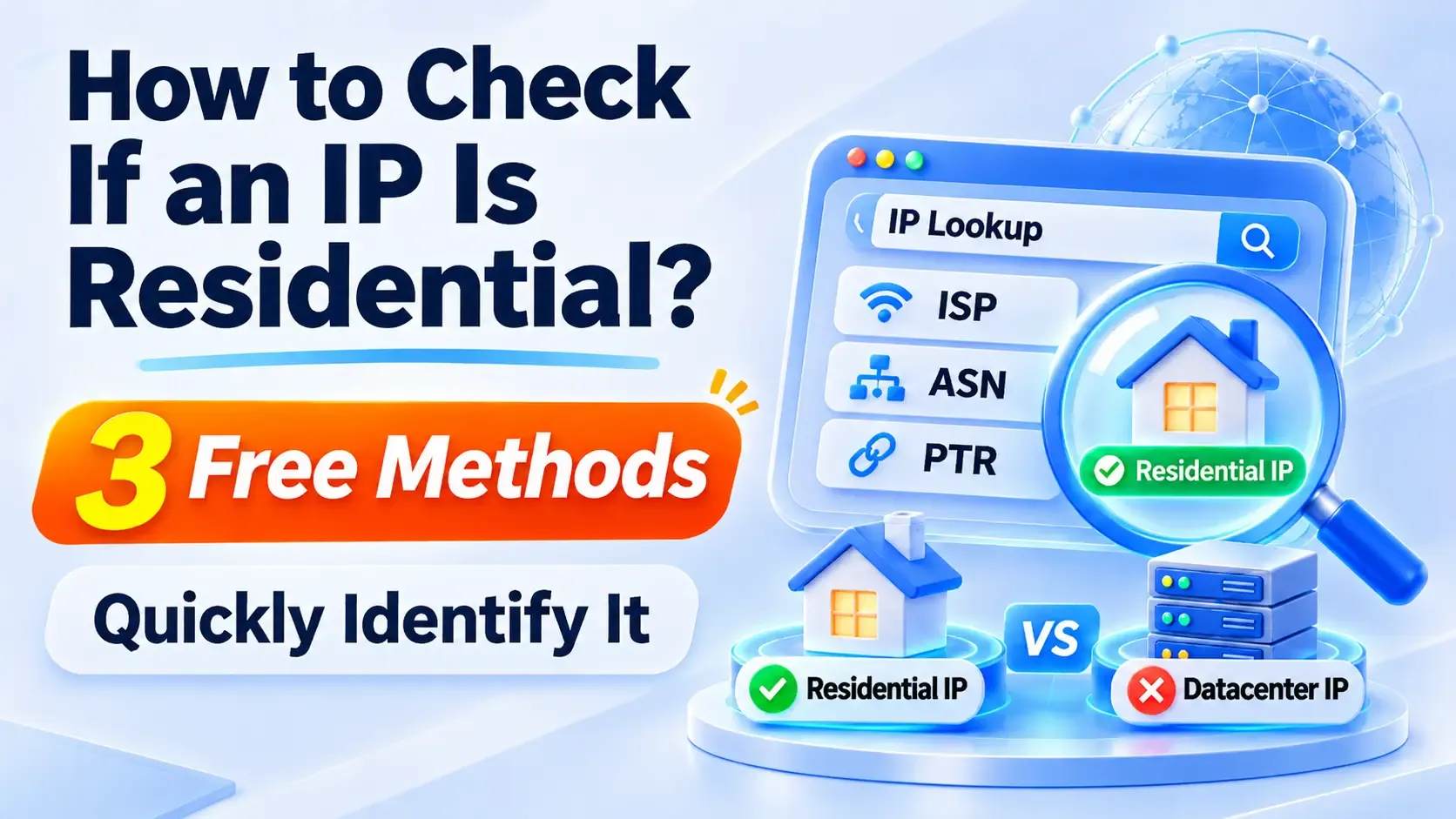
• To judge whether an IP fits your needs, start by checking the ASN, ISP and registration records with tools such as IPinfo or RIPEstat, then cross-check against IP type databases and the actual route.
• Note that an ASN showing a Hong Kong carrier does not necessarily mean the address belongs to a residential network. Some IPs also have a registered address that does not match their real exit location, so a single lookup is not enough to go on.
If your business needs the same network address over the long term, also check whether it is a static residential IP. A static IP usually stays fixed for the agreed period, which cuts down on reconfiguration and maintenance work whenever the address changes.
2. Where does the low-latency edge of Hong Kong residential IPs come from?
Hong Kong sits close to mainland China and has the infrastructure to link up with major Asian network hubs. For users who need to reach services in Hong Kong and nearby regions, a shorter transmission distance helps bring latency down.
Actual speed does not depend on geography alone, though. How carriers interconnect, line congestion, the transmission path and evening peak load all shape the final experience.
For instance, two Hong Kong IPs on different routes can show clearly different latency to Guangzhou, Shanghai or Singapore. Some lines post a low average but swing widely in the evening, and the experience still suffers.
Test with Ping and MTR before buying, and pay attention to average latency, packet loss and how much it fluctuates across different times of day. For live streaming and large uploads, test actual upload bandwidth as well — a Ping result on its own says little about network quality.
3. Which operations suit a Hong Kong native residential IP?
A Hong Kong native residential IP fits work that needs a local network environment, a stable connection or a fixed IP over time. Different scenarios place different demands on performance; the table below breaks them down.
| Business scenario | Primary use | What a Hong Kong native residential IP brings |
|---|---|---|
| Cross-border e-commerce and localized operations | Store backend management, product updates, market research | Provides a local Hong Kong network environment; a static IP makes long-term upkeep and centralized management easier |
| Ad delivery and market testing | Checking ad display, landing page loading and page language | Makes it easy to verify how pages render and load from a Hong Kong network environment |
| Social media and content operations | Publishing content, uploading assets, managing creator backends | A fixed network address cuts repeat configuration and supports continuous day-to-day work |
| Live streaming and video transfer | Live streaming, short video uploads, large file transfers | Hong Kong routes offer regional connectivity advantages, well suited to work that depends on upload speed and stability |
| Remote work and system maintenance | Remote desktop, access to company systems, day-to-day collaboration | A fixed IP simplifies access-permission setup and reduces maintenance costs caused by changing addresses |
| Game and real-time app testing | Hong Kong region game testing, real-time audio and video testing, network performance evaluation | Useful for observing latency, packet loss and connection behaviour on Hong Kong residential networks |
Keep in mind that a residential IP does not guarantee lower latency or higher speed for every workload. The real experience still depends on the carrier's routes, bandwidth, the target you are reaching and network load. Test against your actual requirements before committing.
4. How to choose a Hong Kong static residential IP
1. Confirm where the IP actually belongs
Start by confirming the IP's true ownership. Beyond the ASN and carrier details, verify the real exit location and the residential network attributes, rather than going by the product name alone.
2. Check whether the IP is dedicated, and how long it stays fixed
Next, look at whether the IP is dedicated and how long the fixed term runs. A dedicated IP makes it easier for a business to manage its own network resources, but it does not automatically deliver better connection quality than a shared resource.
3. Test line stability
Third, line stability. Ask the provider for a trial, and check latency, packet loss and upload performance during your actual working hours. For workloads that move data continuously, stability usually matters more than a one-off speed test.
4. Confirm plan limits
Fourth, plan limits. Before buying, clarify bandwidth, traffic allowance, concurrent connections and whether throughput is throttled at peak times.
5. Understand the after-sales policy
Last, the after-sales policy. Even a static residential IP can change when a carrier adjusts resources or carries out network maintenance, so find out the replacement, refund and technical support rules in advance.
If you need a fixed Hong Kong network, look at the static residential IP products IPDEEP offers, compare the regions actually available, the resource types, subscription periods and service terms, and then decide.
5. Hong Kong residential IP FAQ
1. Is a Hong Kong native residential IP always faster than a data center IP?
No. Latency depends mainly on line quality, the target you are reaching and congestion. Some data center routes perform just as well on speed; the advantage of a residential IP shows up in network ownership and in specific use cases.
2. Does a Hong Kong static residential IP stay the same forever?
A static IP normally stays fixed for the agreed period, but it is not guaranteed to remain unchanged permanently. The provider's resource maintenance policy and the contract terms are what apply.
3. How do you judge the network quality of a Hong Kong IP?
Combine an IP ownership lookup with Ping, MTR and real upload and download tests, and repeat them at different times of day. A single speed test says little about long-term stability.
Summary
Whether a Hong Kong native residential IP is worth it comes down to what your business actually needs. If you need local carrier network attributes, a fixed IP address and a stable Hong Kong connection, a static residential IP is the place to start.
Before buying, verify where the resource belongs, test how the line performs, and then compare bandwidth limits and after-sales terms. Choosing a service that fits your needs and is upfront about what it provides matters more than chasing the lowest price.