Claude’s Strictest Account Ban Wave Yet Is Here! The Latest 2026 Ban Reasons and a Static IP Usage Guide



Clean IP picks: Static IPs from $1.5 each, Dynamic IPs from $0.5/GB


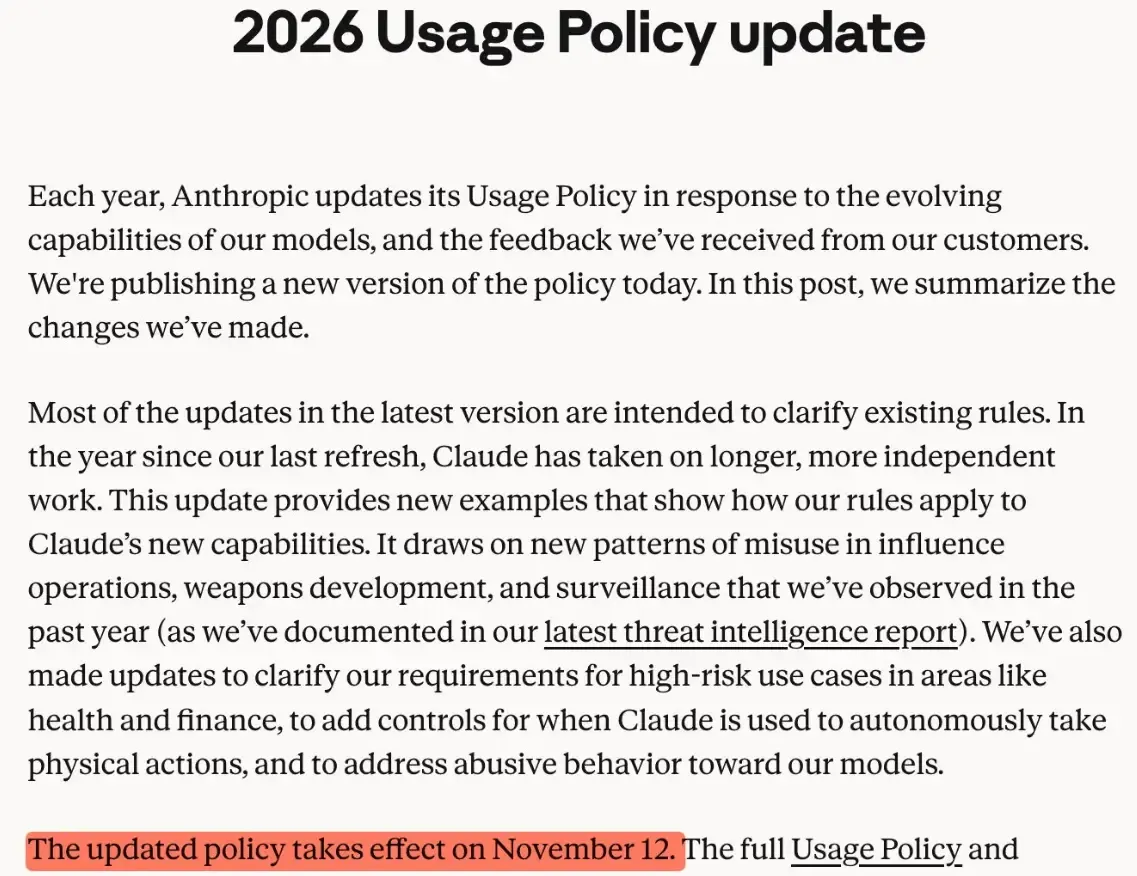
Anthropic has kicked off the strictest account purge in its history. The company has published a new risk-control policy that explicitly shuts out unsupported regions. The new rules take effect on November 12.
When a Claude account suddenly won't sign in, or verification fails and access drops mid-session, many users assume the IP address is the culprit. But an account restriction and a network problem are two different things — not everything can be pinned on IP.
For anyone who leans on Claude day to day for work, coding, or organizing research, figuring out the real cause matters more than swapping network environments over and over.
1. Why Do Claude Accounts Get Banned?
According to the latest guidance in Anthropic's Help Center, an account may be suspended or terminated in the following situations:
1. Violating the usage policy
If an account repeatedly violates Claude's usage policy, it may receive a warning or a restriction. What happens depends on the specifics of the case.
2. Region not supported
Claude has a clear regional availability policy. Registering for or using the service from an unsupported region can create compliance problems for the account. Check the official list of supported regions before you sign up.
3. Violating the terms of service
If an account is used in ways that don't match the platform's terms of service, access may also be limited.
Worth noting: Anthropic doesn't publish its full account review rules, and there's no evidence that every ban is tied to an IP address.
2. Is a Claude Login Problem Always an IP Issue?
Not necessarily. If the Claude page won't load, it could be a DNS resolution failure, an unstable connection, or a browser cache problem. If the page clearly says the account has been deactivated, check the official notice first.
When troubleshooting, confirm three things first:
• Account status: Have you received an email from the official team? Does the login page show a clear restriction message?
• Network connection: Do other websites load normally? Are you seeing timeouts or dropped connections?
• IP information: Has your current exit address changed? Does the ISP ownership match the actual connection?
IP address is one data point in network diagnosis, but you can't judge whether a Claude account is in good standing from IP type alone.
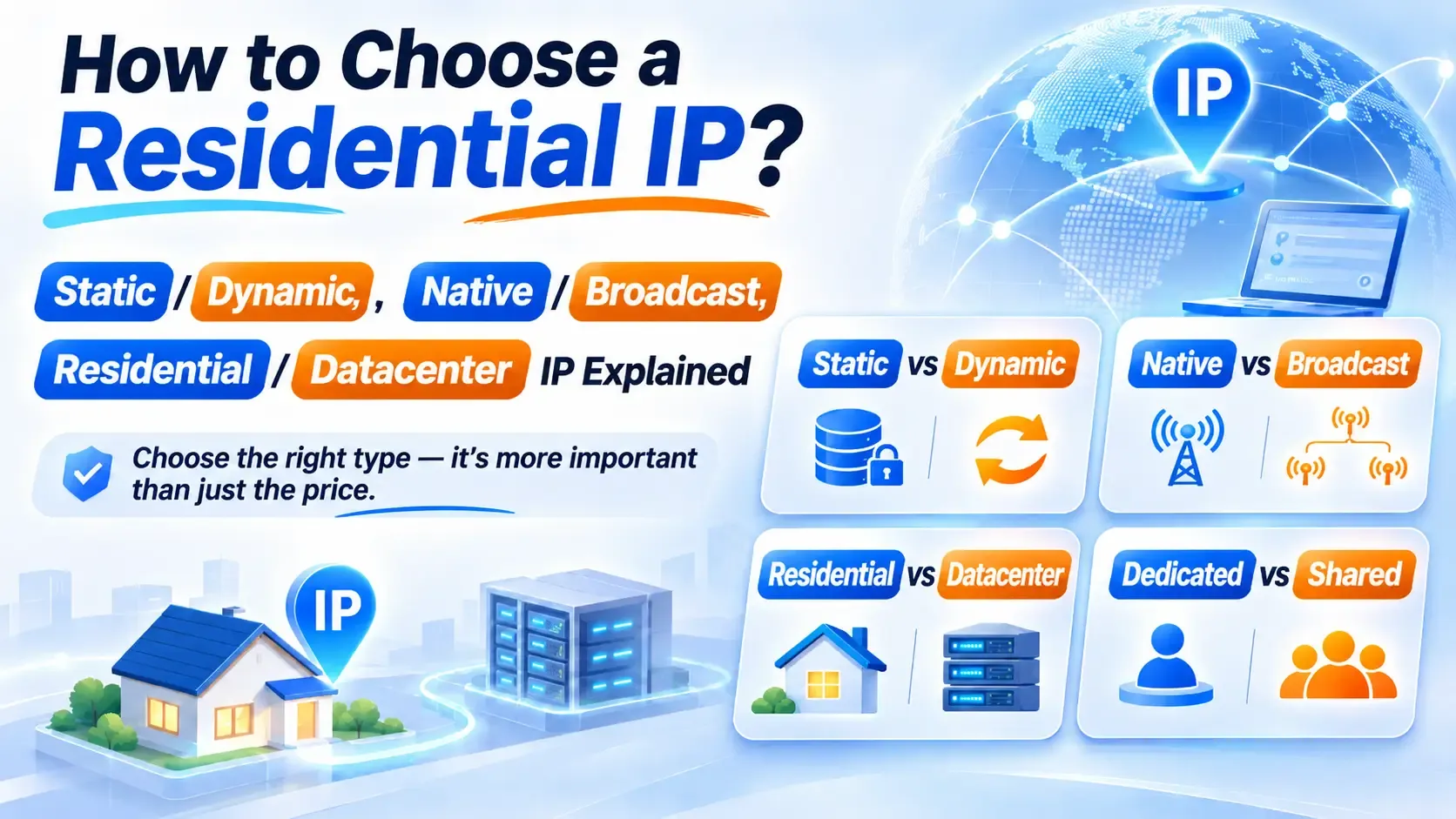
3. What's the Difference Between a Static Residential IP and an Ordinary IP?
A static residential IP usually means an address that stays relatively fixed and carries the network attributes of a residential internet service provider.
Compared with connections whose addresses change often, it's better suited to legitimate work that needs a long-term fixed exit — remote work, network testing, and enterprise system maintenance, for example.
When evaluating a static residential IP, keep three indicators in mind.
1. IP stability
Look up your public address at different times of day and see whether it stays the same.
2. ASN ownership
Check the autonomous system number and carrier information tied to the IP to get an initial read on where the network comes from.
3. IP type
Cross-check residential, data center, and other classifications across several databases rather than judging from a provider's name alone.
One thing to stress: ASN is internet network ownership information. On its own, it can't prove that an IP is a real home broadband address.
4. How Do You Check the Network Environment Behind Your Current IP?
If you suspect something is off with your connection, you can use an IP lookup tool such as IPDEEP to check your current IP's network attributes, ownership details, and connection status. Focus on the following:
| What to check | What to inspect | How to read it |
|---|---|---|
| IP address | Current public IP and its geographic location | Confirm the result matches your actual network environment |
| ASN ownership | Autonomous system number and carrier information | Identifies the network the IP belongs to; ASN alone doesn't establish residential status |
| IP type | Residential, data center, and other network classifications | Combine results from multiple databases before deciding |
| IP stability | Repeat the public IP lookup at different times | See whether the address changes frequently and whether the connection holds |
| DNS resolution | DNS servers and resolution results | Confirm DNS resolves properly and rule out connection faults |
| WebRTC information | Network addresses the browser may expose | Confirm what's shown matches your current network configuration |
| IP risk records | IP reputation and related history | A reference for network quality only; not an official Claude review result |
Together, these checks give you a fuller picture of your current network environment.
If you need a long-term fixed network exit, you can also review IPDEEP's static residential IP offerings, comparing IP type, carrier ownership, and address stability.
Note that IP checks can only help you troubleshoot network issues — they can't tell you the specific reason a Claude account was restricted. If an account has already been deactivated, go by Anthropic's official notice and appeal channels.
5. What Should You Do Once Your Claude Account Is Banned?
If the login page clearly states that your account is disabled, apply for a review through Anthropic's official channels instead of trying to sign in over and over.
According to the Help Center, you can go to the Claude website, sign in to the restricted account, and find the appeal entry to submit a request as the page instructs.
In your appeal, describe how you actually use the account and include the relevant screenshots of the notice, your account details, and payment records if needed. Don't submit anything that isn't accurate.
If it's only a page load failure, check your network, browser, and service status first — don't mistake an ordinary connection problem for a ban.
6. FAQ
Q: Can a banned Claude account be restored?
You can try the official appeal, but whether it's restored is up to Anthropic's review. There's no guarantee.
Q: Does a static residential IP guarantee normal Claude usage?
No. A stable network address doesn't mean an account complies with the service policy. Account status still depends on platform rules and how the account is actually used.
Q: Can I tell directly why a Claude account was banned?
No. IP lookups are for understanding network attributes, address ownership, and connection status. They can't read Claude's internal account review results.
Q: My IP hasn't changed, so why can't I log in?
It could involve the browser, DNS, service status, account permissions, or regional policy. Use the on-page message to narrow it down.
Final Thoughts
When something goes wrong with a Claude account, first separate an account restriction from a network failure, then decide what to do next.
The value of a static residential IP is a relatively stable network exit — useful for legitimate network operations and connection diagnostics. It isn't a cure for every account problem.
Use IPDEEP to check IP type, ASN ownership, and network stability, then cross-reference Anthropic's official guidance. That's how you get closer to the actual cause.