




Are Cheap Static Residential IPs Worth It? Key Limitations



Clean IP picks: Static IPs from $1.5 each, Dynamic IPs from $0.5/GB


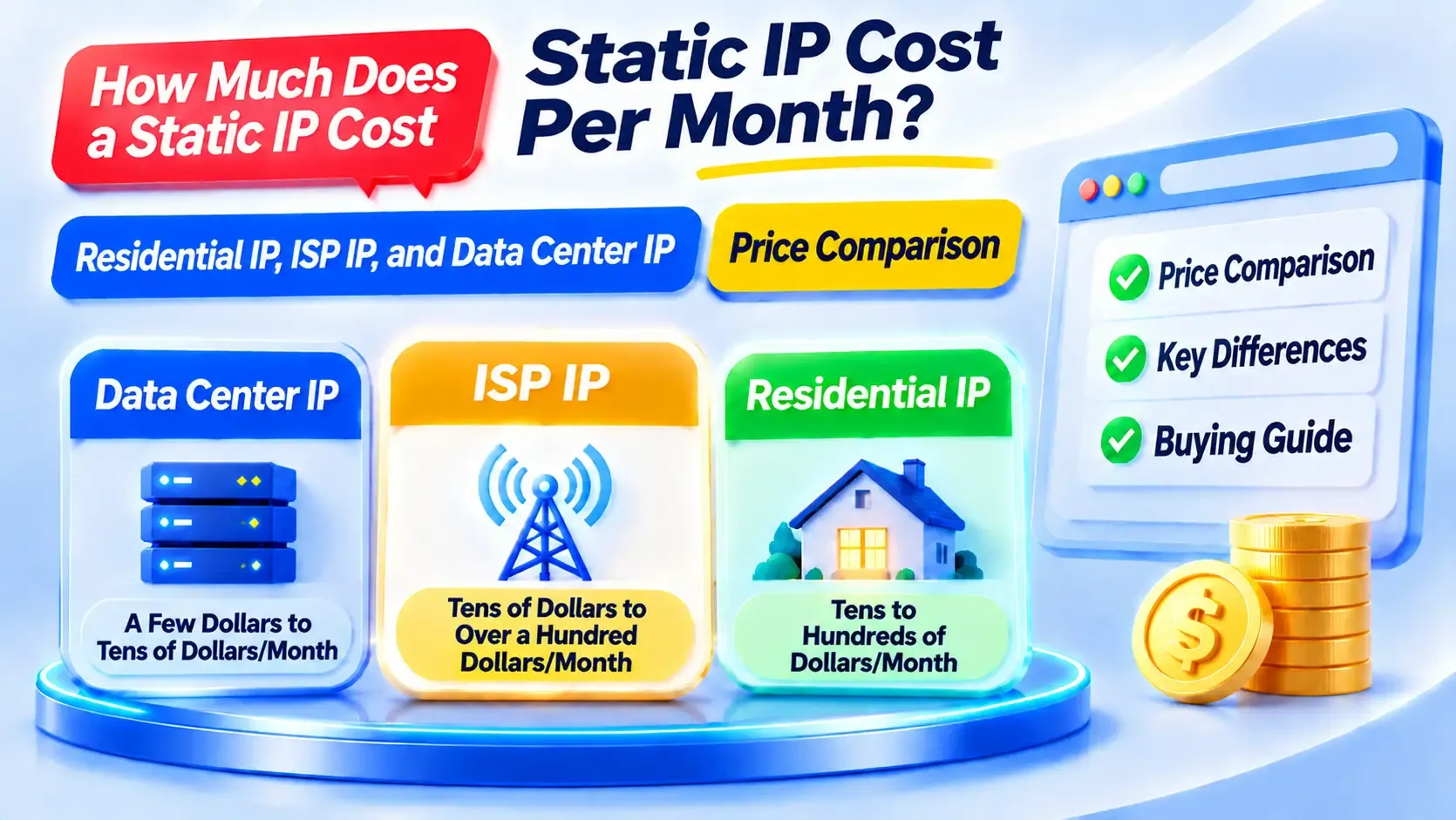
When purchasing a static residential IP, price is often the first factor buyers consider. Monthly prices can vary significantly depending on the provider and the country or region.
However, a lower price does not necessarily mean lower IP quality. What matters most is whether the IP is dedicated, whether its network ownership is legitimate, whether the bandwidth meets your requirements, and whether the provider offers reliable customer support.
Some low-cost plans may reduce expenses by sharing IP addresses, limiting bandwidth, shortening service periods, or using network resources from different sources.
This article examines whether cheap static residential IPs are worth buying by looking at pricing differences, common limitations, actual usage costs, and pre-purchase testing.

Why Do Static Residential IP Prices Vary?
A static residential IP (also known as a Static ISP Proxy) generally refers to a proxy IP address with a fixed exit address associated with a local Internet Service Provider (ISP) network. Unlike dynamic residential IPs that rotate by request or session, it maintains the same exit IP address throughout the rental period.
Note that ISP registration does not necessarily mean the physical connection comes from a typical home broadband line. Before purchasing, verify the IP using ASN information, ISP details, and actual connection tests.
Pricing is mainly influenced by resource sources, geographic location, IP exclusivity, and bandwidth configuration.
High-quality ISP resources in popular regions generally come with higher acquisition costs, while promotional plans in some regions may be available at lower prices. Therefore, monthly pricing alone is not a reliable indicator of IP quality.
What Limitations Can Cheap Static Residential IPs Have?
A low price does not automatically indicate a problem. However, the following limitations are more common among budget plans and should be checked before purchasing.
1. Mismatch Between IP Registration and Actual Network Source
Some providers offer IP addresses registered under an ISP, even though their actual network deployment may differ from that of typical home broadband connections.
Before purchasing, use IPinfo, RDAP, and ASN lookup tools to check the registered organization, ISP, and network type. You can also examine the actual routing information. Results from a single database should not be treated as conclusive.
2. Shared IPs Can Be Affected by Other Users
When multiple users share the same exit IP, their browsing and usage activities may affect the IP's reputation and availability.
Before purchasing, confirm whether the IP is genuinely dedicated, whether it may be reassigned to other customers, and whether IP replacement is available if problems occur.
3. Bandwidth, Concurrency, and Traffic Restrictions
Many budget plans impose performance limits, such as restricting the maximum number of concurrent threads, setting a low bandwidth ceiling, or applying an Acceptable Use Policy (AUP) to supposedly unlimited traffic plans. Once usage reaches a certain threshold, speeds may be significantly reduced.
Before purchasing, check the actual bandwidth limit, maximum concurrent connections, and any applicable traffic usage policies.
4. Mismatch Between Geolocation and Network Routing
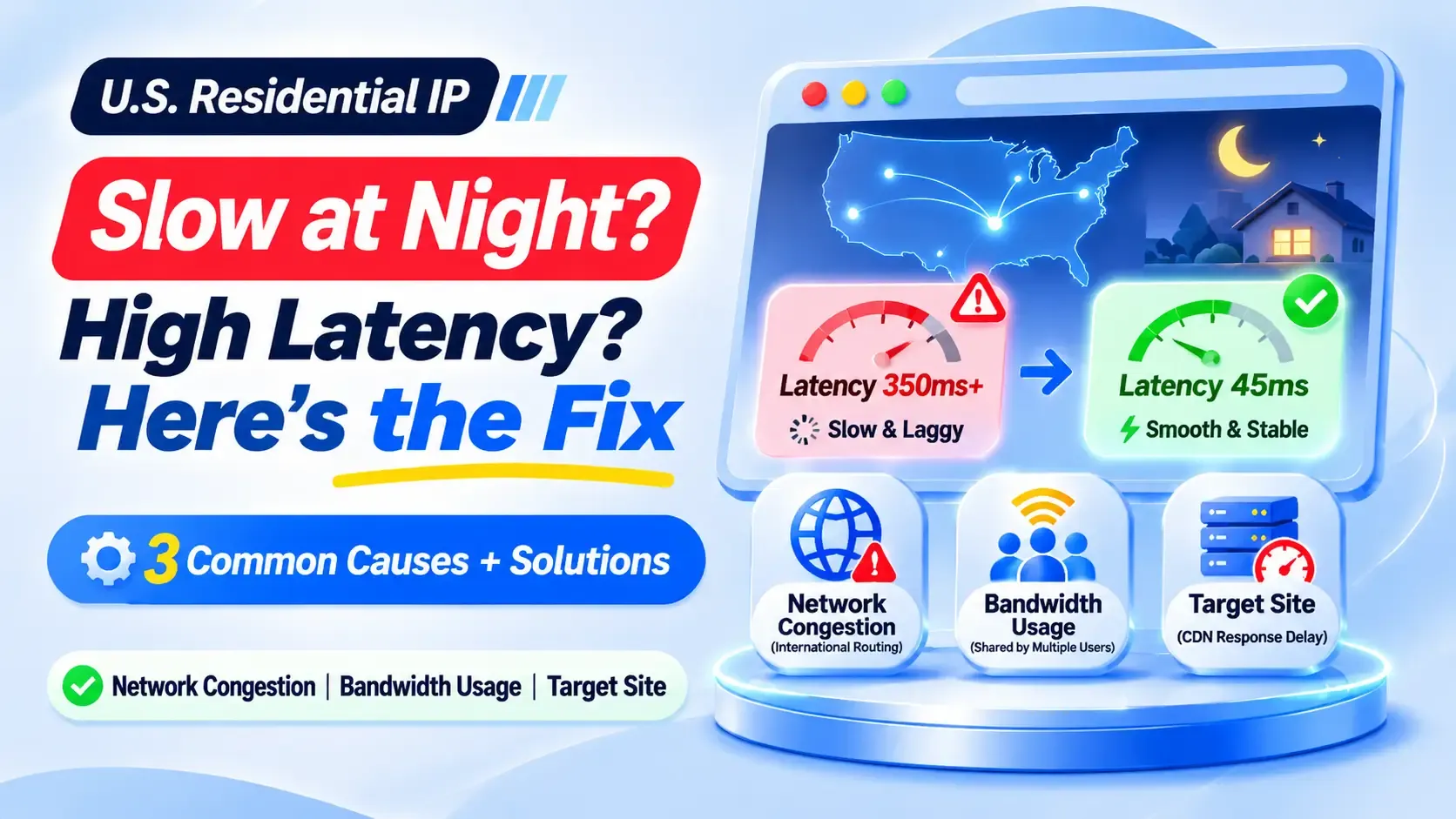
Low-cost nodes may sometimes show a mismatch between their reported location and actual network routing. Packet loss and latency may also increase significantly during peak hours.
Actual speeds depend on routing quality, latency, packet loss, and bandwidth allocation. Do not rely solely on the advertised bandwidth. Before purchasing, access your target websites and check connection stability and geolocation accuracy.
5. Restrictions on IP Replacement, Refunds, and Support
Budget plans may come with stricter after-sales policies, such as shorter refund periods, refunds issued only as account credits, or complicated IP replacement procedures when an address encounters problems.
Before purchasing, review the refund period, IP replacement policy, and customer support response process. Do not assume that every issue will automatically qualify for a refund.
How to Calculate the Actual Cost of a Cheap Static Residential IP
Comparing plans based solely on their monthly subscription fees can be misleading. For static residential IPs, a more practical approach is to calculate the total monthly cost of ownership:
Actual Usage Cost = Monthly Subscription Fee + IP Replacement Costs + Troubleshooting Costs
Different use cases have different cost priorities:
How to Test Static Residential IP Quality Before Purchasing
Regardless of what a provider claims on its website, it is advisable to purchase the smallest available test plan and run a series of checks before committing to a larger order. Follow these four steps:
Step 1: Check ASN and ISP Information
Use IPinfo, RDAP, and ASN lookup tools to identify the ISP and registered organization associated with the IP address and assess whether its network classification is reasonable. Results from a single database should not be treated as conclusive.
Step 2: Cross-Check Risk Information Across Multiple Databases
Use tools such as Scamalytics and IPQualityScore to check risk scores, proxy detection results, and historical abuse records. Evaluate the results across multiple databases rather than relying on a single score.
Step 3: Monitor IP Consistency and Network Stability
After configuring the IP in your client, monitor it continuously for a period of time, such as 24 hours or longer. Check the exit IP at regular intervals to confirm that it remains unchanged during the rental period, and record latency and disconnection issues during peak hours.
Step 4: Test the IP in Your Actual Business Environment
An IP classified as Residential by a database does not guarantee that your target website will accept it. Simulate real login, browsing, and interaction workflows to check whether additional verification is triggered and whether actual transfer speeds and concurrency meet your requirements.
What Pricing and Configuration Options Does IPDeep Offer for Static Residential IPs?
If you need a fixed overseas network exit for long-term use without spending too much on IP resources, consider IPDeep's promotional static residential IP plans.
These plans provide dedicated proxy IPs with native residential attributes and support HTTP, HTTPS, and SOCKS5 protocols. Bandwidth depends on the selected plan, with speeds of up to 50 Mbps. Users can choose from available countries and selected city-level locations according to their business requirements.
The current promotional section offers discounted nodes in several regions, including Jakarta, Indonesia, at $3/month and Seoul, South Korea, at $3.2/month.
The main differences between promotional resources and regular plans are the available locations and promotional inventory. Check the product page and checkout page for the latest pricing.
For cross-border e-commerce, international social media management, and other legitimate online business activities that require a consistent IP address over time, start by purchasing a small number of IPs for testing. You can then scale up based on actual connection stability and business requirements.
To explore available locations, bandwidth configurations, and current pricing, visit the IPDeep Static Residential IP page. For discounted nodes, check the Static Residential IP Deals section.
Frequently Asked Questions
Q1: Are Cheap Static Residential IPs Always Datacenter IPs?
No. Static residential IP pricing depends on regional resource availability, procurement scale, bandwidth, and plan configuration. A low price alone does not prove that an IP comes from a datacenter. Before purchasing, check its ASN, ISP registration, and actual network characteristics.
Q2: What Is the Difference Between Dedicated and Shared Static Residential IPs?
A dedicated IP is assigned to a single user, reducing the impact of other users' activities on its reputation. A shared IP is used by multiple customers. Although shared IPs generally cost less, their usage history and the behavior of other users are harder to control.
Dedicated IPs are generally more suitable for business activities that require a consistent network environment over an extended period.
Q3: How Can I Check Whether a Static Residential IP Is Stable After Purchasing?
You can periodically check the exit IP, monitor connection status, and record latency and packet loss to determine whether the IP remains unchanged throughout the rental period.
It is also advisable to test logins, page access, and session persistence in your actual business environment, and confirm the provider's IP replacement policy in advance.