




Brazil Static Residential IP Guide: Locations, ISP & Pricing



Clean IP picks: Static IPs from $1.5 each, Dynamic IPs from $0.5/GB


If you're setting up a store on Mercado Livre or Shopee Brazil, or creating content for the Brazilian market on TikTok and Instagram, you'll often need an IP address that appears to originate from a local network.
A static residential IP is a common choice. It provides a fixed exit address registered under a residential ISP and is suitable for long-term access to account dashboards.
But buying a Brazilian IP involves several practical questions: which city should you choose, how can you verify its ISP classification, why do prices vary, and how should you test it after purchase?
What Makes Brazilian Static Residential IPs Different?
1. Static Residential vs. Dynamic Residential and Datacenter Proxies
These three proxy types are often discussed together, but their main differences lie in network ownership and IP allocation.
None of these proxy types is universally better than the others. The right choice depends on whether your business needs a fixed exit IP.
Static residential proxies are typically charged per IP, so costs increase with the number of stores you manage. They are not the most economical option for large-scale data collection, where traffic-based or bandwidth-based dynamic resources are often more suitable. See our guide to static vs. dynamic residential proxy costs for a closer comparison.
2. What Are Static Residential IPs Used For?
Static residential IPs are suitable for tasks that require a consistent exit address, such as cross-border e-commerce management, everyday social media account operations, and access to services that use IP allowlisting.
Their main advantage is address stability, which makes ongoing account management and network troubleshooting easier.
This is an operational benefit, not a guarantee of better account standing on any platform.
3. A Common Misconception
Static residential IPs are also commonly called static ISP proxies because they use IP resources associated with Internet Service Providers.
Some products route ISP address ranges through datacenter infrastructure, while others use access methods closer to traditional home broadband. Both may appear as residential ISP connections on IP lookup tools.
Labels such as Residential and ISP are only starting points. To understand the actual network, check the ASN, registered organization, network type, and real-world connection performance.
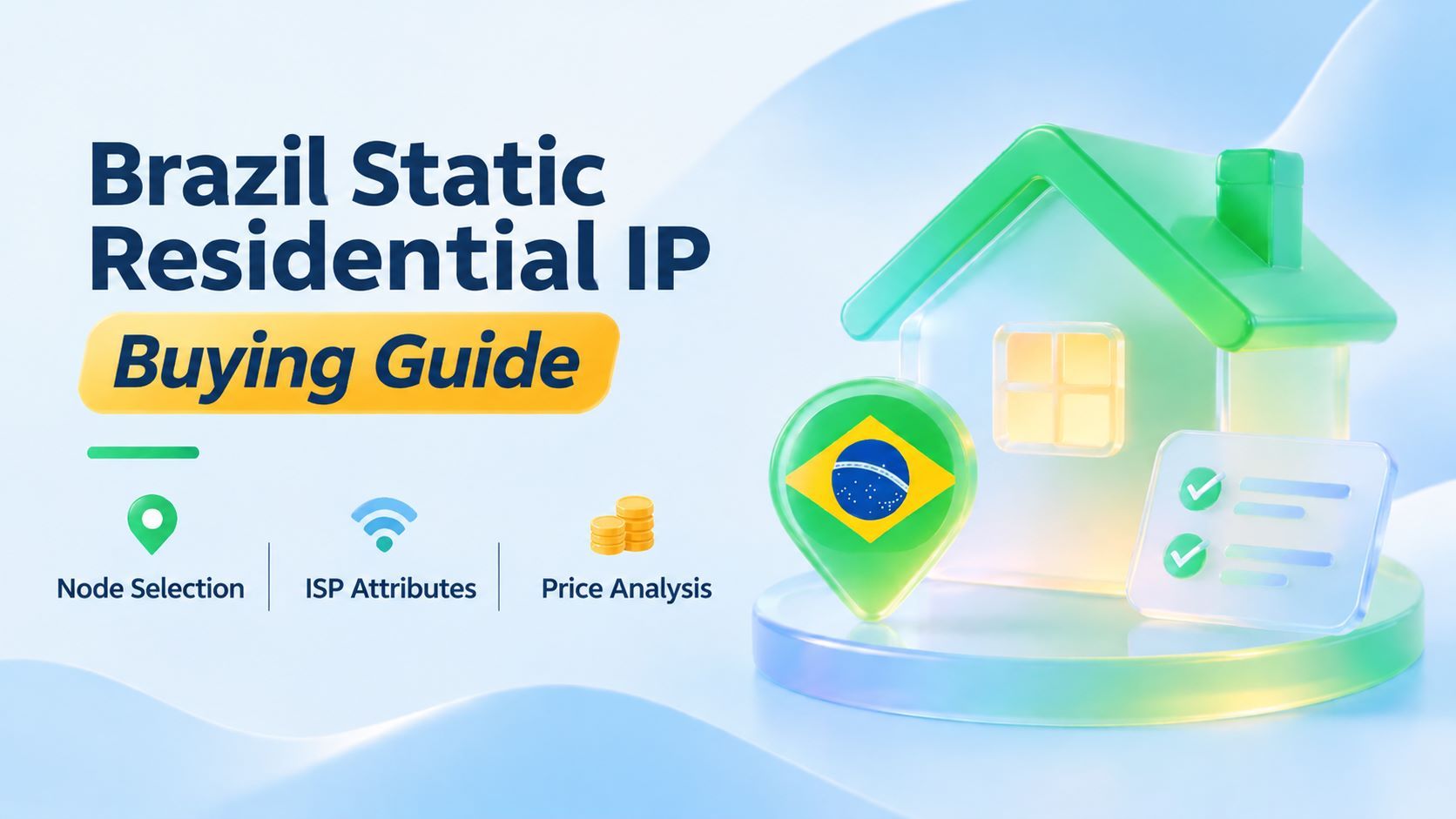
Which Brazilian City Should You Choose?
1. São Paulo
São Paulo is Brazil's commercial and financial center, with a concentration of local e-commerce platforms, payment services, and advertising resources.
It is a popular choice for managing stores on Mercado Livre and Shopee Brazil, as well as testing Brazilian websites.
However, product listings and delivery estimates also depend on account addresses and postal codes. Your IP is only one factor, so switching cities alone cannot fully reproduce local user results.
2. Rio de Janeiro and Other Cities
Rio de Janeiro is suitable for accessing local websites, checking regional travel offers such as hotel and flight prices, and testing location-specific content.
If your business targets a smaller Brazilian city, first confirm that the provider actually has IP resources registered or assigned to that location.
Some providers advertise multiple Brazilian locations but only offer one or two actual network locations. Other cities may simply be assigned through GeoIP databases and may not be available for selection at checkout.
3. How to Choose the Right Location
▸ Prioritize your business location: Choose based on your account's registered location and target customers, not simply the popularity of a city.
▸ Check actual availability: Only locations available at checkout can be selected. Promotional materials may list locations that are currently out of stock.
▸ Don't rely on GeoIP alone: The city shown by an IP lookup database is an estimate. It does not reveal the actual network route or infrastructure used by the provider.
How to Verify the ISP Attributes of a Brazilian Static Residential IP
1. ASN, Organization, and Hosting
These details can be checked using public tools. IPinfo, MaxMind, and IP2Location provide ASN, organization, network type, and geolocation information.
To verify who the IP range is registered to, check the RDAP records maintained by the relevant regional Internet registry. Brazil falls under LACNIC.
If several sources broadly identify the same ISP and region, that is a reasonable starting point. Different databases use different data sources, so their results do not need to match exactly.
2. Major Brazilian ISPs
Claro, Vivo, and TIM are three major providers with broad coverage. Other networks include wholesale and neutral infrastructure providers such as V.tal, as well as smaller regional ISPs.
Regional ISPs are common in smaller cities. An unfamiliar provider name does not automatically mean the IP is fake. Check its ASN and registration details first.
An ISP name alone is not conclusive. Vivo and TIM both operate mobile and fixed-line networks, and mobile connections often use centralized regional gateways.
For a specific IP, always check its ASN, registered organization, and Hosting classification.
3. IP Geolocation and Database Differences
BGP announcement is a normal routing mechanism. The ASN announcing an IP prefix does not, by itself, determine whether the address belongs to a residential network.
Registration organization, route origin, GeoIP location, and actual access method are four separate factors. None of them alone can establish the true nature of an IP address.
If one lookup site identifies an IP as Brazilian while another shows a different country, possible reasons include database update delays, recent IP range transfers, Anycast routing, or centralized mobile network gateways.
Our guide to why the same IP shows different locations explains these situations in more detail.
Follow a consistent verification process: first confirm that the exit IP matches the one you purchased, then check whether the country is consistent across databases, and finally compare the city.
If the country does not match, verify the exit IP, GeoIP databases, and registration records before deciding whether the address itself is problematic. A city-level discrepancy is often just a geolocation estimate.
How Much Does a Brazilian Static Residential IP Cost?
1. Two Common Pricing Models
Monthly pricing per IP: You rent a fixed IP address for one month or longer. Traffic is usually included or comes with a generous allowance, making this model suitable for long-term account management.
Traffic-based pricing: The IP may remain fixed, but charges are based on data usage in GB. This model is suitable for short-term testing and low-traffic tasks.
For long-term store management, monthly pricing per IP makes budgeting easier without requiring constant traffic monitoring. For a short registration test lasting only a few days, traffic-based pricing may be more economical.
Before comparing providers, make sure four conditions match: whether the IP is dedicated, the billing model, bandwidth and traffic limits, and city selection options. Otherwise, price differences are not directly comparable.
2. IPDEEP Brazil Node Pricing and Features
▸ Special offer: São Paulo at $3.80 per IP/month.
▸ Regular price: São Paulo and random locations at $5.10 per IP/month.
▸ Bandwidth: Customizable, up to 50 Mbps. This is the maximum available configuration, not a guaranteed speed for every plan.
▸ Protocols: HTTP, HTTPS, and SOCKS5.
▸ IP allocation: Dedicated, fixed exit IP throughout the subscription period.
Promotional prices may change depending on availability and ongoing offers. Check the actual price in your dashboard before placing an order. For full specifications, visit the Static Residential IP product page.
If you manage multiple stores, consider purchasing one IP per store. Sharing the same address across two store dashboards mixes access records and makes troubleshooting more difficult.
3. Three Things to Watch Out for When Buying Cheap IPs
▸ Shared IPs sold as dedicated: One address may be assigned to multiple users, mixing other users' activity into your access history.
▸ Datacenter IPs marketed as residential: Check the ASN and Hosting classification instead of relying solely on promotional claims.
▸ Hidden restrictions: Low-cost plans may come with limited monthly traffic or bandwidth. Exceeding these limits may result in throttling or additional charges, so review the terms of service before purchasing.
What to Check Before Buying a Brazilian Static Residential IP
1. Pre-Purchase Checklist
New IPDEEP users receive either 500 MB of dynamic proxy traffic or a $2 coupon after registration. You can use this trial credit to test the available locations and network performance before deciding how many IPs to purchase.
2. Post-Purchase Testing
After receiving your IP, follow the steps in our residential IP checking guide. Verify the exit address, ASN, registered organization, and Hosting classification. Then test the connection from your actual working network to check latency, packet loss, and long-session stability.
Record the IP, ASN, registered organization, test date, and the country and city reported by each database. Run another check a few days later. Consistent results indicate stable short-term performance.
An IP is only one part of your access environment. Your device, browser language, system time zone, login location, and browsing behavior can all influence whether a platform requests additional verification. Changing your IP does not guarantee that verification prompts will never appear.
Frequently Asked Questions (FAQ)
Q1: How Can I Tell Whether a Brazilian Static Residential IP Is a Genuine ISP Address?
Check its ASN, Organization, and Hosting classification, then compare its country and city across multiple GeoIP databases. A single lookup result is not enough to make a reliable judgment.
Q2: Should I Choose a Static or Dynamic Residential IP for Brazil?
Choose a static residential IP when you need a consistent exit address over time. Choose a dynamic residential IP when you need frequent location changes or large-scale access.
Q3: What Should I Do If IP Lookup Sites Show Different Locations for My Brazilian IP?
First, confirm the exit IP and country. Then check the city-level location. City discrepancies may result from differences between GeoIP databases, while a country mismatch should be verified with your proxy provider.