




Why Does the Same IP Show Different Locations on IP Checkers?



Clean IP picks: Static IPs from $1.5 each, Dynamic IPs from $0.5/GB


The same IP may appear as Los Angeles, USA, on one website and Toronto, Canada, on another. Check again the next day, and the reported city may have changed.
When this happens, many people assume the IP address is low quality.
In most cases, that is not the problem. IP addresses do not contain geographic location data. The locations shown by IP lookup tools are estimates generated by third-party databases, and different providers can return different results.

Why Do Different IP Lookup Websites Show Different Locations?
1. GeoIP Is an Estimate, Not a Measurement
IP headers contain network-layer information such as source and destination addresses, but they do not include geographic coordinates or ASN information.
An ASN is a unique number assigned to an autonomous system. BGP routing information is needed to identify which autonomous system announces a particular IP address prefix.
This means that the city displayed by an IP lookup website is an estimate derived from various data signals.
Cloudflare explains this clearly in its documentation: IP geolocation is an estimate, not an exact science. Nothing inherently ties an IP address to a specific physical location or country. Cloudflare also notes that its results are not guaranteed to match those of other providers.
Three common types of signals are used:
▸ IP allocation and registration records: RIR allocation records and information provided by network operators.
▸ Routing and network measurements: BGP prefix announcements and latency measurements collected by probes in different locations to estimate geographic positions.
▸ Additional data: Self-reported Geofeed information and user-submitted corrections.
Different providers assign different weights to these signals, so it is not unusual for the same IP address to produce different results.
2. Different Databases Use Different Data Sources and Update Schedules
MaxMind, IPinfo, and IP2Location each use their own data sources and modeling methods. None is an official global standard.
RFC 8805 defines the Geofeed format, which allows network operators to publish mappings between IP prefixes and geographic locations. This information helps databases improve their coverage, but Geofeed does not independently verify accuracy. It is essentially information reported by network operators.
Update schedules also vary. For example, Cloudflare states that its GeoIP database is updated multiple times a week, while some MaxMind commercial databases receive updates on business days.
Some IP lookup websites use locally stored database files, with update frequency depending on how regularly their operators maintain them. As a result, different websites may not be using the same version of a database, even when checked at the same time.
3. IP Addresses Are Reassigned Before Databases Catch Up
IP address ranges can be transferred, leased, or reassigned. After a change, registration records, routing announcements, and individual database records must all be updated. This process can take anywhere from several days to several weeks.
This is a common reason why a newly purchased IP may still appear to belong to the previous user's country. The same issue can occur when an ISP reclaims and reassigns an old address.
4. Cross-Region Usage, Anycast, and Mobile Networks
▸ Cross-region IP usage: When an IP range is registered in one location but used in another, databases relying on registration information may associate it with the registered location, while those using routing and network measurements may identify its actual deployment region.
Keep in mind that BGP only indicates which ASN announces a prefix. It does not prove where a device is physically located. The registration country, ASN registration location, announcing network, and device location are four different things and should not be treated as interchangeable.
▸ Anycast: The same IP address can be announced from multiple locations simultaneously, which is common with public DNS services. Such an address does not have a single physical location. The city displayed by a lookup tool may depend on which network node you connect to.
▸ Mobile networks: 4G and 5G traffic often passes through centralized regional gateways. As a result, geolocation may point to a major regional city rather than the user's actual district or county.
5. Platforms Have Their Own Location Detection Methods
Platforms such as Amazon, Google, and TikTok may combine IP addresses with account details, historical activity, and device environment information to assess a user's access environment.
Browser language and system time zone settings may also serve as signals for checking environmental consistency. However, this does not mean platforms directly use these settings to determine a user's physical location.
When these signals do not match the IP address, the location displayed by a platform may differ from the results shown by IP lookup websites. The exact weighting methods used by individual platforms are not publicly disclosed.
How to Use Tools Like MaxMind and IPinfo
Different users may check different aspects of the same IP address. Some only need the country, while others need city-level information. Each tool also provides different fields, so it is important to understand what each one is designed to check.
None of these providers is universally more authoritative than the others. Their differences lie in their data sources and update schedules. In practice, checking whether multiple sources agree on the country is more useful than searching for one supposedly definitive answer.
Another detail is often overlooked: web interfaces usually display only selected fields. For accurate hosting and proxy indicators, you may need to check the complete lookup results.
If you need to compare cities, choose two or three databases that provide city-level information. If you only need the country, one primary database and one secondary source are usually sufficient.
How to Troubleshoot Inconsistent IP Geolocation Results
1. Confirm That You Are Using the Correct Exit IP
Check your public IP address with the proxy disabled, then enable the proxy and check again. Compare the two addresses. If they are different from what you expected, another proxy, browser extension, or system-level setting may still be affecting your connection.
Resolve this first before investigating geolocation differences.
If the exit IP remains the same but different websites report different cities, the discrepancy is likely caused by differences between their databases rather than a problem with your configuration.
2. Cross-Check Two or Three GeoIP Databases
Check at least two providers, focusing on the country field. If the country matches but the city differs, this is generally acceptable for most use cases. Relying on a single lookup result can lead you to mistake normal estimation differences for a technical issue.
City-level geolocation is inherently approximate. Even locations within the same metropolitan area may be assigned to neighboring cities by different databases.
3. Check the ASN, ISP, and Network Type
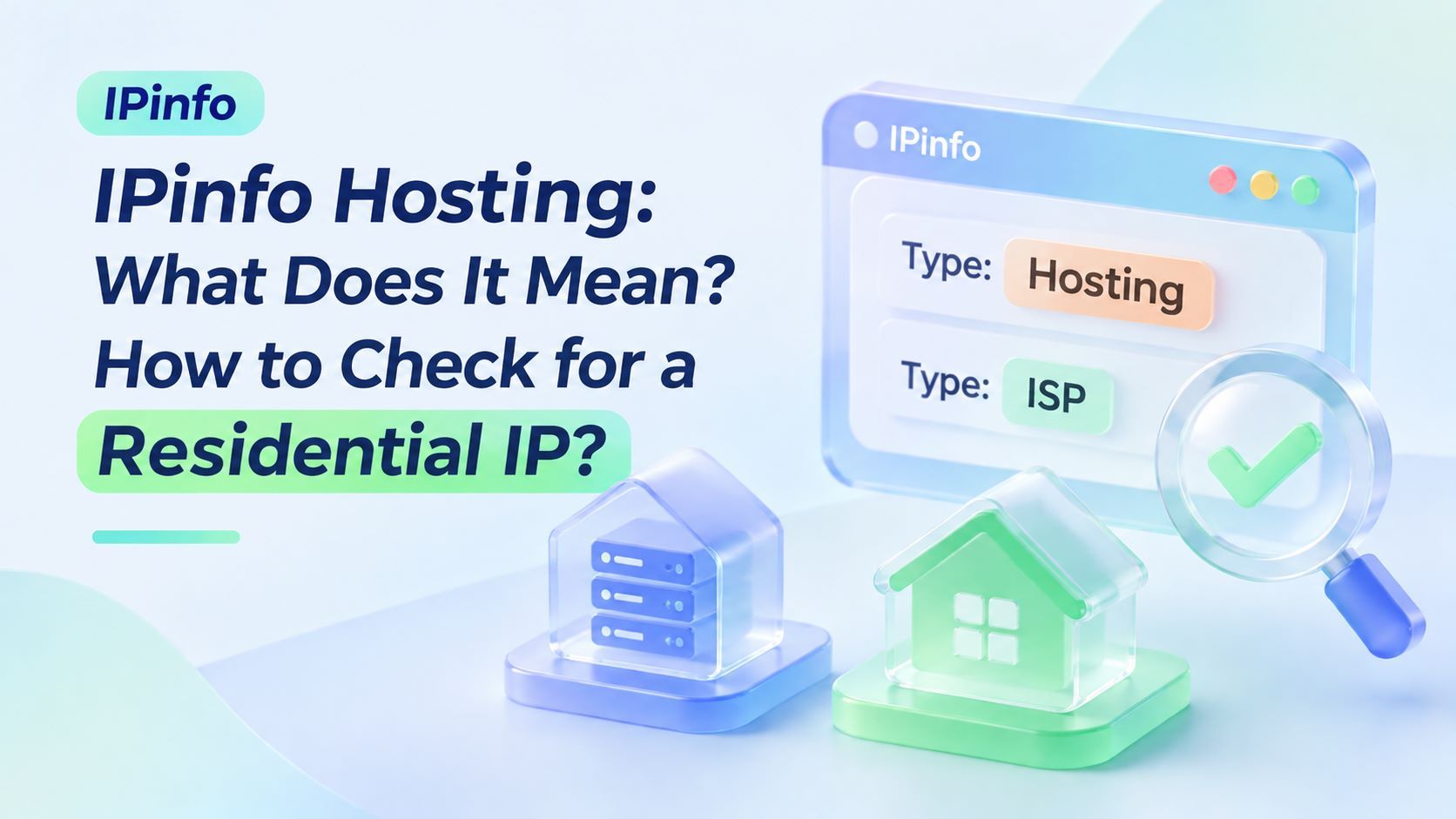
Check the ASN owner, ISP name, and whether the IP is flagged as hosting or a proxy. This step identifies network ownership and classification, not geographic location. These are two separate aspects.
A single ASN may also contain data center address ranges. Therefore, checking the ASN name alone is not enough; you should also examine the classification of the individual IP address.
4. Decide Whether the Discrepancy Matters for Your Business
If you only need to access services in a particular country, matching country-level results are usually sufficient. For city-level advertising tests, cross-check multiple databases and account for the inherent uncertainty of their results.
If multiple databases report a country that does not match your target market, or several sources classify the IP as Hosting, further verification of its registration organization, ASN, and actual network type is necessary.
Consider changing the IP only after confirming that it does not meet your business requirements. Evaluating results based on your actual use case is more practical than looking for one universal standard.
How to Choose a Residential Proxy with More Consistent Geolocation
1. Static Residential IPs: A Fixed Exit Location
If you need a consistent exit location in a specific country over an extended period, consider a static residential IP. The address remains unchanged throughout the rental period, helping maintain a consistent login environment and making potential issues easier to troubleshoot.
Before purchasing, verify the registration information, ASN, and ISP associated with the actual assigned IP. This is more reliable than simply relying on the location advertised by a provider.
2. Dynamic Residential IPs: Accessing Multiple Regions
If you need to access public pages across multiple countries and regions, consider a dynamic residential IP. You can rotate IP addresses according to predefined rules or use sticky sessions to maintain the same exit IP for a specified period.
This makes dynamic residential proxies suitable for multi-market research and price monitoring.
3. Verify the Actual Assigned IP Before Purchasing
IPDEEP offers static and dynamic residential IPs across more than 200 countries and regions, with support for HTTP, HTTPS, and SOCKS5 protocols.
Static residential IPs provide dedicated ISP exit connections, making them suitable for cross-border e-commerce, social media management, and other applications that require a consistent network connection.
Dynamic residential IPs support IP rotation and sticky sessions, with node selection by country and region. They are suitable for multi-market research, public data collection, and SEO monitoring.
You can choose the appropriate product based on your target location, IP stability requirements, and actual usage needs.
Before purchasing, confirm resource availability in your target region. After receiving a trial IP, verify its actual location using GeoIP, ASN, and ISP information.
Frequently Asked Questions (FAQ)
Q1: Can Different Countries Reported by IP Lookup Websites Affect Account Usage?
Not necessarily. Platforms have their own detection methods and do not rely on just one IP lookup website.
If your business only requires access to services in a target country, city-level discrepancies usually have little impact. However, if you are conducting city-level advertising tests, regional pricing checks, or localized content testing, further verification may be necessary.
If multiple databases report the wrong country and several sources also classify the address as hosting, switching to an IP with clearer network ownership may be a more reliable option.
Q2: Why Does a Newly Purchased IP Show a Different Country?
In many cases, the IP range has recently been transferred or reassigned, and different databases are still updating their records.
Check the IP again after a few days using two or three databases. If the location remains incorrect, the address may not actually belong to your target region. You can contact your proxy provider and request a replacement.
Q3: How Can You Tell Whether an IP Is Being Used Across Different Regions?
Compare three sources of information: the registered organization and country in RDAP records, the ASN announcing the IP prefix, and the GeoIP location results.
Inconsistencies between these sources may indicate cross-region usage, but they are not enough to determine the nature of the IP address on their own. You should also verify the actual network provider and connection type.