




IPinfo Hosting Explained: How to Check Residential IPs



Clean IP picks: Static IPs from $1.5 each, Dynamic IPs from $0.5/GB


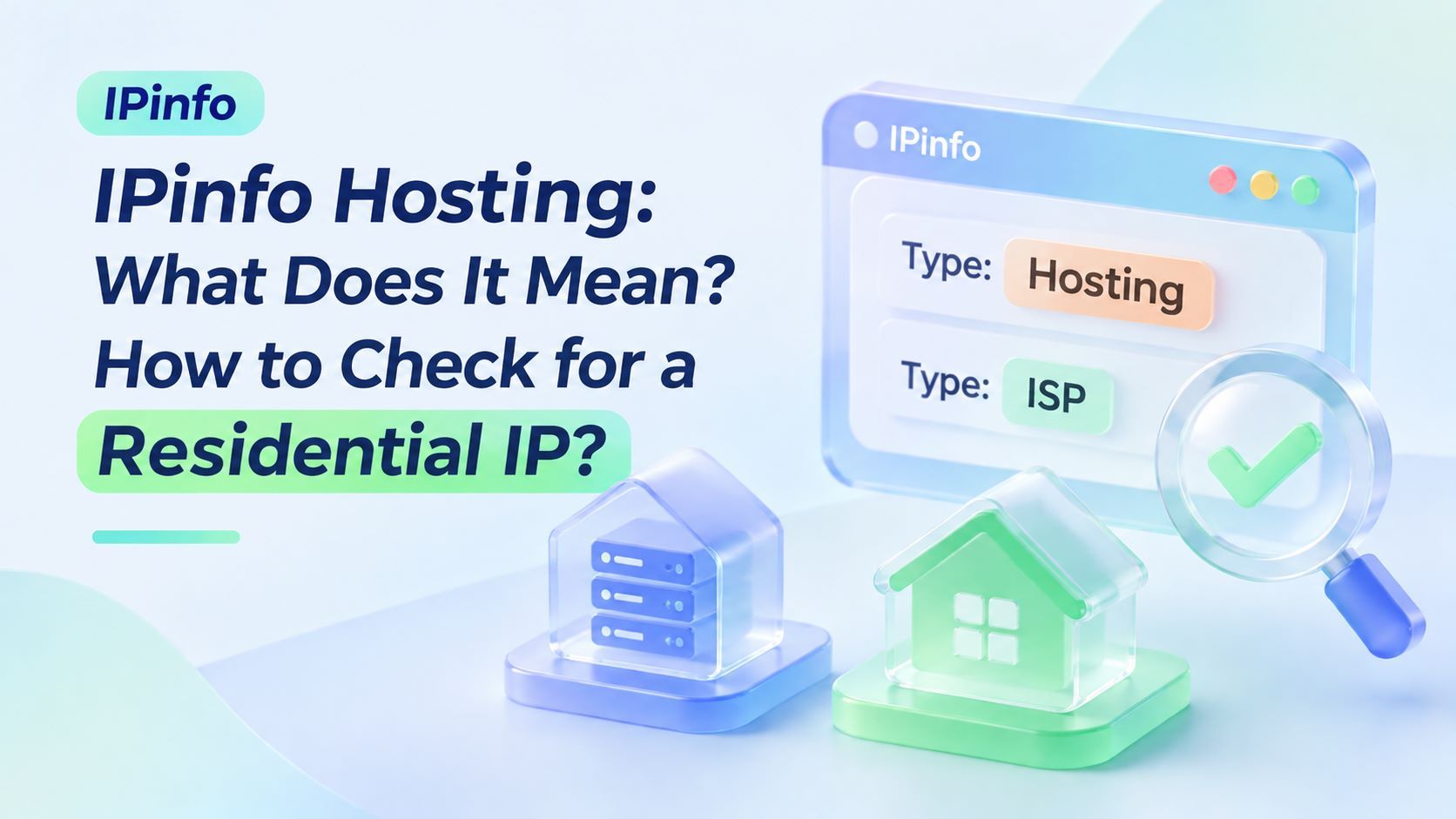
When you look up a proxy IP on IPinfo and see hosting in the Type field, it means the IP belongs to a network operated by a cloud provider, data center, or hosting company.
This does not mean the IP cannot be used, nor does it necessarily mean the address is physically located in a data center. ASN ownership and actual deployment location are two different things.
To determine whether an IP belongs to a residential network, you first need to understand what each IPinfo field represents, then cross-check the results using multiple data sources.
What Do Hosting and ISP Mean on IPinfo?
IPinfo results contain several fields that are easy to confuse, but they describe different aspects of an IP address:
The ASN type identifies who operates the network, the hosting flag indicates whether the IP belongs to a hosting network, and residential proxy detection separately determines whether the address has been identified as a proxy exit.
Understanding these three distinctions is more useful than simply memorizing what each label means.
1. Hosting: Hosting, Cloud Services, and Data Center Networks
When as.type is listed as hosting, it means the IP's ASN is operated by a cloud provider, data center, or hosting company. IPinfo defines is_hosting as indicating whether an IP is used for Internet hosting. Both fields can be true at the same time, but either one may also appear independently.
Hosting networks commonly support servers, data collection tasks, and high-concurrency requests. Platforms may treat traffic from these networks as requiring additional verification, but security policies vary between services, and there is no universal blocking rule.
Note that as.type and is_hosting do not necessarily match. An ASN may be classified as an ISP while an individual IP within that ASN is separately flagged as hosting.
2. ISP: Internet Service Provider Networks
When as.type is listed as isp, it means the ASN is registered to an access provider, such as a telecommunications operator. These ASNs may serve residential broadband users, businesses, government organizations, and even certain hosting services. ISP identifies who operates the network, not whether the connection belongs to a household.
Treating every ISP IP as a residential IP is one of the most common mistakes when interpreting IP lookup results.
3. What Do the Three Fields Represent?
For field definitions, refer to the IPinfo Core API documentation.
What Is the Difference Between Hosting IPs and Residential IPs?
Looking at network ownership, IP allocation, and typical usage together, the main difference lies in where an IP comes from and who operates it, rather than whether it is clean or unclean.
A residential network is not necessarily used by a real person, and a hosting network is not automatically restricted. Both types of networks can carry proxy traffic. The distinction lies in the organization behind the IP, its intended use, and the available registration records.
The IP allocation row is particularly easy to misinterpret. Residential IPs can be dynamically assigned or remain fixed for long periods. Hosting IPs can also remain unchanged.
Whether an IP is static has no direct connection to its network classification. The table shows common patterns, not definitive classification criteria. IPs within the same ASN may also receive different labels.
The term native IP is often confused with residential IP. It generally describes the relationship between an IP's registration details, network ownership, and target region.
It is not a standardized technical classification. Registration records only indicate where the IP resource is registered; they do not prove the country where it is actually deployed.
How to Check Whether an IP Is Residential
Different IP databases use different update schedules and classification methods. Relying on a single label can lead to incorrect conclusions. A better approach is to check the IP's attributes first, then evaluate its actual performance.
1. Check the ASN Type and Hosting Flag on IPinfo
Enter the IP address and check as.type and is_hosting, then review the ASN name. The web lookup interface displays limited fields. To access the complete data, you may need to use the API or database.
If as.type is isp and is_hosting is false, it means IPinfo has not classified the address as part of a hosting network. This can serve as an initial reference when assessing residential status, but these two fields alone cannot prove that the IP comes from a home broadband connection.
2. Verify ASN and WHOIS Registration Details
ASN information is generally more stable than individual IP labels and is an important reference for identifying network ownership.
Check the ASN number and organization name. An ASN registered to an access provider such as Comcast or Verizon indicates a different network ownership structure from one registered to a cloud provider.
The country field in WHOIS records indicates where the IP resource is registered. It does not prove where the equipment is physically deployed or identify the type of network access.
3. Cross-Check Multiple IP Databases
Compare usage types and proxy flags from services such as IP2Location, Scamalytics, and IPQualityScore.
It is normal for the same IP to receive different classifications across platforms. Differences usually result from variations in data coverage and update frequency, rather than one platform necessarily being wrong.
When results conflict, record each platform's classification fields and update time. Use ASN and hosting flags to assess network ownership first, then check residential proxy detection and other databases for evidence of proxy usage.
4. Check Proxy Flags and Risk Scores
Risk scores are calculated using each platform's own model. Their scoring scales and ranges are not standardized, so scores from different providers should not be compared directly.
Specific flags are more useful than the scores themselves. Check whether the IP is marked as VPN, proxy, or Tor, whether it is associated with a known residential proxy service, and whether it has been detected recently.
5. Test Actual Access to Target Platforms
After checking the IP attributes, connect to your target website in the actual business environment. Record the connection success rate, response time, detected location, and whether additional verification is required. This step measures real-world performance, not the IP's network classification.
When testing a proxy connection, you can also check whether DNS requests follow the expected route and whether the browser exposes other IP addresses through WebRTC. These checks help identify inconsistent routing or IP leaks, but they cannot determine whether an IP is residential.
If you are evaluating an entire IP pool, sample several exit IPs and check whether their ASNs are overly concentrated, whether cloud provider networks are mixed in, and whether their locations match the purchased regions. This provides more useful information than looking at the total IP count alone.
However, having more ASNs does not automatically mean better quality. Network operator structures vary significantly between countries.
Why Can Residential IPs Still Be Flagged as Hosting or Proxy?
Even when you purchase a residential proxy, detection results may still show hosting or proxy flags. There are three common reasons.
1. ASN Types and Individual IP Labels May Differ
Discussions in the IPinfo community have documented cases where an ASN is classified as ISP, while an individual IP within that ASN is separately flagged as hosting or webserver because it runs a web server or performs a similar function.
The fields evaluate different aspects of the network, so their results do not necessarily have to match.
2. Residential Proxies Can Be Identified Separately
IPinfo also provides a separate residential proxy detection dataset. Using a rolling seven-day window, it records when an IP was most recently identified as a residential proxy, the percentage of days it appeared during the previous seven days, and the associated proxy provider.
It also distinguishes between standard residential, mobile, and data center proxy types.
According to the official documentation, both the Residential Proxy API and downloadable database currently use this seven-day window. An IP assigned by a legitimate ISP can still be identified as a proxy exit.
3. Different Database Methods and Deployment Environments
Different platforms use different data sources, update schedules, and classification rules. As a result, it is common for the same IP to receive different classifications across databases.
In addition, ISP ownership does not necessarily mean that an IP is deployed in a residential environment. Some residential proxy products use IP ranges assigned by ISPs but are actually hosted in data centers, which may result in hosting-related detection flags.
How to Choose the Right Residential Proxy for Your Business
Once you have verified the IP attributes, choose a proxy type based on your business requirements.
▸ Static Residential IPs: Provide fixed ISP exits and are suitable for e-commerce store management, social media account management, and other scenarios that require a consistent network connection.
▸ Rotating Residential IPs: Support IP rotation and sticky sessions, making them suitable for accessing multiple regions, price monitoring, and public data collection.
IPDEEP offers Static Residential IPs and Rotating Residential Proxies, with overall network coverage across more than 200 countries and regions. HTTP, HTTPS, and SOCKS5 protocols are supported, allowing you to choose a solution based on your target location, connection method, and usage requirements.
Please note that overall network coverage does not mean every product supports the same locations. Check the product pages for available static residential IP locations, bandwidth options, and pricing.
Residential status, IP reputation, and dedicated usage are three separate factors. Before purchasing, verify the IP using multiple databases and test its actual connection performance.
Frequently Asked Questions (FAQ)
Q1: Does an ISP Label on IPinfo Mean the IP Is Residential?
Not necessarily. ISP describes the type of organization operating the ASN. It does not guarantee that a specific IP comes from a home broadband connection. You should also check the is_hosting flag, residential proxy indicators, and other databases.
Q2: Why Does the Same IP Show Different Results on Different Platforms?
Different platforms use different data sources, update schedules, and classification rules, so inconsistent results are normal. Cross-check the ASN, hosting flag, and proxy indicators.
Q3: Should Residential IPs Still Be Checked for DNS and WebRTC Leaks?
Yes, but these checks identify inconsistent routing and IP leaks, not residential status. If the DNS location differs from the IP location, first check which route the requests are actually taking.
Q4: Should I Choose Static or Rotating Residential IPs?
Static Residential IPs are suitable for long-term access to fixed accounts and dashboards, as a consistent exit makes troubleshooting easier. Rotating Residential IPs are better for multi-region access, price monitoring, and public data collection.