




IPinfo vs. IP2Location vs. Scamalytics: Which to Use?



Clean IP picks: Static IPs from $1.5 each, Dynamic IPs from $0.5/GB


All three tools can look up IP addresses, but each focuses on different aspects. Use IPinfo to verify ISP and ASN ownership, IP2Location and IP2Proxy to identify network usage types and proxy classifications, and Scamalytics to assess fraud risk.
Residential proxy users often encounter conflicting results. For example, IPinfo may identify an address as a residential connection, while IP2Location classifies it as a data center. Scamalytics may return a score of 0, while another database flags the same IP as high risk.
This article explains what each tool detects, why results may differ, and how to interpret them.

IPinfo vs. IP2Location vs. Scamalytics: What Are the Differences?
1. IPinfo: Network Ownership and ASN Lookup
IPinfo provides information such as an IP address's country, region, city, ASN, ISP or organization, and reverse DNS records. It also offers VPN, proxy, data center, and residential proxy detection. Available fields vary by product and subscription tier.
Its ASN and ISP data draw on network registration records, routing data, and internet measurements, making them useful for verifying network ownership. City-level geolocation is an estimate, so discrepancies between databases are common.
2. IP2Location: Network Usage and Proxy Detection
IP2Location primarily provides IP geolocation, ISP, ASN, and Usage Type information. Its IP2Proxy database identifies residential proxies, VPNs, data centers, and other anonymizing networks.
The following fields are particularly useful when checking an IP address:
▸ ISP / MOB: Fixed broadband or mobile networks.
▸ DCH: Data centers, hosting, or CDN networks.
▸ RES: Residential proxies.
▸ VPN: Virtual private networks.
Note that a RES label means an IP has been identified as a residential proxy. It does not indicate poor IP quality.
Residential network attributes and proxy attributes can coexist. A genuine residential IP may have both an ISP network classification and a RES label. These classifications are not contradictory and do not mean the IP belongs to a data center.
3. Scamalytics: IP Fraud Risk Assessment
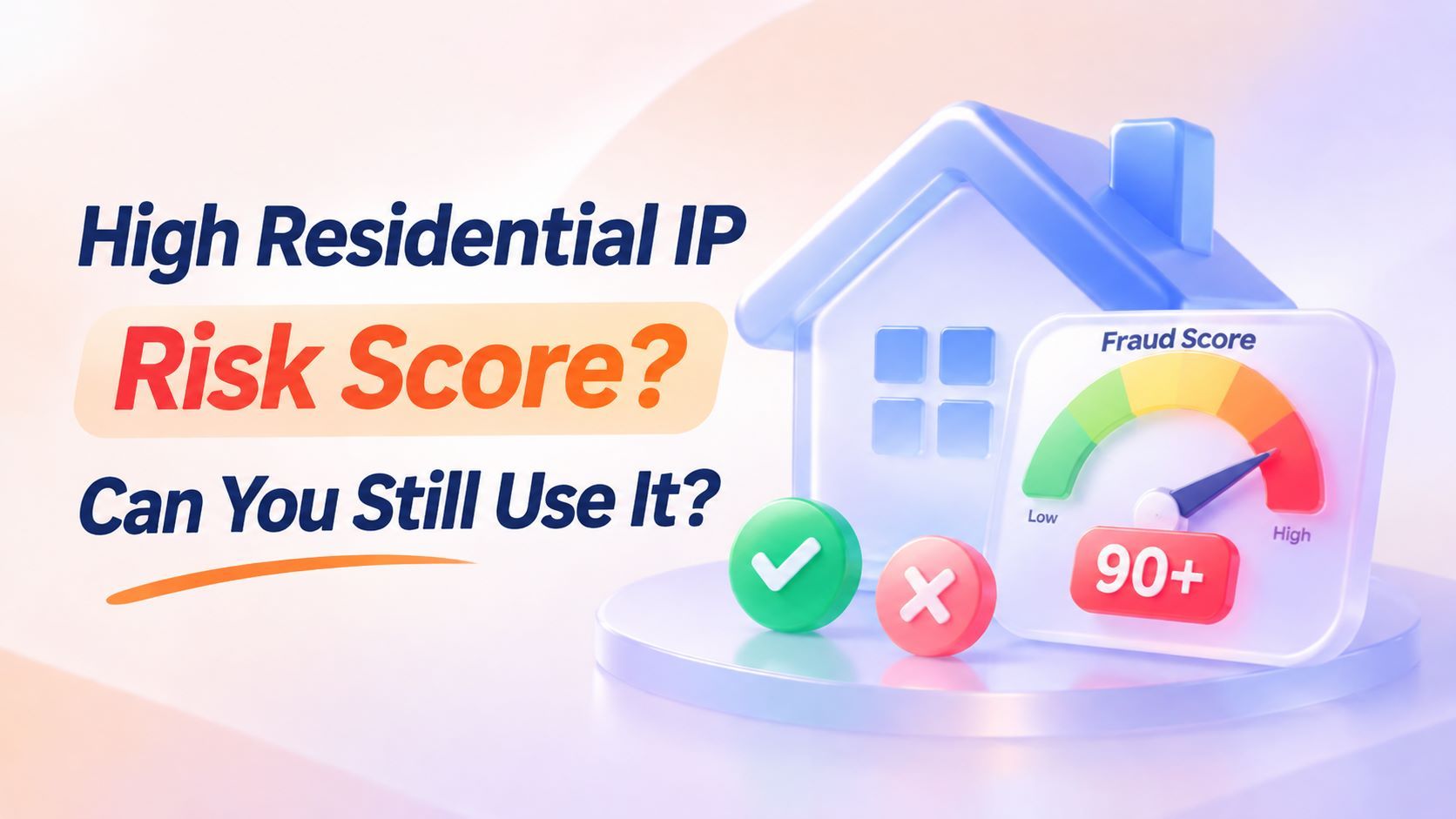
Scamalytics provides a Fraud Score ranging from 0 to 100, along with data center indicators, proxy classifications, ISP-level risk information, and blacklist results. A higher score indicates more risk signals associated with the IP address.
Its scoring system uses fraud reports submitted across global ISP networks and applies risk assessments to neighboring IP addresses, including addresses within the same subnet, ASN, or hosting range.
As a result, an IP's score may also reflect activity associated with nearby addresses. A high score does not necessarily mean that the specific IP has been involved in fraud.
Conversely, a score of 0 indicates no currently known fraud risk in its system. It does not mean the IP has never been used as a proxy, nor does it guarantee acceptance by every target platform.
Available fields and free query limits depend on each platform's product and subscription tier.
Why Do Different IP Lookup Tools Return Different Results?
1. Different Data Sources, Classification Rules, and Update Cycles
The three providers do not rely entirely on independent data sources. Scamalytics' API documentation lists sources such as IPinfo, IP2Proxy, and MaxMind GeoLite2, meaning some fields may come from overlapping data providers.
Each provider also uses its own network classification rules, detection models, and data update schedules. Even when checking the same field, different tools may return different results.
For this reason, cross-checking should not be based on a simple majority vote. Two tools labeling an IP as residential do not automatically confirm that it is residential, just as two data center labels do not necessarily mean the IP should be rejected.
Instead, compare the specific values for ASN, ISP, Usage Type, and Proxy Type.
2. Network Ownership and Proxy Attributes Are Different Things
An IP address can belong to a residential network and still be identified as a proxy. The former describes its network classification, while the latter describes how the address is being used. Both labels can be correct.
When IPinfo identifies an address as residential but IP2Location classifies it as a data center, the discrepancy may result from different network classification rules, update schedules, or detection fields.
Check ASN, ISP, Usage Type, and Proxy Type individually instead of comparing residential and data center labels alone.
If you need to choose a primary reference, use IPinfo for network ownership, IP2Location and IP2Proxy for network and proxy classifications, and risk scores as supporting indicators. Using a Scamalytics score to determine whether an IP is residential or a data center means using the tool for the wrong purpose.
3. Risk Scores Do Not Directly Indicate Residential Status
A residential IP does not necessarily have a low risk score, and a data center IP is not automatically high risk. Risk scores reflect assessments based on historical activity and related network signals. They cannot be used on their own to determine whether an IP is residential.
A data center IP receiving a low score or a residential IP receiving a high score are both possible. These differences do not necessarily indicate that a tool is wrong; network attributes and risk assessments measure different things.
How to Check Residential Proxy IPs with These Three Tools
1. Verify the Exit Location and ASN
Use IPinfo to check the country, ASN, and ISP, and confirm that the exit location matches your purchase requirements.
If the city-level location appears inaccurate, cross-check it with other geolocation databases. For proxies purchased for a specific city, also compare the results with the location details provided by the proxy provider.
2. Check Network Usage and Proxy Labels
Use IP2Location to check the Usage Type and IP2Proxy to identify proxy classifications such as RES, VPN, DCH, and TOR. Compare the results across at least two databases to see whether they agree.
3. Review Risk Scores and Abuse Records
Use Scamalytics to check the Fraud Score and blacklist information. If the score is high, investigate further using ISP-level risk information, blacklist records, and historical reports from community databases such as AbuseIPDB.
4. Test Actual Connection Performance
Visit the target website and test real operations such as logging in, searching, and accessing checkout pages. Check connection stability and timeout rates. Database results cannot replace real-world connection tests.
IP detection results can change over time, so periodic checks are sufficient. There is no need to repeatedly query the same API within a short period. For more details on interpreting risk scores, see our guide How to Interpret IP Fraud Scores.
How to Choose a High-Quality Residential Proxy
In addition to network ownership, proxy attributes, and risk scores, consider exit stability, location coverage, connection speed, and overall cost when choosing a residential proxy.
▸ Static Residential Proxies: Provide dedicated, fixed IP addresses. Suitable for cross-border e-commerce store management, social media operations, and services that require IP allowlisting.
▸ Rotating Residential Proxies: Support location targeting, IP rotation, and sticky sessions. Suitable for market research, price monitoring, and data collection across multiple regions.
▸ Unlimited Residential Proxies: Billed by bandwidth, making them suitable for ongoing tasks with high data consumption.
IPDEEP offers all three residential proxy solutions across more than 200 countries and regions. Visit the IPDEEP Residential Proxy product page for available locations and specifications. Actual plans and prices are listed on the purchase page.
After purchasing, follow the four steps in the previous section to verify your proxy and assess whether it meets your requirements based on its actual connection performance.
Passing an IP check does not guarantee acceptance by a target platform. Platforms may also consider browser settings, login history, and browsing behavior. For more information, see Why Websites May Still Detect Unusual Activity When Using a Static Residential IP.
Frequently Asked Questions (FAQ)
Q1: What Is a Normal Scamalytics Risk Score?
Scamalytics provides recommended actions for different score ranges. These classifications can serve as a reference:
These are Scamalytics' own recommended score ranges. The company also notes that the thresholds are starting points and should be adjusted based on individual business data. They are not the risk assessment standards used by platforms such as Amazon or TikTok.
Q2: Can an IP Risk Score Change Over Time?
Yes. Historical activity, changes in network ownership, and updates to scoring models can all affect an IP's risk score. Periodic checks are sufficient; there is no need to refresh it constantly.
Q3: Are These Three IP Detection Tools Free to Use?
All three providers offer free web-based lookups, but available fields and query limits may be restricted. Bulk lookups or access to additional data usually require an API, paid subscription, or downloadable database.