




U.S. Native IP vs. Residential IP: Key Differences



Clean IP picks: Static IPs from $1.5 each, Dynamic IPs from $0.5/GB


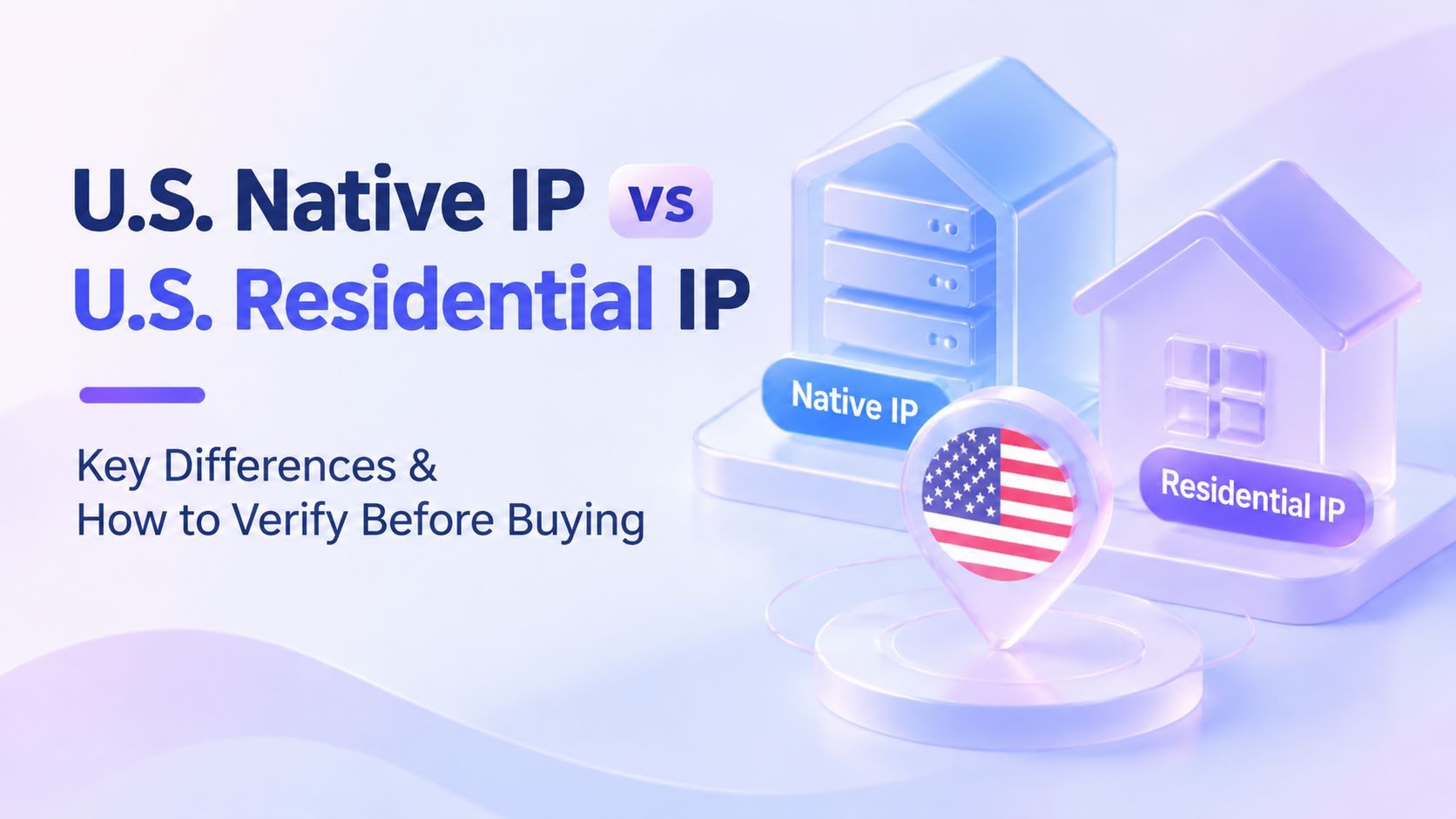
When buying a U.S. proxy IP, the terms "native" and "residential" are often combined into a single selling point: "U.S. Native Residential IP."
However, these terms describe two different things: one refers to IP registration and geolocation, while the other describes the type of network connection. Confusing the two can lead to an IP that looks legitimate in detection tools but performs differently in actual use.
This guide focuses on what you should check before purchasing.
What Is the Difference Between U.S. Native IPs and U.S. Residential IPs?
1. Residential IPs: Network Connection Type
A residential IP is an address assigned by a local ISP to a home broadband connection. Its IP range is typically registered to a consumer ISP such as Comcast, AT&T, or Verizon.
The key factor is the type of network connection, not the country of registration. A Philippine home broadband address, for example, is also a residential IP.
Residential status only describes the network type; it does not guarantee a good IP reputation. Even within the same IP range, addresses used for normal browsing can have very different reputation records from those used for high-volume automated requests.
Another distinction matters: whether an IP is static or dynamic refers to its allocation method, not whether it is residential. Residential IPs can rotate, while static IPs can also come from data centers.
2. Native IPs: Consistency Between Registration and Geolocation
Native IP is not an official IP address category defined by ARIN or IANA, nor does it have a universally accepted standard. It is an industry term generally used to describe IPs whose registration details, GeoIP location, and actual usage region are relatively consistent.
These information sources should be checked separately:
▸ RDAP / WHOIS: Shows which organization and country an IP address range is registered to.
▸ BGP and ASN: Show which autonomous system is currently announcing the IP prefix.
▸ GeoIP databases: Estimate the IP's country and city based on third-party data.
These sources are not interchangeable. A U.S. registration record does not prove that a device is physically located in the United States, and a routing announcement only identifies the network announcing the prefix.
Native and residential are two separate attributes. A U.S. data center IP can be native, but that does not make it residential.
3. Broadcast IPs, Data Center IPs, and Dual ISP
▸ Cross-Region Announced IPs: IP ranges whose registration location differs from their actual network deployment region. Their GeoIP location, registration details, and ASN information may not match.
BGP announcements are a normal part of Internet routing, and cross-region use does not automatically mean an IP is fake. IP ranges can also be transferred or leased.
▸ Data Center IPs: IP addresses associated with cloud providers or data center networks. They are commonly used for website hosting and server operations and can still have native IP attributes.
▸ Dual ISP: A term used in the proxy industry to describe an IP whose address and associated ASN are both classified as ISP by third-party databases. It is not a universally recognized technical standard.
Checking the registered organization, Origin ASN, and database classifications separately is more useful than relying on this label.
How Do U.S. Native Residential IPs Compare with Other IP Types?
These four terms do not describe the same classification level: native and residential refer to IP attributes, data center describes the network source, and dynamic shared describes the allocation method. The table below shows common characteristics, not definitive classification rules.
Native attributes, residential attributes, and IP allocation methods are separate dimensions. Verify each one before purchasing rather than relying on the product name alone.
How to Check a U.S. Residential IP Before Buying
1. Check RDAP / WHOIS and ASN Information
Use ARIN RDAP to check the address range's Organization, Country, and NetRange fields. If the registered organization is a U.S. ISP, it indicates that the address range is registered to that organization, but it does not reveal where the device is physically located.
Next, use a tool such as bgp.he.net to check the actual Origin ASN and identify the organization behind it, rather than relying solely on database labels.
Compare the NetRange with the advertised market. The address range should be registered in the United States to support its U.S. registration claim.
2. Check BGP and GeoIP Results
Different databases use different field definitions, so mixing their results can lead to incorrect conclusions.
IPinfo's Type field describes the type of organization associated with an ASN, not the classification of an individual IP address.
MaxMind's Connection Type field uses values such as Cable/DSL, Cellular, Corporate, and Satellite. It does not use ISP or Residential as values.
Different databases may return different results for the same IP. Cross-checking multiple sources is more reliable than relying on just one.
Record the RDAP, BGP, and GeoIP results in the same comparison sheet. If the web interface does not display enough information, use the API or a more detailed database lookup.
3. Check IP Type and Reputation
Use IPQS or Scamalytics to check the fraud score and look for specific Proxy, VPN, Tor, and Hosting flags.
Avoid using a fixed score as a universal pass/fail threshold. Different databases use different models and datasets, and their scores do not represent the risk assessments used by individual platforms. The specific flags and their update dates are more useful.
Testing several candidate IPs provides a better picture of the overall range than testing just one. If an entire range is consistently flagged as proxy traffic, switching to another address within the same range may not solve the problem.
4. Test the IP Actually Assigned to You
If you only test a demonstration IP provided by the service provider, the results are only a reference.
After purchasing or starting a trial, check the actual exit IP assigned to you. For static residential proxies, confirm that the assigned address matches the one tested. For dynamic residential proxies, test multiple nodes across different sessions or time periods.
During connection testing, also check whether DNS requests are routed through the proxy as expected and whether WebRTC exposes your original network IP. Make sure your system time zone and language settings are appropriate for your operating environment.
Avoid repeatedly switching exit IPs while logging into the same account within a short period. Otherwise, it becomes difficult to determine whether an issue is caused by the IP or account activity. Keep a record of test results and timestamps, as database updates may be delayed.
Which U.S. Proxy IP Should You Choose for Different Business Needs?
1. Cross-Border E-Commerce Store Management
Choose a static residential IP and assign a fixed exit IP to each store or operating environment to reduce login environment fluctuations caused by frequent address changes.
If you manage multiple stores, configure separate network environments for each one instead of sharing a single exit IP across different operations. IP choice is only one factor; account information and operating behavior also influence platform assessments.
2. Social Media and Advertising Operations
Static residential IPs are also a suitable choice here. Focus on the node's location, connection stability, and IP reputation.
For multiple accounts, use separate exit IPs to make potential issues easier to identify and troubleshoot. IP type alone does not determine ad approval or content recommendation performance.
3. Data Collection and SEO Monitoring
Choose dynamic residential IPs to rotate exit addresses as needed and select nodes by country or city. A traffic-based plan is a practical way to start small, measure usage per task, and then choose an appropriate package.
Follow the target website's request policies and use authorized data APIs whenever available.
IPDEEP U.S. Residential Proxy IPs
1. Static Residential IPs: Dedicated, Fixed Exit Addresses
Static Residential IPs provide dedicated ISP network exit addresses that remain unchanged throughout the rental period. They are suitable for store management and account operations that require a consistent network exit.
Before purchasing, you can verify the actual assigned IP using RDAP, ASN information, and reputation databases.
2. Dynamic Residential IPs: Flexible Multi-Region Access
Dynamic Residential IPs are available with traffic-based or bandwidth-based billing. They support IP rotation and sticky sessions, with node selection by country or city, making them suitable for multi-market research and public web access.
IPDEEP covers more than 200 countries and regions and supports HTTP, HTTPS, and SOCKS5 connections.
Both types of proxies can be used together. Configuring them for different purposes offers more flexibility than relying on a single type. Choose a billing model based on your usage period and traffic requirements.
Before purchasing, confirm that the required proxy type is available in your target country, then compare pricing. Check the official website for current regional availability, bandwidth options, and prices.
Frequently Asked Questions (FAQ)
Q1: Is a U.S. Native IP Always a Residential IP?
No. Native refers to consistency between registration details and geolocation, while residential describes the type of network connection. These are two separate attributes that can exist together or independently. A U.S. data center IP can also be native.
Q2: What Is the Difference Between a U.S. Residential IP and an ISP Proxy?
In many cases, the terms refer to similar types of networks, but they emphasize different aspects. ISP proxy highlights the IP's association with an ISP network, while residential describes the connection type. For any specific product, check its actual ASN, registered organization, and reputation records.
Q3: Can a Static Residential IP Guarantee Account Security?
No. An IP address is only one part of an account's operating environment. Device fingerprints, login behavior, and account information consistency also influence platform assessments.
A static residential IP provides a consistent exit address and helps reduce network environment changes, but it cannot guarantee account security.