




Shopify Multi-Store: Static vs. Dynamic Residential IPs



Clean IP picks: Static IPs from $1.5 each, Dynamic IPs from $0.5/GB


Running multiple Shopify stores is common practice. Merchants may create separate stores for different brands or target markets.
As the number of stores grows, managing their login environments becomes an important part of daily operations. Which network is used to access each store? Who logs in from which location? Can access records be traced when an issue occurs? These questions often arise before choosing a proxy IP type.
Static and dynamic residential IPs are two common types of proxy resources. Their main differences lie in whether the exit IP remains fixed and how addresses are assigned and billed.
This guide explains when to use each type based on different business scenarios and provides a practical checklist for configuring your proxy environment.

Why Does IP Stability Matter for Shopify Multi-Store Management?
1. Managing Multiple Stores Is Normal
Shopify allows the same merchant to own multiple stores and provides tools to manage them. A single Shopify ID can access multiple stores, with a store switcher available in the admin. Team members can also log in with individual staff accounts and receive role-based permissions.
What matters is maintaining consistent access records. Logging into the same store frequently from different countries or devices may trigger additional security verification. This is a normal account security measure and does not automatically mean the store has violated any rules.
2. What Can You See in Login History?
In Shopify admin, you can select an account under Users to view its recent access history. Records may include the login IP address, ISP, approximate location, browser, and operating system. This information is useful for investigating unusual account activity.
1. Log in to Shopify admin and go to Settings.
2. Open Users and select the account you want to review.
3. Find the recent access history in the account details and check the IP addresses, ISPs, and login locations.
If you find an unfamiliar IP address or ISP, first check with your team to see whether anyone has changed networks, logged in while traveling, or temporarily used a proxy. Then determine whether the access was unauthorized.
3. Dedicated IPs Help Manage Network Access
Shopify does not require each store to use a separate IP address. Accessing multiple stores through the same network does not automatically mean they will be treated as related accounts.
A dedicated IP mainly helps distinguish network connections: who accessed a store from which address, whether access can be traced afterward, and how to identify the source of a problem. It does not replace proper account permissions or compliant business practices.
What Is the Difference Between Static and Dynamic Residential IPs?
1. Static Residential IPs: Fixed Exit Addresses
A static residential IP keeps the same exit address throughout its subscription period. Its network registration belongs to a residential ISP rather than a cloud provider or data center.
Its main advantages are residential ISP network attribution and a fixed exit address, making it suitable for activities that require long-term use of the same IP.
It is also important to distinguish between two concepts. A dedicated IP is assigned exclusively to you during the subscription period, reducing interference from other users sharing the same exit address. However, this does not mean the IP will be free from all usage restrictions.
2. Dynamic Residential IPs: Addresses Assigned from an IP Pool
Dynamic residential IPs are assigned from a shared pool of residential addresses. They support both per-request rotation and sticky sessions, which keep the same exit IP for a specified session duration. The address may change when the session expires or a new node is assigned.
This does not mean the IP changes with every request. Pricing is generally based on bandwidth usage, although some plans are billed by bandwidth capacity.
3. Key Differences Between the Two
How Should You Choose an IP for Shopify Multi-Store Management?
1. Main Stores and Long-Term Operations
Stores that require daily admin access for order processing, product listings, and customer support benefit from a stable network connection. The login history consistently shows the same IP address, making team handovers and access tracking easier.
This is an operational convenience, not a way to increase account trust. A static residential IP is a practical choice for stores that need a consistent exit address.
2. Multiple Brands and Teams
When different teams manage separate stores, assigning dedicated exit IPs by team or store helps distinguish access sources and simplifies troubleshooting.
If members of the same team need to share an IP address, establish clear rules for team access, permissions, and activity tracking in advance.
3. Competitor Monitoring and Market Research
Dynamic residential IPs are more suitable for monitoring competitor prices, collecting publicly available product information, and checking search results or ad displays across different countries.
Per-request rotation distributes traffic across different exit addresses, while traffic-based pricing means you do not have to pay for unused subscription time.
Repeated high-frequency requests from the same IP to a single website may encounter rate limits. IP rotation can help reduce these interruptions.
4. Recommended IP Solutions for Different Needs
A dedicated IP provides a more consistent and distinguishable network connection, but it cannot guarantee complete separation between stores. Account permissions, payment settings, and business operations must still comply with platform policies.
What Should You Consider When Configuring Proxies for Shopify Stores?
1. Check IP Ownership and Reputation
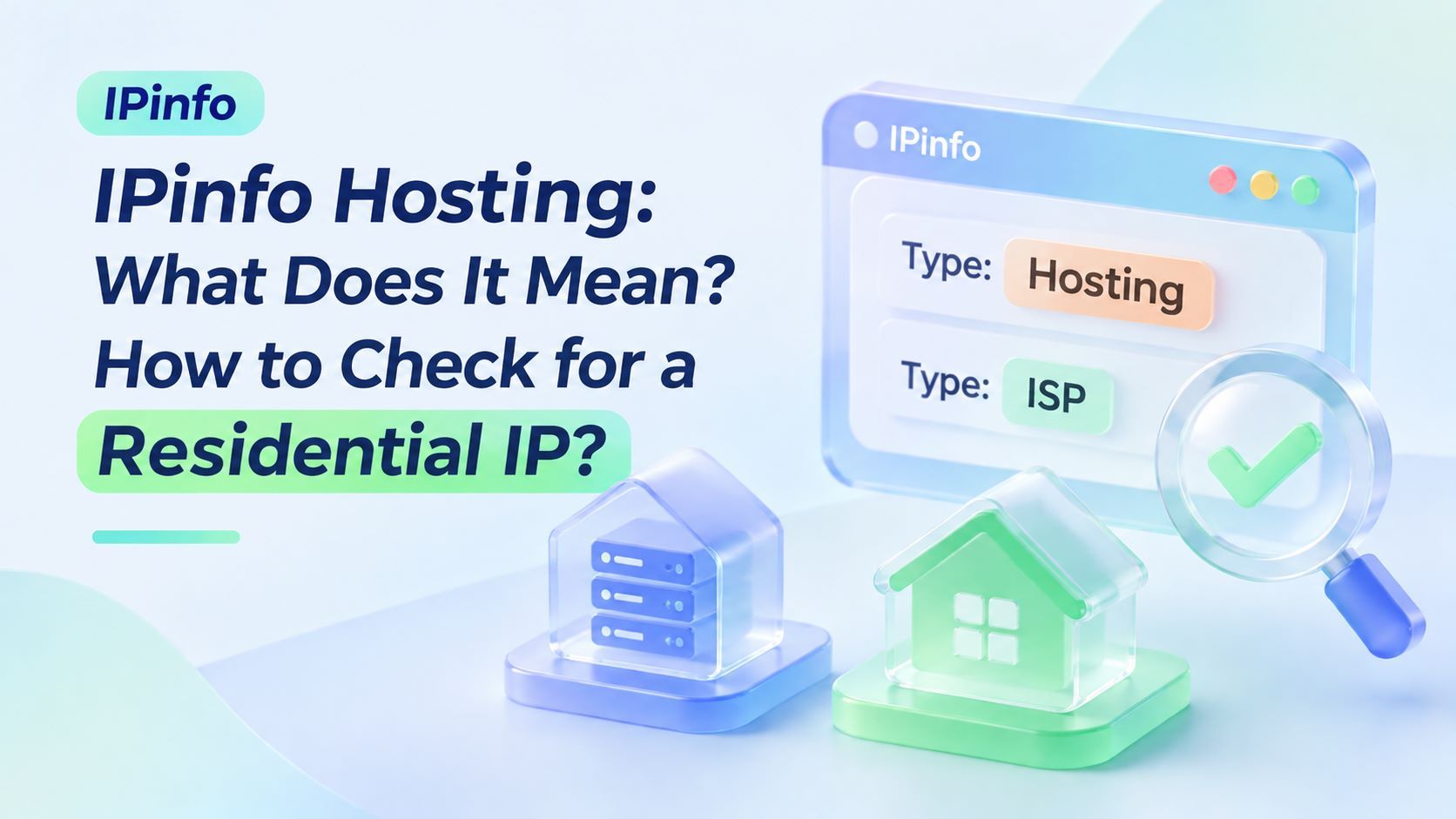
Check three things when evaluating an IP address: whether its ASN belongs to a residential ISP, whether it is labeled as Hosting, and whether its registered organization and location match your target region.
A hosting label from a single database is not enough to confirm that an IP belongs to a data center. Compare results from multiple databases before making a decision.
IP addresses previously used for spam or high-frequency data collection may carry higher risk scores. Run the address through IP reputation checks before using it.
2. Make Sure the Proxy Connection Works
Entering proxy details in a browser extension does not guarantee that all network traffic is routed through the proxy.
Check the following three points:
Whether the visible exit IP matches the intended proxy address;
Whether DNS requests are routed through the proxy rather than your local network;
Whether WebRTC exposes your original public IP address.
Note that WebRTC displaying a private local address or the proxy IP does not necessarily indicate a leak. A leak occurs when your original public IP address is exposed.
DNS requests bypassing the proxy can affect connection consistency, but websites cannot directly read which DNS service you use.
3. Manage Browser Environments and Account Security
Significant inconsistencies between browser language, system time zone, device information, and IP location can make access issues harder to investigate.
Keep these settings consistent with your actual operating environment rather than forcing every parameter to match exactly. IP geolocation databases are not always precise, so differences at the city level are normal.
For team operations, create individual staff accounts with appropriate permissions instead of sharing the store owner's credentials. Enable two-step authentication and regularly remove unfamiliar devices from your account's device list.
4. Avoid Frequent IP Changes
The main advantage of a fixed exit IP is consistency. If a node stops working, identify the cause first. Check your local network, proxy authentication, and the target website before deciding whether to switch IPs.
Changing IP addresses every day as a security measure only makes login records harder to interpret.
How to Choose Proxy IPs for Shopify Multi-Store Management
1. Check Location Coverage
First, check whether the provider covers your target market and whether city-level locations are available.
Static residential IPs are usually offered by country and have more limited location options than dynamic residential IPs. If your store targets a less common market, confirm availability before purchasing.
2. Dedicated IPs and Bandwidth
For stores that require long-term admin access, choose a dedicated IP to avoid sharing the same exit address with unknown users. Select bandwidth based on actual usage, allowing enough capacity for stores with frequent image uploads and admin activity.
3. Protocols and Integration
Check whether the provider supports HTTP, HTTPS, and SOCKS5. Also confirm compatibility with your existing antidetect browser and ERP system, and whether setup documentation and test traffic are available.
4. IPDEEP Static and Dynamic Residential IP Solutions
IPDEEP Static Residential IPs provide dedicated, fixed exit addresses with customizable bandwidth and support for HTTP, HTTPS, and SOCKS5. They are suitable for Shopify stores that require a consistent long-term connection and fixed IP authorization.
IPDEEP Dynamic Residential IPs cover more than 200 countries and regions, support per-request rotation and sticky sessions, and offer traffic-based or bandwidth-based pricing. They are suitable for competitor monitoring, public data collection, and multi-market research.
Available locations, bandwidth options, and pricing are subject to the details listed on the IPDEEP product pages.
Frequently Asked Questions (FAQ)
Q1: Does Each Shopify Store Need a Different IP Address?
No. Shopify allows the same merchant to manage multiple stores and does not require a separate IP for each one. Whether to use dedicated IPs depends mainly on your team management and network separation needs.
Q2: Can I Use a Static Residential IP to Log In to Shopify Long-Term?
Yes. A static residential IP keeps the same exit address throughout its subscription period, making it suitable for long-term Shopify admin access and easier login tracking.
Q3: Can I Use a Dynamic Residential IP for Shopify Admin Access?
Yes, but it is less suitable for long-term management. The IP may change when a session ends, making dynamic residential IPs better suited to competitor monitoring and public data collection.
Q4: Why Does Shopify Still Request Verification When I Use a Fixed IP?
A fixed IP does not prevent all security checks. Logging in from a new device, browser, or location may still trigger additional verification.