How to Assign Static Residential IPs for Multiple YouTube Channels?



Clean IP picks: Static IPs from $1.5 each, Dynamic IPs from $0.5/GB


When running a multi-channel YouTube matrix, social media marketing, or cross-border brand promotion, it has become common practice to create content across multiple niches or target multiple regions.
However, as platforms upgrade their account security and risk-control mechanisms, the most challenging issues in multi-account operations are account association and traffic throttling.
The network environment—especially the type and allocation of IP addresses—is one of the core signals YouTube's risk system uses to evaluate account authenticity and independence.
So, is “one channel, one IP” mandatory for multiple YouTube channels?
Not necessarily. If multiple channels belong to the same brand or team, they can normally be managed under a single stable network environment.
If you need clearer isolation for different business lines, regional markets, or operational environments, you may consider assigning dedicated static residential IPs to different channels.
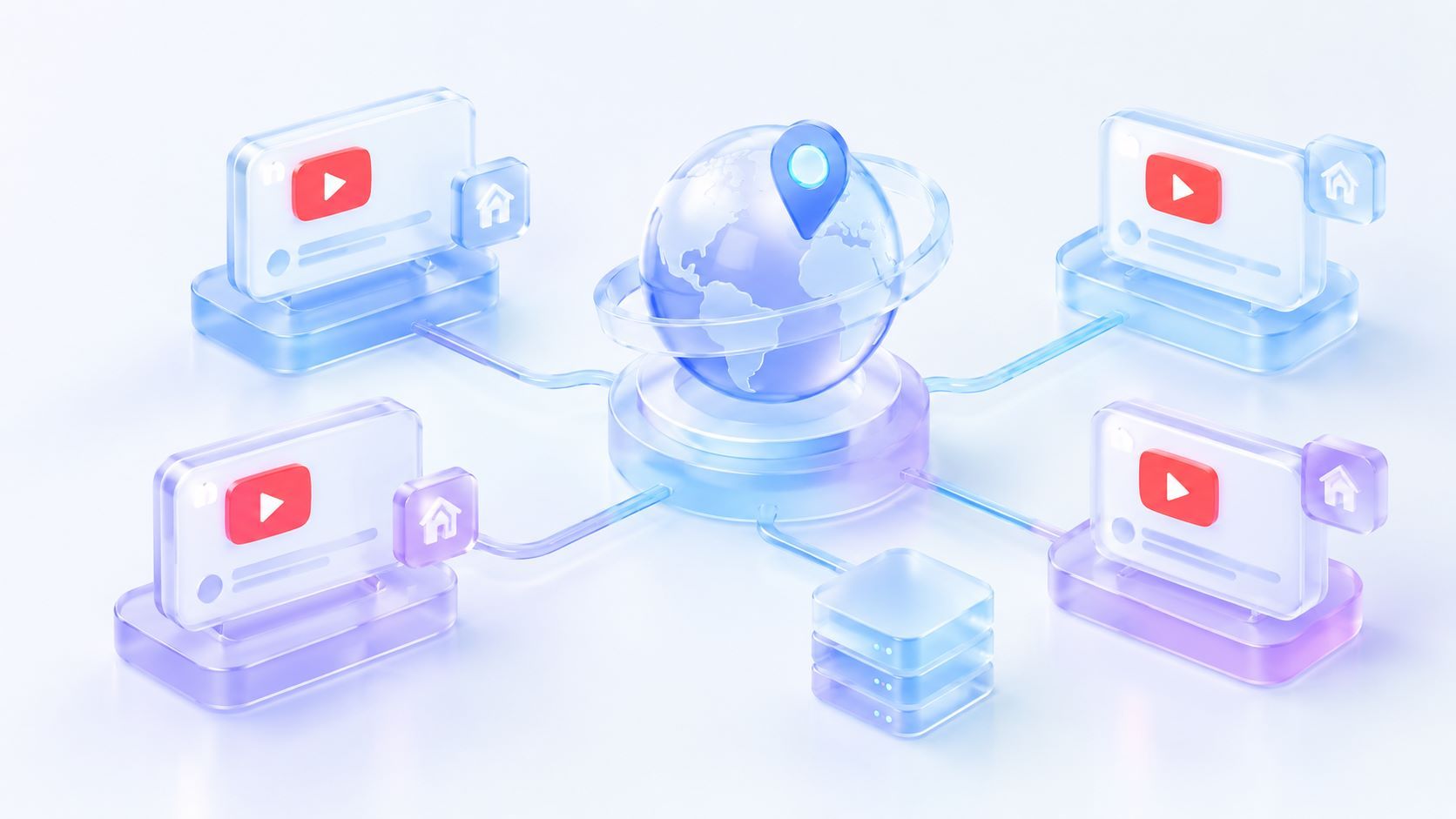
Why multi-channel YouTube operations often trigger risk controls and association flags
YouTube and its parent company Google employ one of the world's strictest anti-abuse and risk-detection systems, continuously evaluating account health across multiple dimensions:
IP address and network environment: IP and login environment are among the signals that may be used for risk assessment.
If multiple channels exhibit abnormal logins, batch automation, or behavioral patterns inconsistent with genuine user habits from the same IP, the system is more likely to cluster them as suspicious.
Browser fingerprinting and device identifiers: This includes Canvas, WebGL, AudioContext, screen resolution, timezone, language, User-Agent, and other parameters. Even if cookies are cleared, fingerprint data can still be recognized.
Datacenter (hosting) IP risks: Some datacenter IPs, due to their ASN belonging to hosting servers rather than residential broadband, may carry a higher risk of proxy detection or risk flags, and should be used with caution in account management scenarios.
Core advantages of static residential IPs in multi-channel management
Static residential IP (Static Residential IP / ISP Proxy) refers to a fixed IP address allocated by an Internet Service Provider (ISP). Compared to datacenter IPs and dynamic IPs, it offers the following features:
Residential/ISP network attributes: Static residential IPs have network properties close to those of real home networks. In scenarios that require a long‑term fixed network egress, they reduce environment changes caused by frequent IP switching.
Network isolation: By binding dedicated static residential IPs to different channels, you can reduce association signals from shared network egresses and lower the risk of “one violation affecting all accounts.”
Long‑term stability and sticky sessions: A static residential IP remains unchanged over time, building a stable and consistent login history for accounts—ideal for daily channel maintenance, Creator Studio management, and video uploads.
Precise geo‑matching: Supports targeting specific countries and cities, helping maintain consistency between the login environment and target markets, facilitating localized operations.
Practical steps for assigning static residential IPs to multiple YouTube channels
To build a solid network isolation barrier, we recommend the following standardized process when assigning static residential IPs:
1. Decide on the IP allocation approach based on operational needs
If multiple YouTube channels belong to the same brand or team and are managed under the same operational environment, each channel does not necessarily require a dedicated IP.
However, for channels in different business lines, regional markets, or those that require network isolation, you can consider a “one channel, one dedicated static residential IP” strategy.
This reduces association signals from long‑term sharing of the same network egress and makes it easier for teams to manage each account's network environment independently.
For quick reference, here is a scenario‑based table:
2. Combine with fingerprint browsers for environment isolation
Changing the IP alone cannot fully prevent browser fingerprint leakage. We recommend using a dedicated fingerprint browser (or virtual machine) and setting up an independent browser profile for each channel:
Bind the corresponding static residential IP to each profile. Ensure that the system timezone, language, WebRTC, and geolocation match the proxy IP's location.
3. Plan IP geolocation based on target audience
If channels are aimed at specific countries or languages (e.g., the US, the UK, or Southeast Asia), choose static residential IPs from those regions for registration and operation.
Keeping the login environment consistent with the target market helps improve account credibility in local recommendation systems.
4. Keep IPs fixed and avoid frequent changes
Once static residential IPs are configured, maintain long‑term login consistency. Using the same fixed residential IP for registration, daily browsing, video uploads, and back‑end management helps establish a stable and continuous account network environment.
5. Isolate public data collection from account operations
If your team needs to scrape competitor data, keywords, or public comments at scale, do not use the static residential IPs dedicated to your channels for such high‑frequency requests.
Use separate dynamic residential IPs for data collection tasks to avoid contaminating your main account IPs.
Selection and configuration recommendations for static residential IPs
When choosing a static residential IP provider, focus on IP purity, exclusivity, bandwidth stability, and protocol support:
1. Exclusivity and purity: Ensure the IP is 100% dedicated, with no shared usage history and not blacklisted by major social platforms.
2. Protocol compatibility: Full support for Socks5, HTTP, and HTTPS protocols is required for seamless integration with fingerprint browsers or management tools.
3. Network bandwidth and availability: Video uploads and back‑end management require sufficient upstream bandwidth and stable uptime.
For teams needing high‑quality global static residential IPs, consider the enterprise‑grade proxy provider IPDEEP.
IPDEEP offers static residential IPs covering many countries and regions worldwide, with the following features:
▸ Native dedicated residential IPs: IP resources sourced from local home broadband networks, providing network attributes close to real residential environments.
▸ Stable, high‑speed network: Bandwidth guarantees, low latency, and support for Socks5/HTTP/HTTPS protocols, meeting the needs of high‑quality video uploads and smooth multi‑channel management.
▸ Cost‑effective global nodes: Includes popular and discounted regions such as Hong Kong, Japan, South Korea, the United States, and Europe—with promotional prices starting as low as $2.4/month—helping teams control matrix setup costs.
Frequently Asked Questions
Q1: If one Google account manages multiple YouTube channels, do I need multiple IPs?
Not necessarily. If the channels belong to the same brand or team and are operated legitimately under a unified strategy, they can be managed within the same stable network environment.
However, if the channels involve different business lines, regional markets, or you want to spread risk, we recommend using dedicated static IPs and separate browser environments for isolation.
Q2: How many YouTube channels can share one static residential IP?
There is no one‑size‑fits‑all answer. If channels belong to the same brand or team and are managed by legitimate operators, sharing a stable network egress does not necessarily trigger association issues.
If stricter isolation is required, you can adopt a “one IP per channel” approach to reduce association signals from a shared network egress.
Q3: Does using a static residential IP guarantee that my YouTube account will never be banned?
No. Static residential IPs mainly improve your network environment; they cannot replace content compliance, account security, or normal operational behavior.
Account safety also depends on video content legality (no copyright or community guideline violations), the uniqueness of registration details, and whether daily actions align with genuine user patterns.
Q4: Is the bandwidth of a static residential IP sufficient for uploading high‑definition videos?
Generally yes for regular upload needs, but the actual upload speed depends on the proxy node's bandwidth, your local upload speed, line quality, and video file size.
For example, a 10 Mbps theoretical bandwidth offers about 1.25 MB/s of transfer speed, but actual speeds are usually lower than the theoretical value.