YouTube Account Banned? Can a Static Residential IP Help?



Clean IP picks: Static IPs from $1.5 each, Dynamic IPs from $0.5/GB


For content creators, cross-border e-commerce sellers, and overseas social media operators, YouTube is a vital platform for content distribution and brand promotion.
However, many users encounter issues such as videos failing to load, frequent security checks, account suspensions, or even permanent account termination.
When an account runs into trouble, how should you systematically identify the cause? What role can a static residential IP play in this process?
This article takes a technical and practical approach to YouTube's risk control mechanisms and provides a compliant, realistic strategy for dealing with these issues.
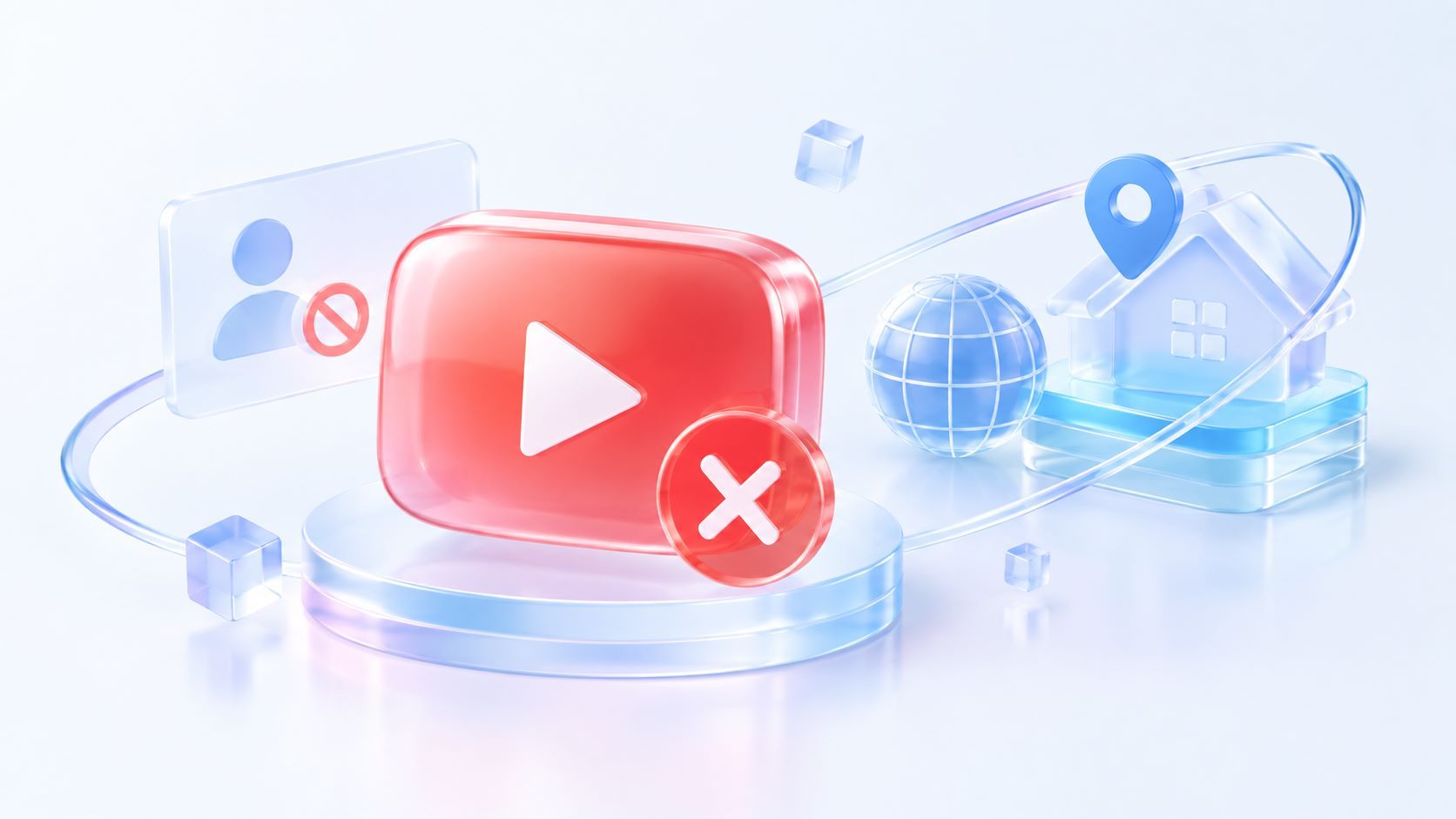
How to Tell Whether It's a Network Issue or an Account Penalty
When you encounter access issues, avoid repeatedly logging in or switching devices. Doing so may trigger additional risk signals. Instead, use the symptoms to narrow down the possible cause:
Tip: If multiple accounts are restricted on the same network, or access returns to normal after switching networks, the network environment is likely one of the contributing factors.
However, this does not necessarily mean that “YouTube has banned the IP.”
Google's security systems use a combination of signals, including IP address, device fingerprint, login timing, and account history, to assess risk dynamically.
Therefore, if switching networks resolves the issue, it only indicates that the current network environment may have been one contributing factor.
Why Does YouTube's Risk Control System Monitor the Network Environment?
YouTube relies on Google's mature security systems to continuously monitor connection requests across multiple dimensions, including login environments, account behavior, and content compliance. Common network-related risk factors include:
Using low-reputation shared IPs or proxy tools: Free or shared IP resources often have a poor usage history, such as being used for artificial traffic or scraping. As a result, an entire IP range may be assigned a lower reputation by the platform.
Frequent changes in network exit points can create location conflicts: Google may combine the IP address, device location, and the region associated with the account to estimate the user's approximate location.
If an account logs in from IP addresses in different countries or cities within a short period, the system may consider the activity high-risk and trigger additional verification or account protection measures.
Multiple accounts sharing the same network environment without isolation: Logging into and switching between multiple YouTube accounts through the same network exit point may make the activity appear automated or coordinated.
If one account is penalized for violating content policies, other accounts using the same environment may also face an increased risk of being associated with it.
Unusual behavior from new accounts: Newly created accounts can be more sensitive to environmental signals. Immediately uploading content at high frequency, repeatedly changing account information, or using automation scripts may trigger automated security systems.
What to Do If Your Account Is Suspended or Terminated
Once you confirm that your account has been restricted, follow these compliant steps:
1. Review your content and activity: Start by reviewing your recent videos, comments, and community posts to determine whether anything violates YouTube's Community Guidelines or copyright policies. These are among the most common reasons for account enforcement.
2. Appeal through official channels: If you believe you have not violated any policies or that the enforcement action was made in error, submit an appeal through YouTube's official channels.
Sign in to YouTube and go to “Settings” > “Channel” > “Advanced settings,” or click “Appeal” in the notification shown when your account is restricted.
Clearly explain the situation and provide relevant evidence showing that your account did not violate the applicable policies. After submitting the appeal, you can check its status in YouTube Studio and wait for the review.
3. Do not create new accounts to circumvent enforcement: YouTube's policies prohibit users from using, owning, or creating other YouTube channels to circumvent a channel termination for serious violations.
Therefore, immediately purchasing a new IP and creating a new account is a high-risk approach and may violate the platform's policies.
Only after your account is restored, your appeal is successful, or the enforcement period has ended should you consider optimizing your network environment.
What Can a Static Residential IP Do—and What Can't It Do?
If your account is in good standing but you want a more stable network environment for long-term operations, you may consider a static residential IP.
1. What it can do: provide a stable and clean network exit point
▸ A relatively consistent “network identity”: A static residential IP provides a long-term, consistent outgoing IP address for your device.
This helps avoid login issues caused by frequent IP changes or sudden geographic shifts, creating a network environment that more closely resembles that of a consistent residential user.
▸ Potentially better network reputation: Unlike data center IPs, static residential/ISP proxy IPs are associated with Internet service providers such as AT&T and Comcast.
In IP databases, these addresses may be classified as “residential,” which in some scenarios can give them a better starting reputation than certain heavily abused data center IPs.
However, the actual reputation of an IP still depends on its usage history and current activity.
2. What it can't do: resolve content or behavioral violations
▸ It cannot guarantee that an account will never be banned: An IP address is only one part of the overall environment. Long-term account security ultimately depends on compliant content and responsible account behavior, including avoiding copyright infringement and other policy violations.
▸ It cannot eliminate account association: YouTube uses a wide range of signals to identify relationships between accounts, far beyond IP addresses alone.
Therefore, even if each account uses a dedicated IP, there is no guarantee that account association risks can be completely eliminated, nor that a policy violation on one account will not affect another.
How to Choose and Manage a Static Residential IP
If you decide to use a static residential IP, keep the following best practices in mind:
▸ Follow the “one account, one IP, one environment” isolation principle:
For teams managing multiple independent business accounts, a recommended approach is to assign each account a dedicated, fixed static residential IP and use a browser profile management tool to isolate Cookies and device fingerprints.
▸ Choose a reliable IP provider:
When evaluating providers, consider IP cleanliness (whether the IP is dedicated), source (whether it is a native ISP IP), connection stability, and geographic coverage.
The IPDEEP Solution
If you're looking for a network solution that balances IP quality and cost-effectiveness, IPDEEP is a proxy IP provider worth considering.
▸ Clean, dedicated resources: IPDEEP provides clean, native static residential IPs. Each IP is individually allocated rather than shared among multiple users, helping reduce the risks associated with overlapping network environments.
▸ Cost-effective pricing: The platform offers special pricing for static residential IPs, starting at $2.4/month, with coverage in regions including Hong Kong, Japan, South Korea, the UK, and France.
▸ Technical specifications and realistic expectations: All plans offer bandwidth options from 10 to 50 Mbps, which can support routine account management and video uploads.
To learn more about static residential IP configuration, plans, and multi-account management solutions, visit the IPDeep official website for more information and technical support.
Frequently Asked Questions (FAQ)
Q1: Can a static residential IP guarantee that my YouTube account won't be banned?
No. An IP address is only one environmental factor. It can provide a relatively clean and stable network identity, which may help reduce risk signals caused by an unstable network environment.
However, the long-term security of an account ultimately depends on content compliance and responsible account behavior.
Q2: Can I use one static residential IP for two or three YouTube accounts?
It is strongly discouraged. For multi-account operations, the recommended practice is “one account, one IP, one isolated environment” to reduce account association risks. Sharing the same IP can increase the likelihood of accounts being linked through common network signals.
Q3: Which is better for YouTube operations, a static residential IP or a dynamic residential IP?
Static residential IP: Provides a long-term, fixed network exit point and is better suited to activities that require a stable login environment, such as routine social media management, account maintenance, and video uploads.
Dynamic residential IP: IP addresses rotate according to predefined rules and are better suited to large-scale data collection, SEO monitoring, price comparison, and other high-concurrency tasks that require multiple IP exits.
Q4: Why is my video upload speed still slow after purchasing a static residential IP?
The primary role of a static residential IP is to provide a stable network exit point.
Upload speed depends not only on proxy bandwidth but also heavily on your local network quality, congestion on international network routes, and the connection quality between your network and YouTube's servers.
For a better experience, consider using a high-quality transit network or optimizing your international network connection.