Signs of Poor Static Residential Proxy IPs and How to Judge Them



Clean IP picks: Static IPs from $1.5 each, Dynamic IPs from $0.5/GB


When engaging in cross-border e-commerce, social media management, or high-frequency data collection, static residential proxies (ISP proxies) are the top choice for global expansion due to their fixed IPs, residential traits, and high stability.
However, market quality varies. Low-quality IPs can disrupt operations or trigger abnormal account verifications and access blocks.
This article examines the red flags of poor static residential proxies and explains how to evaluate them using professional tools and standards.

5 Signs of Poor-Quality Static Residential Proxies
Quality static residential IPs offer stable addresses, natural identities, and solid speeds. Subpar IPs typically show these symptoms:
1. Low success rates and frequent CAPTCHAs
This is the most obvious sign.
If an IP has a bad history (fraud or abuse) or sits on global blacklists, sites like Google and Facebook flag it as high-risk. Signs include:
● Frequent CAPTCHAs while browsing.
● Security checks or feature restrictions right after logging in.
● Crawler requests returning 429 errors or direct connection blocks.
2. Identity mismatches flagged as datacenters
Real static residential IPs show ISP-backed ASNs (e.g., Comcast, AT&T, Verizon).
Low-quality proxies often disguise themselves as datacenter or cloud IPs. Once detected as hosting/datacenter traffic, strict platforms will block them instantly.
3. Frequent connection drops
Despite being "static," low-tier providers often suffer from unstable routing. Signs include:
● Jitter: Severe latency spikes and frequent timeouts.
● Drops: Sudden disconnections during long login sessions, breaking workflows.
4. Location and attribute mismatches
The IP's geo-location doesn't match its claimed country or city (e.g., a US IP showing up in Asia or Europe).
Mismatched time zones and browser languages will also trigger risk alarms.
5. High sharing and "noisy" subnets
Some providers sell the exact same IP to multiple users at once.
This heavy sharing leads to messy traffic. If one user breaks the rules, the whole IP subnet gets flagged by association.
How to Evaluate Static Residential Proxy Quality
Don't just check if it connects—verify quality across multiple dimensions.
1. Check IP purity and blacklists
IP purity works like a credit score. Use these tools:
● AbuseIPDB / Spamhaus: Check for spam, scanning, or abuse history.
● IPQualityScore (IPQS): Review the fraud score. Higher scores mean higher risk.
2. Verify ASN and anonymity
Check ownership via IPinfo or IPHub:
● ASN Type: Must belong to a telecom ISP (Residential/ISP), not a datacenter.
● Anonymity: Must be high-anonymity so target sites can't detect proxy usage.
3. Test browser and network consistency
Use Whoer or BrowserLeaks to check if these match:
● IP location vs. browser language.
● IP location vs. system time zone.
● DNS leaks: Ensure DNS servers match the IP location.
4. Run real-world stress tests
Tools only help supplement; actual tests matter most. Try registering, logging in, and performing actions on your target platform.
High CAPTCHA rates across a test batch mean poor IP quality.
Conclusion & Recommendations
Quality static residential proxies protect cross-border businesses. Look for providers offering exclusive IPs, official ISP resources, and API support.
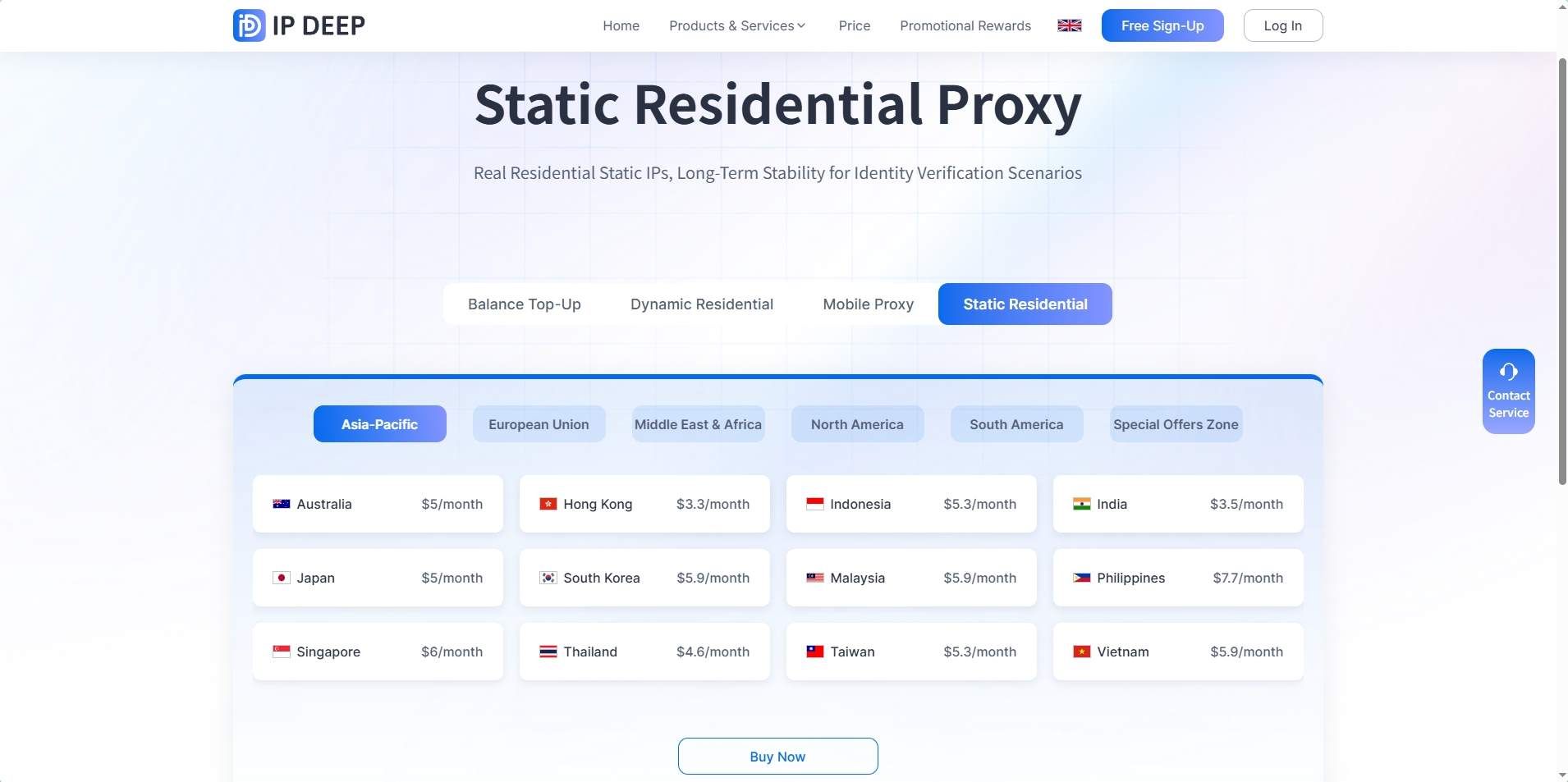
IPDEEP provides premium static residential IPs across 200+ countries, with gigabit speeds and 99.9% uptime—ideal for social media, e-commerce, and enterprise APIs.
FAQ
Q1: Why are static residential IPs pricier than datacenter IPs?
They come from real home broadband networks allocated by ISPs, offering higher trust and natural identities, making them costlier to source.
Q2: Does a high-anonymity proxy guarantee 100% safety?
No. While they hide your real exit IP, platforms still evaluate risk through device fingerprints, behavior patterns, and action frequency.
Q3: When should I use static vs. dynamic residential IPs?
Use static IPs for fixed identities and long-term logins (multi-account management, backend access). Use dynamic IPs for frequent address changes and short-term data scraping.
Q4: How do I fix proxy connection errors?
Check your settings, switch protocols (e.g., HTTP to SOCKS5), or clear browser and DNS caches.