How to Download YouTube Videos: Complete 2026 Guide



Clean IP picks: Static IPs from $1.5 each, Dynamic IPs from $0.5/GB


YouTube has a huge amount of content for learning, research, and content creation, but many people get stuck on one simple question: How do you download YouTube videos?
If you only want to watch videos offline on your phone or computer, YouTube Premium provides an official download feature. If you want to save videos you uploaded yourself, you can download them directly from YouTube Studio.
When you need to choose video quality, download videos in bulk, or save subtitles, third-party tools such as yt-dlp and Stacher can be useful.
However, third-party tools are not always reliable. YouTube continues to change its video extraction methods and access restrictions, and the yt-dlp community has recently reported a number of 403, 429, and video extraction errors.
This guide covers the official options, download tools, common errors, proxy IP choices, and methods for downloading YouTube videos in bulk.

Official YouTube Downloads: YouTube Premium
YouTube Premium's offline download feature is an official way to save videos for offline viewing.
After subscribing, you can click the “Download” button below a video in the YouTube mobile app or supported browsers. The video is then saved for offline viewing, with no ads and no additional software required.
YouTube offers Individual, Family, and Student plans, and may also offer free trials to eligible new users from time to time.
The limitation: Premium downloads are stored in encrypted form within the YouTube app. They can only be watched offline through the app and are not standard MP4 or MP3 files that you can freely copy, so they cannot be directly imported into video editing software for further editing.
If you want to download a video you uploaded yourself, the situation is different. YouTube Studio allows creators to download their own uploaded videos, with the available quality depending on the original video and the download version provided by YouTube.
YouTube Video Download Tools
If you need to choose video quality, download videos in bulk, or save subtitles, third-party tools can help. Here are several commonly used YouTube download tools.
1. yt-dlp (Command Line)
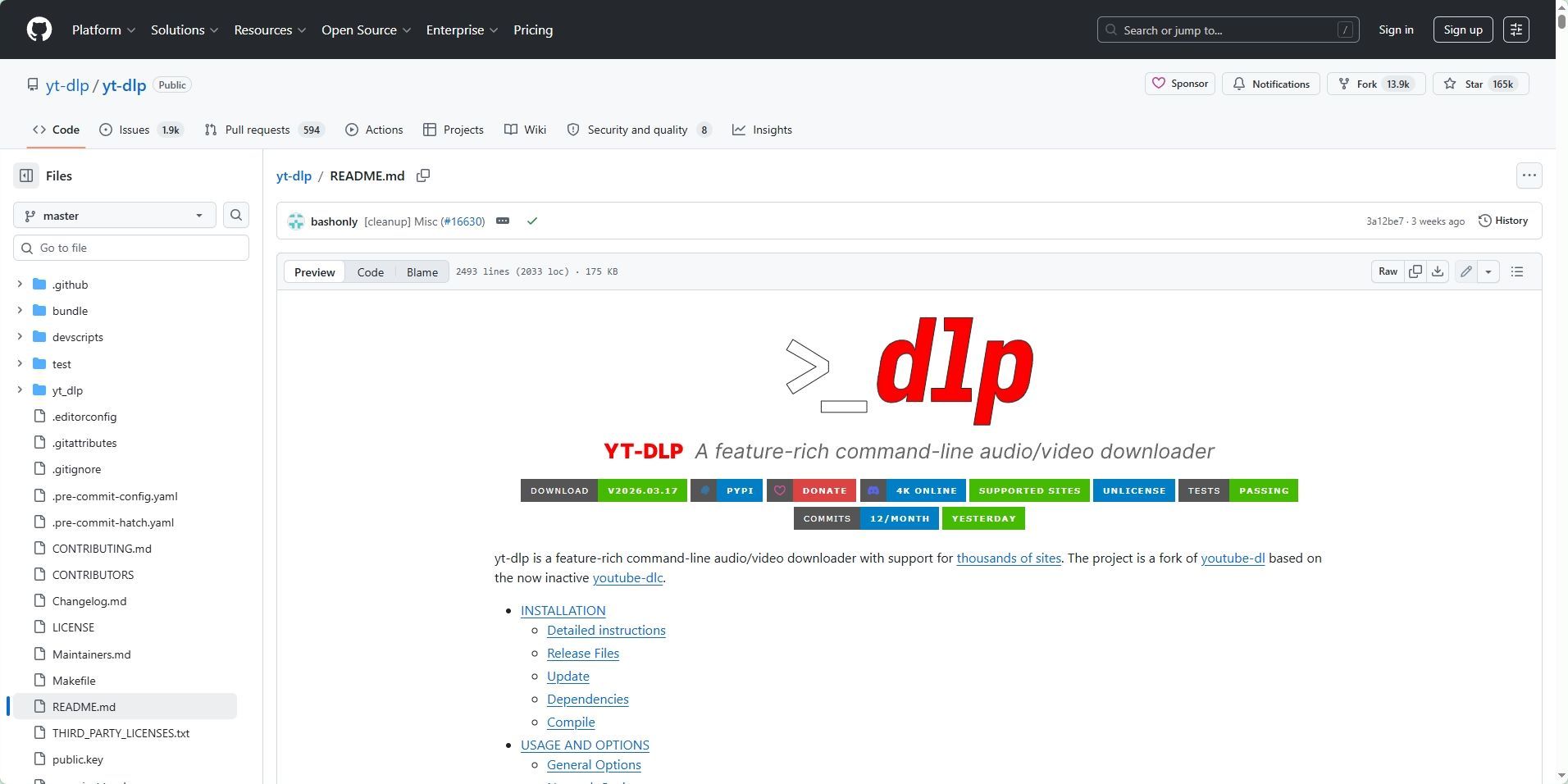
yt-dlp is one of the most actively maintained open-source command-line download tools and a fork of youtube-dl. It supports high-quality video downloads, full playlists and channels, audio extraction, subtitle downloads (--write-subs), and video thumbnails.
Common commands:
▸ Basic download: yt-dlp [Video URL]
▸ Download the best MP4 video and audio: yt-dlp -f "bestvideo[ext=mp4]+bestaudio[ext=m4a]/best[ext=mp4]" [URL]
▸ Batch download: Add the URLs to a text file, then run yt-dlp -a links.txt
▸ Videos that require login: Use --cookies-from-browser to read cookies from your browser
▸ Change the network exit: Use --proxy to configure an HTTP or SOCKS proxy, such as socks5://127.0.0.1:1080, to change the outgoing IP address and network location
FFmpeg is required to merge video and audio streams, so it is recommended to install it as well.
If you are new to yt-dlp, check out 《Beginner's Guide to Downloading Video and Audio with yt-dlp》 for installation, FFmpeg setup, common commands, and troubleshooting tips.
In addition, newer versions of yt-dlp require a JavaScript runtime for some YouTube extraction scenarios. Deno is officially recommended and enabled by default, while Node, QuickJS, and other runtimes need to be specified with --js-runtimes.
If formats are missing or extraction fails, check the runtime environment against the official yt-dlp documentation.
2. Stacher (Graphical Interface)
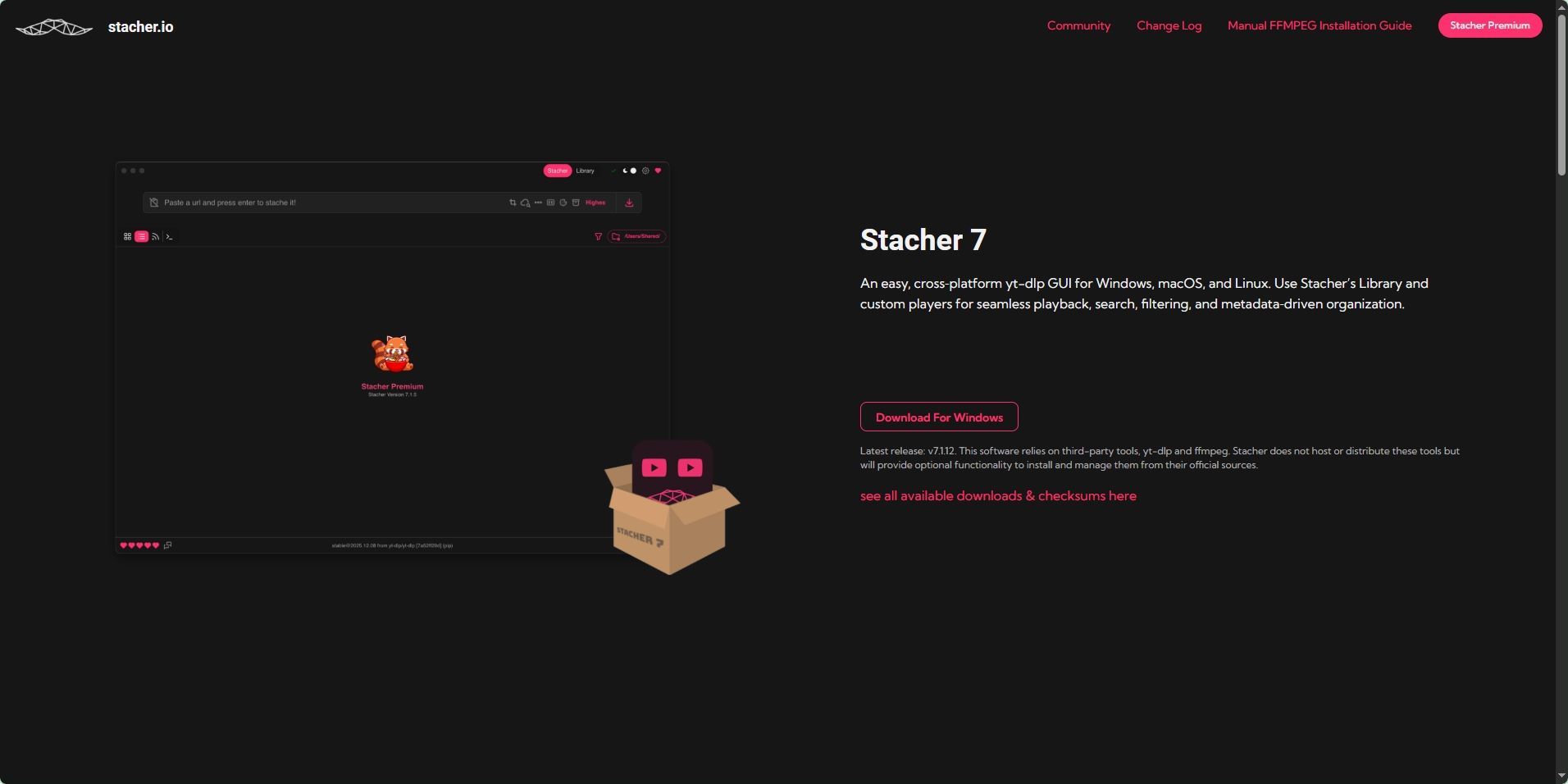
Command-line tools can be difficult for beginners. Stacher is a cross-platform graphical client based on yt-dlp, with support for Windows, macOS, and Linux.
Paste the video URL into the app, choose the resolution or export the audio as MP3, and download without having to remember complex commands.
3. JDownloader 2
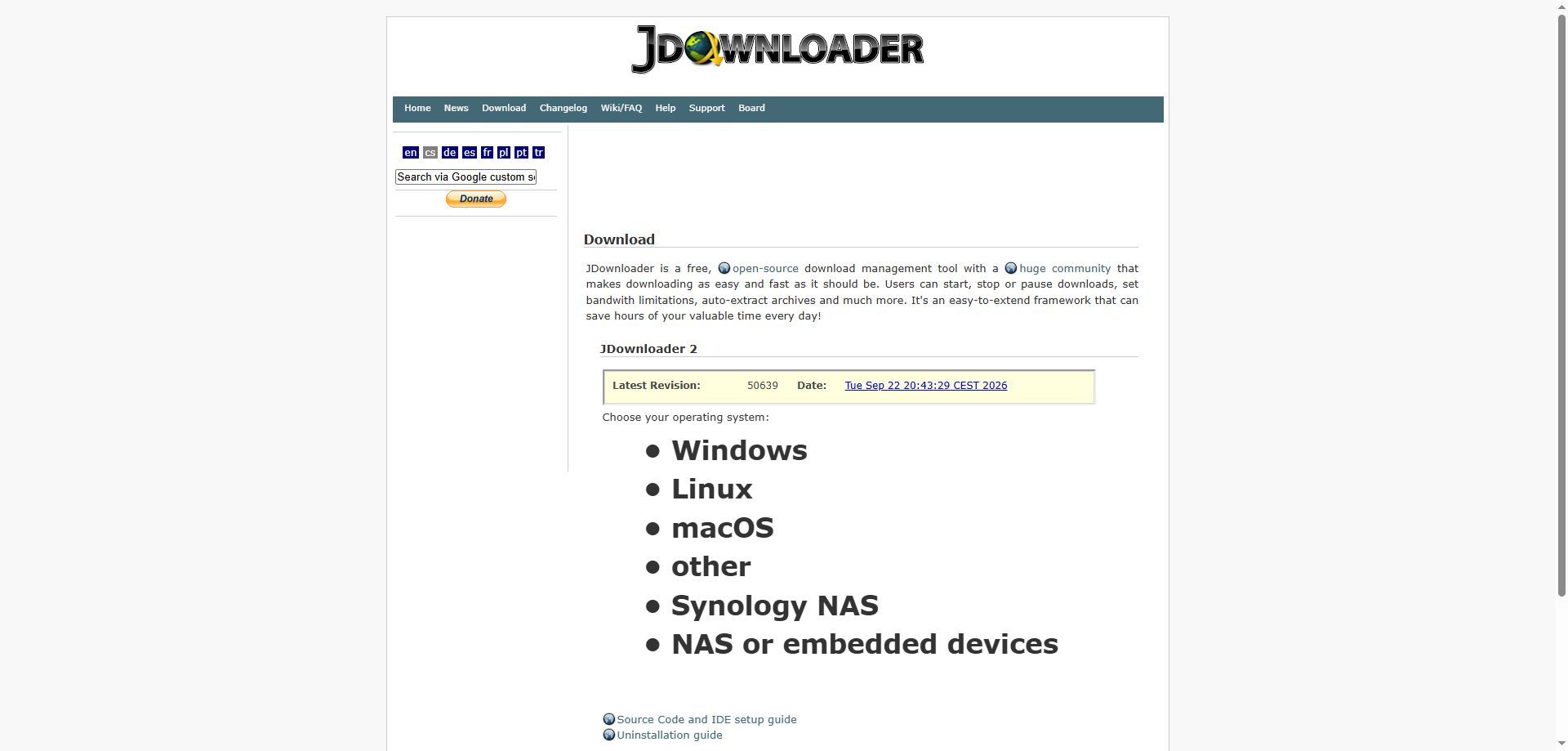
JDownloader 2 is a long-standing download manager that can monitor your clipboard automatically. Copy a YouTube URL and you can choose to download only the video, audio, subtitles, or thumbnail, making it suitable for users who prefer traditional download software.
4. 4K Video Downloader Plus
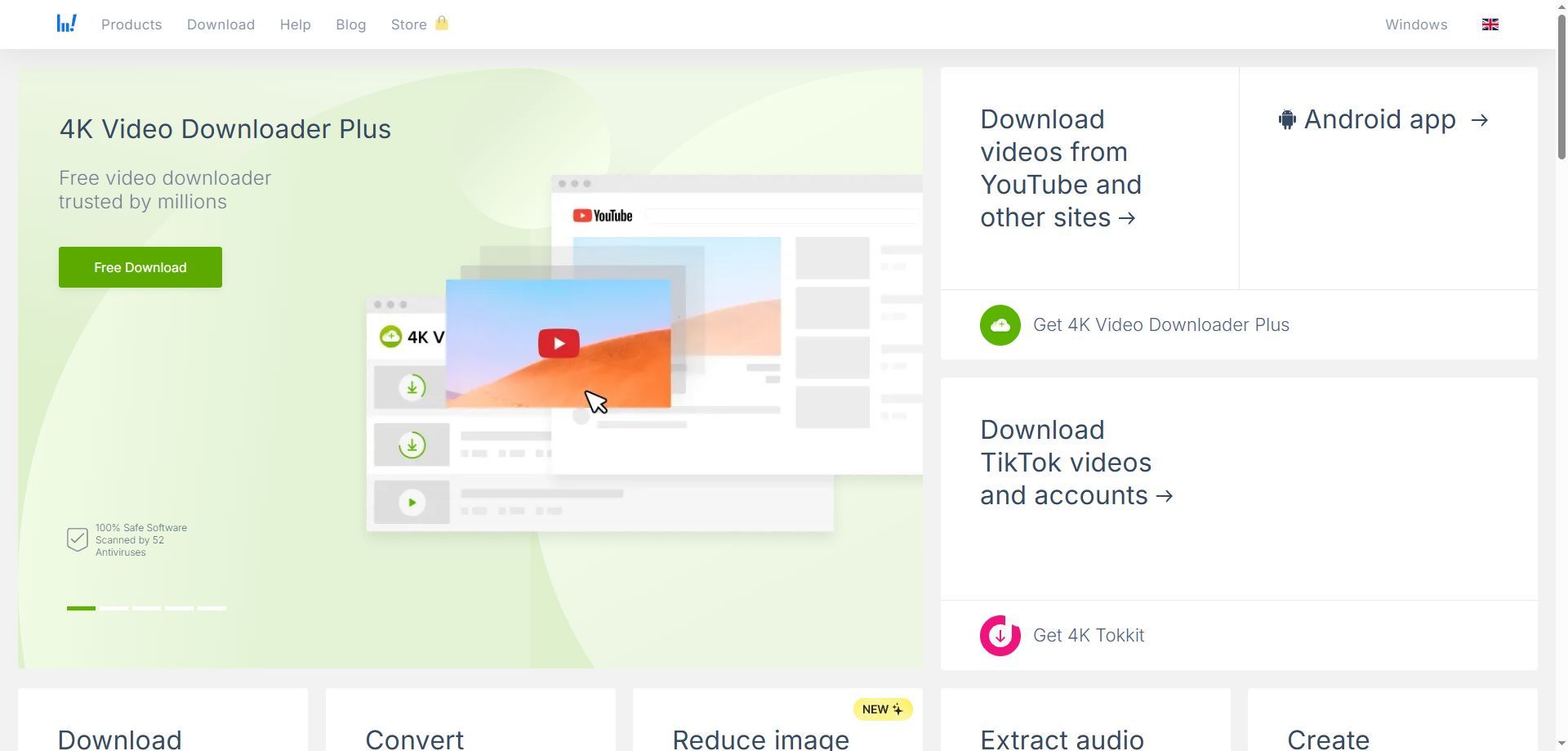
It supports Windows, macOS, and Linux, and can download YouTube videos, playlists, and channels, as well as extract audio and download subtitles.
The free version provides basic download features, while advanced features require a paid plan.
One more note about browser extensions: Chrome Web Store policies restrict extensions that facilitate downloading YouTube videos, so these extensions can be difficult to keep listed in the official store long term.
Firefox still has extensions available, such as Video DownloadHelper, which can be used for other websites that allow downloads.
Online YouTube Download Tools
If you only need to download one video occasionally, an online downloader is often the simplest option. No software installation is required; just paste the URL and try to process it with a service such as Cobalt.
These services typically rely on third-party servers, so their stability and available formats can change over time. With videos above 1080p, you may also get separate video and audio streams that need to be merged locally.
Why Do YouTube Downloads Fail?
Common errors during batch downloads include 403, 429, and “Unable to extract video data.” There can be several reasons:
▸ Outdated tool version. YouTube regularly changes its video extraction interfaces, and these changes can cause extraction failures. Run yt-dlp -U to update yt-dlp to the latest version.
▸ High request frequency or concurrency. Sending a large number of requests through the same exit IP within a short period can trigger 429 rate limits.
▸ Cookies and login status. Some videos require login or additional verification. Missing or expired cookies can cause downloads to fail.
▸ IP exit type. Different types of IP addresses may face different access restrictions.
When the downloader runs on AWS, a cloud server, or another data center environment, the outgoing IP can be one of the variables affecting access.
—Recent community reports include cases where yt-dlp encountered 403 errors on AWS and worked normally on a home network instead. This is one possible reason why a video downloads normally on a personal computer but fails on a server.
▸ Regional restrictions. Some videos are available only in specific countries or regions. If the location of the outgoing IP does not match the required region, extraction may fail.
▸ Inconsistent request environment. When request parameters and client information do not match the IP's location, additional verification may be triggered.
How to Choose a Proxy IP for Bulk YouTube Downloads?
If you only download videos occasionally on your local device, you usually do not need a proxy. For bulk downloads, multi-region tasks, or long-running archiving workflows, the outgoing IP becomes a factor worth considering.
Dynamic residential proxies. These proxies use residential network exits and can rotate IPs by request, time, or session, depending on the provider's rotation options.
They are suitable for high-volume downloads that involve many videos or multiple regions, and can reduce the risk of concentrating requests on a single exit IP.
Static residential proxies. They provide a relatively fixed IP exit and are suitable for tasks that require the same network location, a stable session, or a fixed region over time.
Data center proxies. They may offer advantages in terms of cost and speed, but can face more verification or access restrictions in some automated access scenarios. They are more suitable for low-frequency tasks with lower sensitivity.
Keep in mind that IP is only one factor.
Tool version, cookies, request frequency, and concurrency can also affect download results. Changing the IP will not solve every download failure.
Which YouTube Download Tasks Are Suitable for IPDeep Residential Proxies?
IPDeep provides dynamic residential proxies and static residential IPs, with support for HTTP, HTTPS, and SOCKS5 across 200+ countries and regions.
▸ Bulk downloads and multi-region content collection: Use dynamic residential proxies to rotate outgoing IPs by request, time, or session
▸ Long-term archiving and fixed-region content tracking: Use static residential IPs to maintain the same outgoing IP during the service period
▸ Long-running tasks with bandwidth-based budget management: Choose the bandwidth-based plan for dynamic residential proxies, with no additional per-GB charges during the plan period
Connection methods and current regions, bandwidth options, and pricing are subject to the information available on the official website.
Frequently Asked Questions About YouTube Video Downloads
Q1: Why does my downloaded video have no sound, or why are the video and audio separate?
YouTube often provides separate video and audio streams for videos at 1080p and above. Many free online downloaders cannot merge these streams on their servers in real time, so downloaded HD files may have no audio.
Tools such as yt-dlp and Stacher can use FFmpeg to merge the video and audio streams into a complete MP4 file.
Q2: How do I fix 403, “Unable to extract video data,” or interrupted downloads?
These errors can be related to YouTube interface changes, tool versions, cookies, the IP exit, or the request environment. First, run yt-dlp -U to update to the latest version, then check whether the same video plays normally in your browser.
If 403 or 429 errors continue, try changing the network exit and check your cookie and proxy settings.
Q3: How can I reduce the impact of access restrictions during batch downloads?
Avoid sending a large number of download requests in a short period, and adjust request frequency and concurrency based on the scale of your task.
If the task involves multiple regions or needs to run for an extended period, dynamic residential proxies can rotate outgoing IPs and reduce the concentration of requests on a single IP;
For tasks that require a fixed region or stable session, static residential IPs may be a better fit.
Copyright and Usage Considerations
When downloading and using YouTube videos, copyright permissions and the platform's terms of service are two separate considerations.
YouTube's Terms of Service state that, unless downloading is provided by the service itself, you have permission from the relevant rights holder, or applicable law allows it, you may not download content from the service.
If downloaded content will be used for commercial publishing, re-uploading, or derivative works, make sure you have the necessary rights and permissions first.