Getting Started with Janitor AI: Customize Your Own AI Character



Clean IP picks: Static IPs from $1.5 each, Dynamic IPs from $0.5/GB


In today's rapidly evolving AI technology, AI is no longer just a tool for writing code and researching information; it is gradually evolving into a "virtual companion" that can provide emotional support, creative interaction, and even role-playing.
If you've recently heard the name Janitor AI on social media or among AI enthusiasts and are curious about what makes it so captivating that countless players lose sleep over it, then you've come to the right place. This article will deeply dissect Janitor AI and teach you how to create a soulfully interesting personalized AI character.
What is Janitor AI?
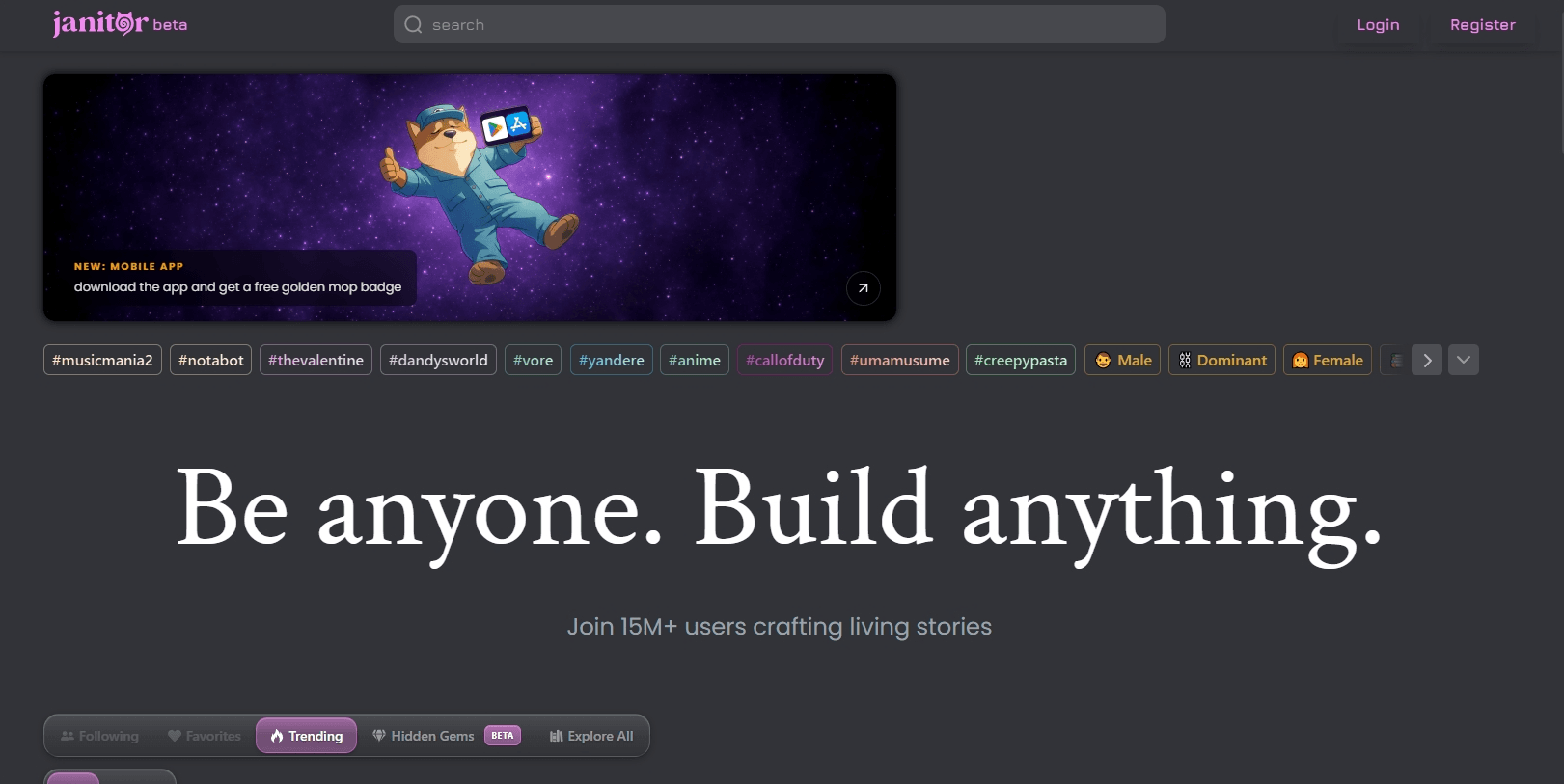
In simple terms, Janitor AI is an advanced AI Character Role-Playing Platform. It allows users to create, share, and interact in real-time with thousands of AI robots that have different personalities, backgrounds, and speaking styles.
Core Technology Background
The power of Janitor AI lies in its flexible model integration capabilities. It not only supports connecting top-tier large models through API Key (such as GPT, Claude, Deepseek, etc.), but also has its own developed JanitorLLM. This makes it excel in handling complex plots, maintaining character settings, and generating highly realistic dialogues.
Why is it so popular?
· Extreme Freedom: Unlike some platforms that are subject to strict content review, Janitor AI imposes relatively fewer restrictions on creators, supporting a wider range of topics.
· Immersive Experience: Every character has a detailed "First Message" and "Character Profile," allowing you to get into character in an instant.
· Active Community: Thousands of new characters are uploaded daily, ranging from anime characters and classic film figures to original domineering CEOs or neighborhood girls, everything is available.
Step-by-Step Guide: How to Customize Your Own AI Character?
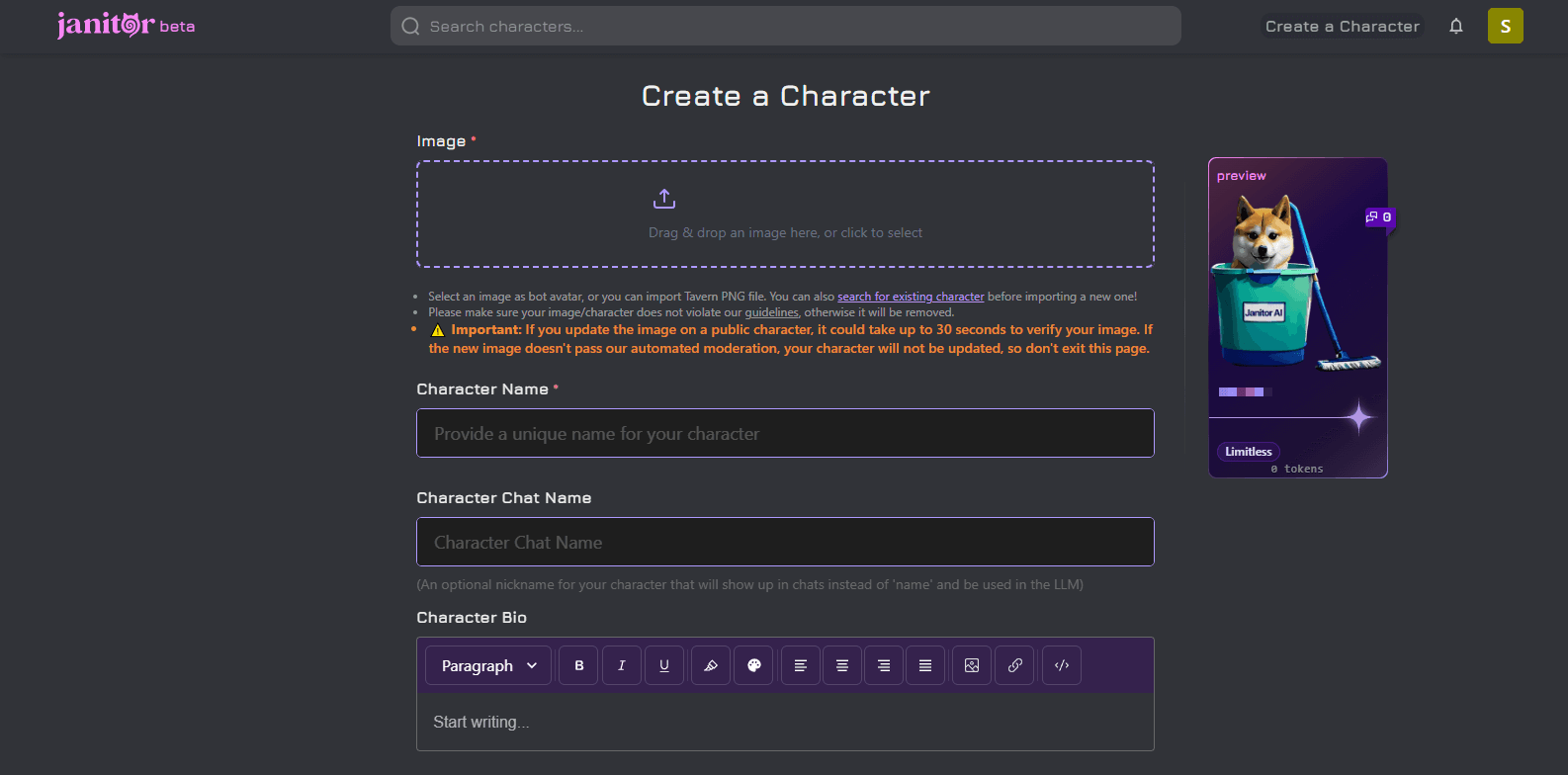
Customizing an AI character is like writing a script, where you are both the screenwriter and the director. In Janitor AI, creating a "living" character typically involves the following core steps:
1. Give it a Soul: Set Basic Information
First, you need to give your character a name and upload a profile picture that matches its personality. But the most critical part is the Character Description.
Tip: Don't just write "He is gentle." Try describing it like this: "He is a war veteran doctor with a low and concise tone, always carrying a hint of melancholy, but very patient with people."
2. Write Personality Traits (Personality Summary)
This is the "underlying code" for AI behavior. You can solidify its personality through keywords and short phrases. For example:
Keywords: Tsundere, sharp-tongued, soft-hearted, academic homebody.
Values: Extremely values fairness, hates lies.
3. Set Dialogue Examples (Scenario & Example Dialogues)
This is key to enhancing the "realism". By inputting several lines that the character might say, the AI can capture specific speech patterns and tones.
❌️Negative Example:
{{user}}: Good morning.
{{char}}: Good morning, the weather is nice today.
✅️Positive Example:
{{user}}: Good morning
{{char}}: Tch, is it this boring small talk again? If you have nothing to discuss with me, please stay away from my lab.
4. Initial Scene (First Message)
This is the beginning of your interaction with the AI. A good opening (e.g., encountering each other under a roof during a heavy rain) can quickly establish the tension of the interaction.
How to Make Your AI Character “Smarter”
Many beginners notice that after chatting for a while, the AI may “break character” or start repeating itself. To solve these issues, you need to master the following advanced settings:
Temperature: Adjusts the AI’s randomness.
· Low temperature (below 0.5): Responses are more conservative and logical.
· High temperature (above 0.8): Responses are more creative and lively, but may also be nonsensical.
Context Size: Determines how much previous chat history the AI can “remember.”
Custom Prompts: You can use global instructions to make the AI always narrate in the third person or enhance the depiction of psychological activity.
Advanced Tip: Configuring Large Model Proxies in Janitor AI
Register on OpenRouter and Get an API Key
Create a free account, generate an API key, and save it securely.
Select a Large Model
On the Models page, select the model you want and copy the full model name.
Add Proxy Configuration
In Janitor AI’s API Settings, select Proxy → + Add Configuration, and fill in the configuration name, model name, Proxy URL, and API Key.
Test the Proxy
Click Test in the proxy configuration list to ensure the proxy works.
Activate the Proxy
Set the new proxy to Active and save the settings.
Usage Notes
Although Janitor AI is very fun, there are a few points you should pay special attention to during use:
Privacy Protection: Although the platform claims to protect user privacy, it is recommended not to disclose sensitive personal information (such as addresses or bank accounts) to the AI.
API Costs: If you choose to use external APIs like OpenAI, monitor your billing balance. To save money, prioritize using the official JanitorLLM.
Distinguish Virtual from Reality: AI companionship is enjoyable, but remember it is essentially probabilistic text prediction. Enjoy the interaction, but don’t get overly immersed at the expense of real-life social activities.
Stable and Smooth Usage: Configure IPDeep’s high-quality proxy services, which help you access Janitor AI safely and smoothly worldwide.
FAQ
Is Janitor AI free?
Janitor AI offers basic free features, but if you choose to use external large language models or want to expand to advanced features, API or subscription fees may apply.
Is Janitor AI safe?
It is generally safe, but avoid entering sensitive personal information.
Conclusion
Janitor AI is more than just a chat application; it is a gateway connecting imagination and reality. Here, you are both the creator and the participant.
IPDeep provides proxy IPs that can be used to access Janitor AI, including:
and other types of proxies. IPDeep offers over 10 million high-quality IPs covering more than 200 countries and regions. Create an account now and try their high-quality proxies for free!