WhatsApp Login Error for Security Reasons: How to Fix in 2026



Clean IP picks: Static IPs from $1.5 each, Dynamic IPs from $0.5/GB


If you see the message “We can’t log you in right now for security reasons” when signing up for or logging in to WhatsApp, it usually means your current login or registration attempt has been restricted for security reasons.
This doesn’t necessarily mean your account has been permanently banned. Your network connection, phone number status, verification request frequency, and app version are all worth checking.
What Does This Message Mean?
WhatsApp hasn’t publicly disclosed all the criteria behind this specific error message.
Verification failures, unsupported apps, and account restrictions are different issues and should be troubleshot separately based on the message displayed.
You can’t tell from this message alone whether the problem is related to your network, phone number, or app.
Use the table below to identify the next step based on what you see. These symptoms don’t, by themselves, confirm your account status.
Four Common Causes to Check
▸ Network issues: An unstable connection, interrupted proxy connection, or frequent changes in IP address and location. There is no public evidence that this specific error is directly caused by data center IPs, but your network is worth checking.
▸ Too many verification requests: Repeatedly requesting a new code or switching back and forth between SMS and voice verification.
▸ Phone number issues: An incorrect country code or number, problems receiving calls or SMS messages, or an unsupported number type.
WhatsApp does not support VoIP numbers, toll-free numbers, premium-rate numbers, or universal access numbers. Landline numbers are supported only on WhatsApp Business.
▸ App or device issues: An unofficial client, an outdated app version, or an operating system that is no longer supported.
How to Fix the Problem Step by Step
1. Stop Retrying and Wait for the Countdown
Wait for the time shown on the screen. Don’t repeatedly request verification codes or guess the code. Too many incorrect attempts can temporarily lock you out, and WhatsApp says there is no way to speed up the waiting period.
If you still haven’t received an SMS after the countdown ends, try voice verification if the “Call me” option is available.
2. Try a Different Network
Turn off Wi-Fi and switch to mobile data, or try the reverse.
Some users report receiving their verification codes after switching networks, while others see no improvement. It’s worth trying once, but it isn’t a guaranteed fix.
If you need to use a proxy, avoid switching between proxy nodes frequently within a short period.
3. Check Your App and Device
Install the latest version of WhatsApp from Google Play, the App Store, or the official WhatsApp website.
Modified versions such as GB WhatsApp and FM WhatsApp violate WhatsApp’s terms of service and may result in temporary or permanent bans or restrictions on linked devices.
If you see a message telling you to use the official WhatsApp app, an unofficial client is a likely reason.
On Android, you can try clearing the app cache, but this is not a guaranteed way to remove an account restriction. Back up your chats before reinstalling the app.
4. Check Your Phone Number and Verification Options
Make sure you select the correct country code and enter your phone number without an extra leading zero after the country code. Ask someone to send you a text or call your number to confirm that it can receive messages and calls.
Voice verification may not always be available. If you miss the call, check your voicemail if your carrier supports it.
If you’re not receiving international SMS messages, contact your mobile carrier to check whether international texts or incoming calls are being blocked.
5. Contact Official WhatsApp Support
In WhatsApp, go to Settings > Help > Contact Us. Include a screenshot of the error, your phone number’s country code, your device model, and the troubleshooting steps you’ve already tried.
Never share your verification code, two-step verification PIN, or password with third parties.
How to Maintain a Stable Network for Cross-Border Business
For teams that use WhatsApp to communicate with international customers, a stable connection and fewer unnecessary proxy changes can help reduce connection disruptions.
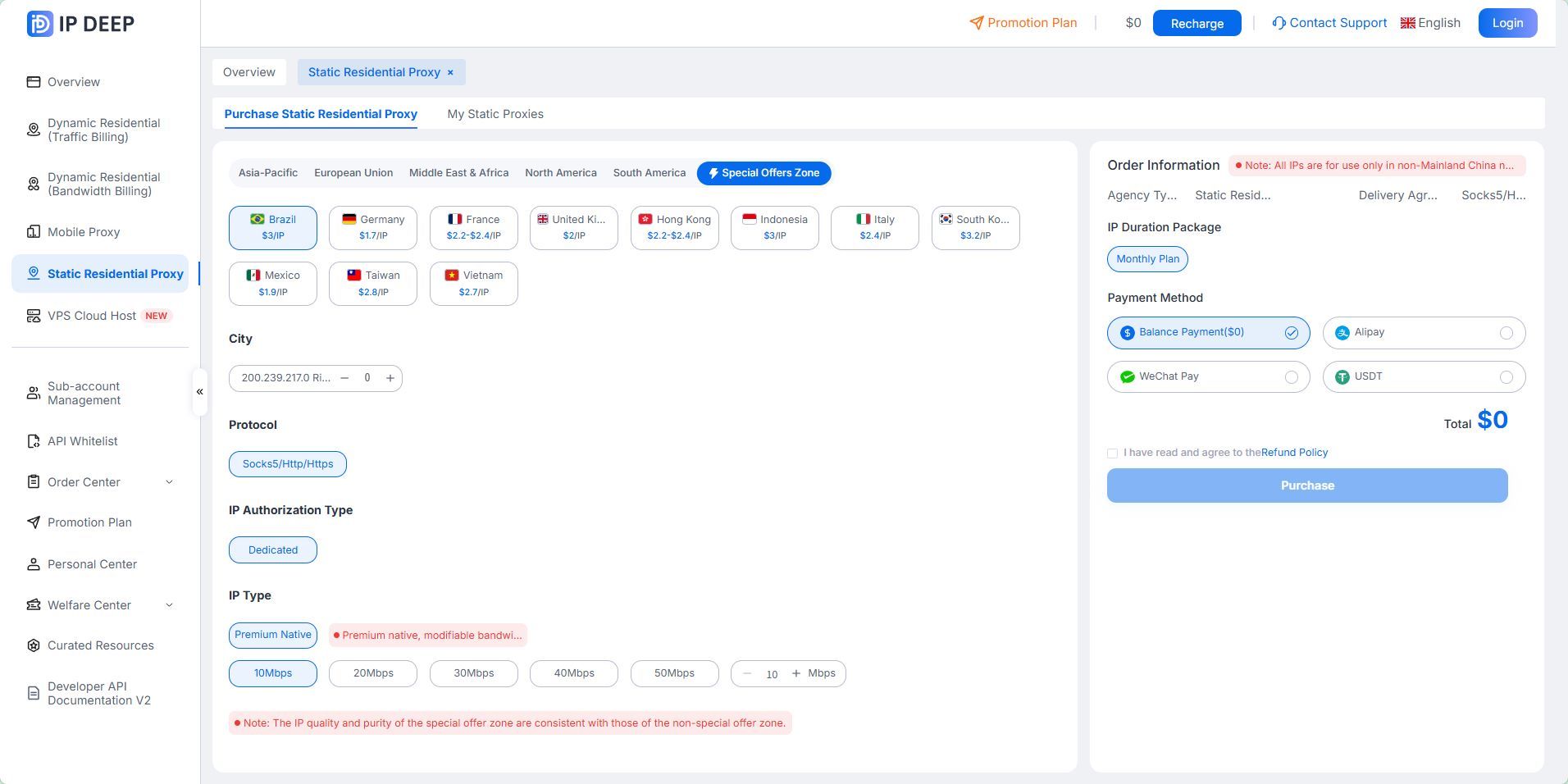
If your business needs a fixed overseas network exit, consider a static residential IP to keep your usual network location more consistent.
Your IP type does not determine whether WhatsApp will allow you to log in, but a stable network can help reduce unnecessary connection changes.
IPDEEP offers static residential proxies, rotating residential proxies, unlimited residential proxies, and mobile proxies across multiple countries and regions. Choose a solution based on your target market, usage period, and business needs.
Everyday Account Security Tips
Enable two-step verification. WhatsApp is rolling out an upgrade from the traditional six-digit PIN to a password that supports letters, numbers, and special characters.
Regularly review your linked devices, log out of devices you no longer use or don’t recognize, and never share your registration code with anyone.
Frequently Asked Questions
Q1: Does this message mean my WhatsApp account is permanently banned?
Not necessarily.
This message alone cannot confirm whether your account has been permanently banned. Follow the on-screen instructions and check your account status through official channels. If WhatsApp explicitly says your account is banned, use the in-app option to request a review.
Q2: What if I still can’t log in after a day?
Don’t keep requesting verification codes. Check your network, confirm that your number can receive SMS messages and calls, and make sure you’re using the latest official app.
If the issue persists, contact WhatsApp support through the in-app Help section. A 24-hour wait is not an official guarantee that the restriction will be lifted.
Q3: Will switching to a static residential IP fix the login restriction?
There’s no guarantee.
A static residential IP can help businesses that need a fixed overseas network exit maintain a more consistent connection environment, but it cannot guarantee successful WhatsApp verification. If you encounter a restriction, follow the troubleshooting steps above.
If WhatsApp says you can’t log in for security reasons, stop repeated attempts and check your network, phone number, and app first.
If the problem persists, contact official support. For cross-border businesses that need a fixed overseas network exit, explore IPDEEP static residential IPs to find a solution that fits your needs.