How to Get and Set Up a German Proxy IP on Your Computer?



Clean IP picks: Static IPs from $1.5 each, Dynamic IPs from $0.5/GB


Are you looking for a German proxy IP? Or do you want to understand the uses of a German proxy IP?
This article provides a complete guide on obtaining and setting up German proxy IPs, along with usage recommendations for different scenarios. Let’s dive in!
How to Obtain High-Quality German Proxy IPs
Choosing the Right Proxy Type
Residential Proxy: Simulates real German broadband users, suitable for high-risk scenarios such as account registration, e-commerce operations, or SEO research.
Datacenter Proxy: Fast and ideal for large-scale data scraping, but may be detected and blocked in high-security or sensitive operations.
Static vs. Dynamic:
Static IP: Best for long-term use, account maintenance, and continuous access.
Dynamic IP: Ideal for frequent switching, anti-blocking, or large-scale crawling.
Selecting a Reliable Provider
A reputable German proxy provider should have the following qualities (standards consistently upheld by IPDeep):
City-Level Precision: Not just Germany as a whole—should support switching between key cities like Frankfurt.
ISP Authenticity: Must be genuine residential IPs allocated by Deutsche Telekom or Vodafone, not cheap datacenter IPs disguised as residential.
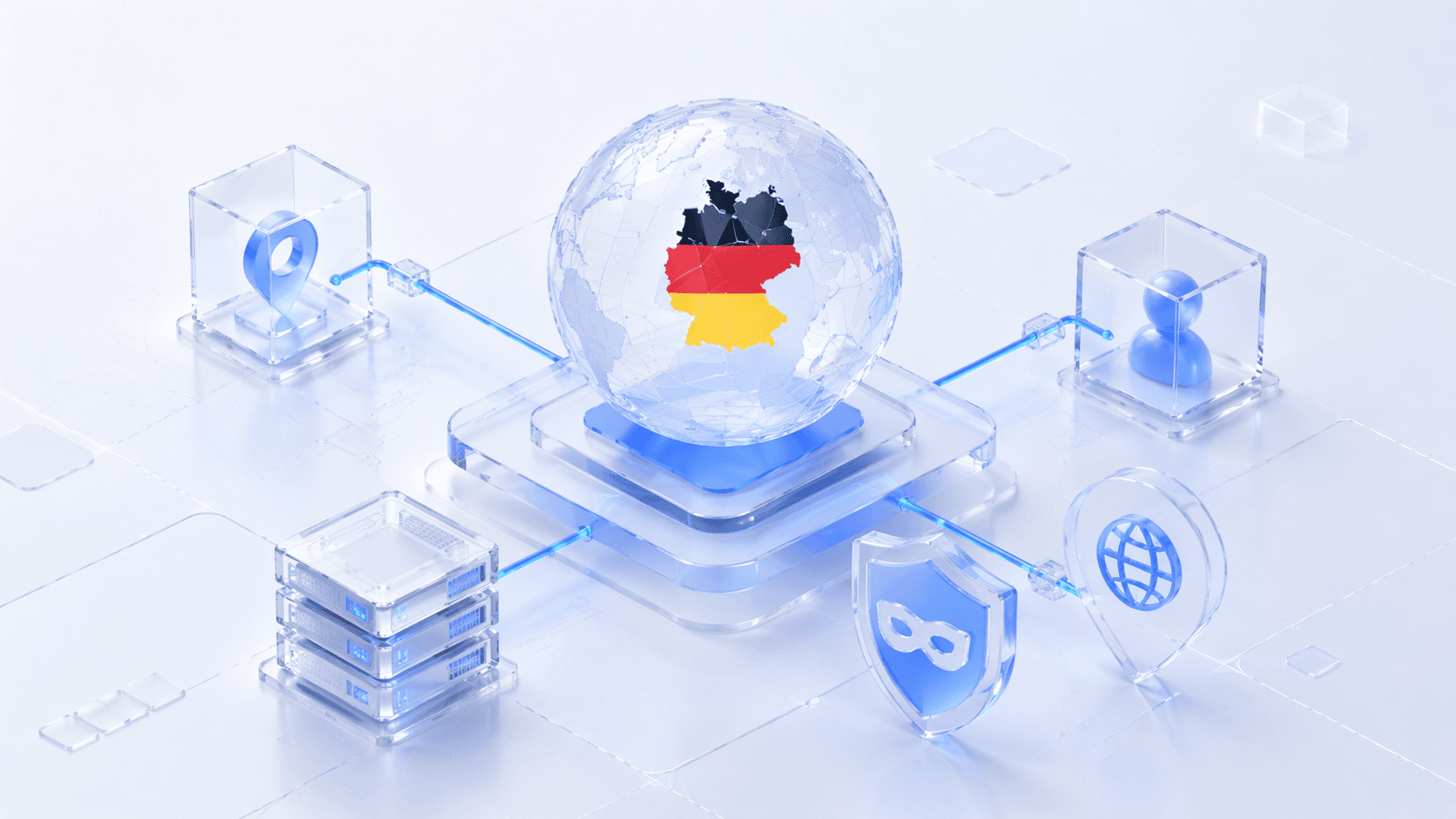
Advanced Verification — How to Confirm Your IP Is Now German?
Recommended Tools: Use Whoer.net or IPInfo.io to check your IP location.
Check Criteria: Ensure the geographic location shows Germany.
DNS Leak Test: Make sure DNS requests don’t expose your real location, which is critical for security.
Fraud Score: Residential IPs are generally more likely to pass platform security checks than datacenter IPs.
Why Use a German Proxy? What Can It Do?
In practical applications, IPDeep’s technical experts have summarized the main use cases and benefits of German proxies:
1. Business Users
Protect Store Assets: IPDeep provides native German static residential IPs, effectively reducing association and risk control issues on Amazon.de and eBay.de.
Localized Market Insights: Access key city nodes like Frankfurt to obtain real Google search rankings (SERP) and competitor pricing information.
High-Performance Automation: Supports high-concurrency requests, ideal for brand monitoring, AI data collection, and ad verification, ensuring stable execution of large-scale tasks.
Compliance and Privacy: Adheres to international security protocols, encrypting data transfers and protecting corporate information.
2. Individual Users
Streaming Access: Access German local streaming platforms like Zattoo or Netflix Germany, supporting high-bandwidth 4K playback.
German Learning: Access native educational resources such as Duolingo Germany or Spiegel news through a German network environment.
Gaming and Shopping Acceleration: Optimize routes to German servers to reduce latency and improve responsiveness for local flash sales or online games.
Easy Operation: Simple setup, even beginners can get started quickly without complex configurations.
Frequently Asked Questions (FAQ)
1. Can I use free German proxy IPs?
From a security and stability perspective, free IPs are not recommended. They may pose risk control and privacy issues.
2. What if my connection slows down after setup?
Choose nodes with lower latency or opt for a higher bandwidth plan to ensure speed.
3. What’s the difference between a proxy and a VPN?
A proxy mainly changes the IP for a single application or browser traffic, whereas a VPN encrypts all traffic and hides your real IP. They differ in security, privacy, and speed.
Conclusion and Recommendations
German proxy IPs are essential tools for businesses and individuals conducting cross-border activities, helping bypass geographic restrictions, reduce blocking risks, and ensure stable data collection and account operations.
When choosing providers and plans, it is advisable to start with a small traffic package to test stability and speed before scaling up. Always comply with local laws and regulations to ensure lawful usage.