

VPS vs. Cloud Server: Specs, Performance, and Cost



Clean IP picks: Static IPs from $1.5 each, Dynamic IPs from $0.5/GB


VPS and cloud servers overlap considerably. Many providers use both terms for the same product. IPDEEP, for example, calls its service “VPS Cloud Hosting.”
When choosing a plan, compare sustained performance, network speed and traffic limits, downtime during upgrades, recovery options, and total cost.
Are VPS and Cloud Servers the Same?
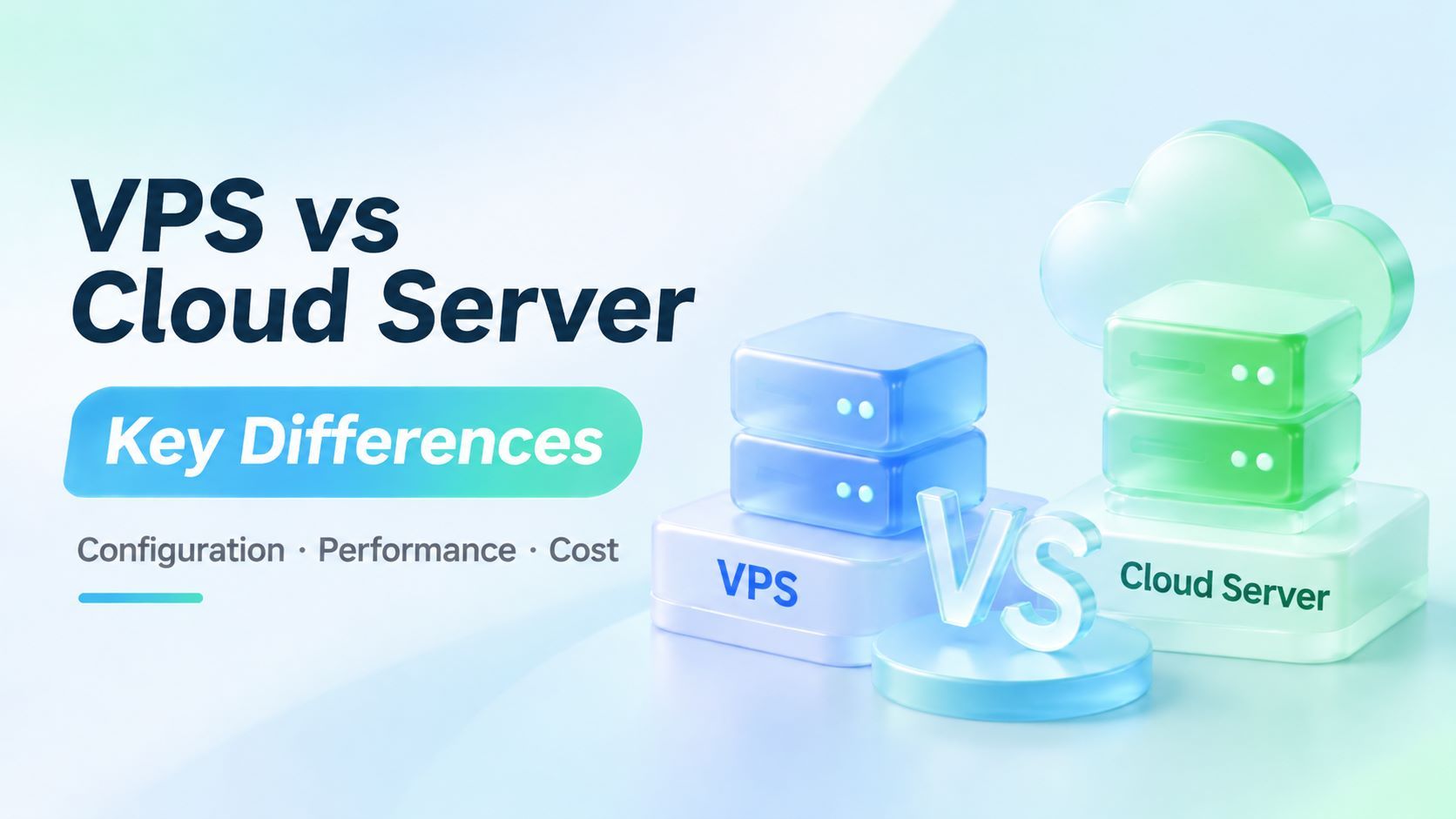
Both typically provide isolated virtual environments. The practical differences come down to how the provider allocates and manages the underlying resources.
▸ VPS. A virtual private server is one of several isolated environments on a physical host. Each instance typically comes with its own environment and administrative access. The virtualization technology, public IP availability, and level of access depend on the plan.
▸ Cloud server. A cloud platform typically manages a pool of physical hosts and uses a scheduler to place instances. An individual instance still runs on a specific host and may use local NVMe storage or a network-attached volume.
A VPS can also come with network storage, snapshots, or recovery features, depending on the provider and plan.
Compare the features included in each plan to see what you’ll actually get.
Why Do Plans With 2 vCPUs and 4 GB of RAM Differ in Performance and Price?
Two servers with the same specs on paper can perform very differently. Here’s what to compare before buying.
For sustained workloads, look beyond the advertised vCPU count. Run your own workload at different times of day and track completion time, CPU usage, disk latency, and memory usage.
On Linux, a rise in CPU steal time can indicate that your instance is waiting for the host to schedule CPU time. That’s a useful clue when investigating contention on a shared host.
A high advertised bandwidth figure tells you little about how quickly users in a particular region can reach your server. Evaluate port speed, data transfer allowances, and real-world network performance separately.
For a website, test from the regions where your visitors are located. For scheduled scripts, measure latency and connection reliability between the server and the APIs it calls.
Compare the total cost of monthly and pay-as-you-go plans over the same period. Factor in the included data transfer, overage charges, and any separate fees for public IPs, backups, or snapshots.
For example, suppose a server costs $5 per month, a public IP costs $1, and backups cost $2. The total comes to $8 per month.
How Should You Choose a Server for Websites, Scripts, and Databases?
Different workloads within the same project can have very different hosting requirements.
▸ Public-facing business websites. Start with a region that serves most of your visitors, then compare plans in that region. Test how quickly visitors can reach the server before paying for more CPU or memory.
▸ Scheduled scripts, internal tools, and inventory sync. Check which platforms and APIs the server connects to and how long the jobs run each day. For sustained workloads, measure how long a representative job takes and check whether the included data transfer covers your usage.
▸ Databases and critical workloads. Evaluate disk latency and recovery options alongside price. If a single instance failure would cause unacceptable downtime, plan for backups, restoration, and failover.
A low-cost VPS can work well for testing, while a production database calls for closer scrutiny of storage and recovery.
How to Choose an IPDEEP VPS Region and Plan
Take an inventory sync script as an example. If it mainly calls APIs hosted in Japan, a Japan-based server is a good starting point for testing. When comparing plans, check whether the script also needs to launch browsers, run a database, or store historical logs.
A script that periodically calls an API and saves the results has different CPU, memory, and storage needs from a job that runs several browser instances at once. Run a representative sync and record its completion time, peak memory usage, and data transfer.
If the job always runs at a set time, repeat the test during that window. The results can help you decide whether to add memory, switch plans, or investigate the connection between the server and the API.
IPDEEP VPS Cloud Hosting offers multiple deployment regions, remote management, and plan upgrades. The product page lists starting prices of US$1.04 for Europe, US$1.21 for North America, and US$1.35 for Asia-Pacific.
Select your target region to check available configurations, billing periods, and the final price before purchasing.
Learn more about IPDEEP VPS Cloud Hosting.
Frequently Asked Questions
Q1. Does upgrading a server require downtime?
It depends on the provider. Some require you to shut down the instance before resizing. Others let you resize it while it’s running.
Before buying, ask whether an upgrade requires downtime or data migration, and how long any interruption is expected to last.
IPDEEP VPS Cloud Hosting supports plan upgrades. Check the dashboard for instructions for your instance.
Q2. Do I Need ICP Filing to Host a Website Outside Mainland China?
Websites hosted exclusively in Hong Kong or other locations outside mainland China generally do not require ICP filing with China’s Ministry of Industry and Information Technology (MIIT).
If you also use CDN nodes in mainland China, check the CDN provider’s ICP filing requirements separately.
Summary
Compare individual plans and check whether the CPU is shared or dedicated, how data transfer is billed, whether upgrades require downtime, and what recovery options are available. Then test your own workload on the plan you’re considering.