Australian Residential Proxy Guide: Unrestricted Local Access



Clean IP picks: Static IPs from $1.5 each, Dynamic IPs from $0.5/GB


As cross-border business expands, whether you are an e-commerce seller on eBay.com.au or Amazon.au, promoting content on TikTok or Instagram in the Australian region, or testing Australian ticketing and streaming services,
You will likely face a common obstacle: Geo-restrictions.
Many find that when using standard proxies to access Australian websites, pages load slowly, CAPTCHAs pop up frequently, and accounts are often banned immediately after login.
This is usually because the IP is not "clean" enough. To browse Australian websites more smoothly, utilizing high-quality Australian residential proxy IPs has become a standard practice.
In this article, I will share some experience on purchasing and using Australian IPs to help everyone avoid common pitfalls.

The Difference Between Residential Proxies and Standard Proxies
A Residential Proxy IP is an IP address assigned by Australian ISPs (such as Telstra, Optus, or TPG) to local home broadband users.
In contrast, Datacenter IPs (server-based IPs) come from centralized sources, making them easily identifiable by websites as non-individual users.
From a server's perspective, a residential IP appears as a genuine user sitting in Sydney or Melbourne.
Why choose a residential IP? Because Australian banks, e-commerce platforms, and streaming services have strict restrictions on datacenter IPs.
Using a residential IP reduces the risk of being flagged by risk management systems and provides an experience much closer to that of a local user.
5 Key Points for Choosing Australian Residential Proxies
1. Verify the IP's Local Attributes
A suitable Australian proxy IP should not only show Australia as the country but should also be traceable to major cities.
City Selection: Options like Sydney, Melbourne, or Perth.
Verification Method: Once you get the IP, use IPinfo.io or WhatIsMyIPAddress.com to check the geolocation and ISP.
Notes: Avoid frequent IP changes and pay attention to the IP’s origin to ensure you aren't using an IP that is "Australian" in name but actually routed through another country.
2. Local Network Compatibility
Proxies are bought to solve access issues, so real-world testing is essential:
· Can you smoothly open e-commerce sites like Woolworths and Kmart?
· Can you access geo-restricted content on Stan or YouTube?
If the provider offers a trial IP, verify a few times to ensure access is seamless.
3. Purity and Anonymity
A residential IP isn't inherently clean; if it has been abused by others, it might be blacklisted.
Checking Method: Use AbuseIPDB or VirusTotal to query the IP's history.
Static vs. Rotating:
· Static Residential IPs: Fixed long-term, ideal for managing store backends or primary social media accounts.
· Rotating Residential IPs: Best for high-frequency scraping, ticketing, and similar tasks.
4. Connection Speed and Stability
Due to the long distance between Australia and other regions, latency is inevitable, but it must be kept within a reasonable range.
Latency Benchmarks: Local access is best under 50ms; direct international access is generally stable between 150ms–250ms.
Protocol Support: Try to choose proxies that support the SOCKS5 protocol, which is more stable and stealthy than HTTP.
5. Pricing and Provider Reliability
Billing Methods: Pay-per-traffic or pay-per-IP both have their pros and cons.
Red Flags: Do not blindly trust providers with suspiciously low prices, no trial options, or those requiring long-term upfront payments. It is recommended to test a few IPs first and confirm stability before committing to a long-term plan.
How to Test Australian Residential Proxies
You can follow these practical steps:
Environment Setup: Configure the proxy settings in your browser or API client.
Confirm Identity: Visit Whoer.net to see if the geolocation and ISP are correctly displayed as Australia.
Actual Access: Open sites like news.com.au or realestate.com.au and observe image loading speeds and CAPTCHA frequency.
Consistent Observation: Use the connection continuously for 30 minutes; if it disconnects frequently, the line is likely unstable.
Common Misconceptions
Myth 1: Any Australian IP allows unlimited access
In reality, many cheap IPs have already been flagged as high-risk and perform poorly.
Myth 2: Residential IPs can never be banned
Even with a residential IP, if your access patterns are abnormal within a short period, you will be restricted.
Myth 3: The more expensive the proxy, the better
High price does not always mean it's the right fit. Every business has different needs—stability and suitability are far more important.
· Reminder: Avoid providers that do not disclose IP origins, lack customer support, or force long-term upfront payments.
Summary: How to Choose
Choosing an Australian residential proxy IP boils down to matching your business needs.
· Store Management or Account Farming: Static residential IPs are recommended, paired with a fingerprint browser for long-term stability.
· Ticketing, Scraping, or Data Collection: Rotating proxies with large IP pools and pay-per-traffic billing are often the best choice.
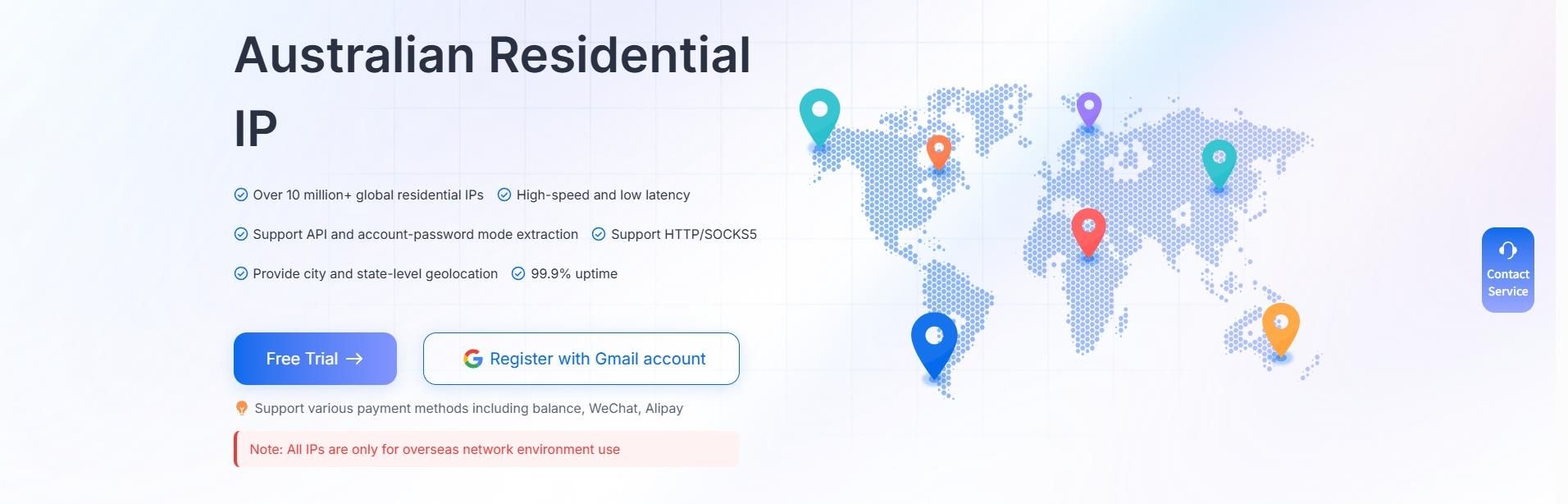
IPDeep provides high-quality Australian residential proxies capable of meeting various business scenarios.